Script to finished video, all in one workspace.
Fawna is where creators, studios, and brands make video end to end. Turn a script or a single idea into storyboards, AI footage, images, voiceover, and sound, then cut it together on a real timeline.
The best image, video, and voice models, on one subscription
One script in, a full video out, with the same characters in every shot.
Generated across the best models, voiced, and finished on a real timeline.
Content that stops the scroll.
Turn one idea into a week of high-quality videos. Post more, look bigger than you are, and never run out of ideas, no crew or budget required.
Start creatingProduce more, with a leaner crew.
Go from script to screen faster, with characters, locations, and style that stay consistent across every shot and every episode.
Fawna for studiosVideo at the speed of your business.
Spin up on-brand video for every campaign, channel, and market, with the model access, controls, and audit trail your team needs.
Book a demo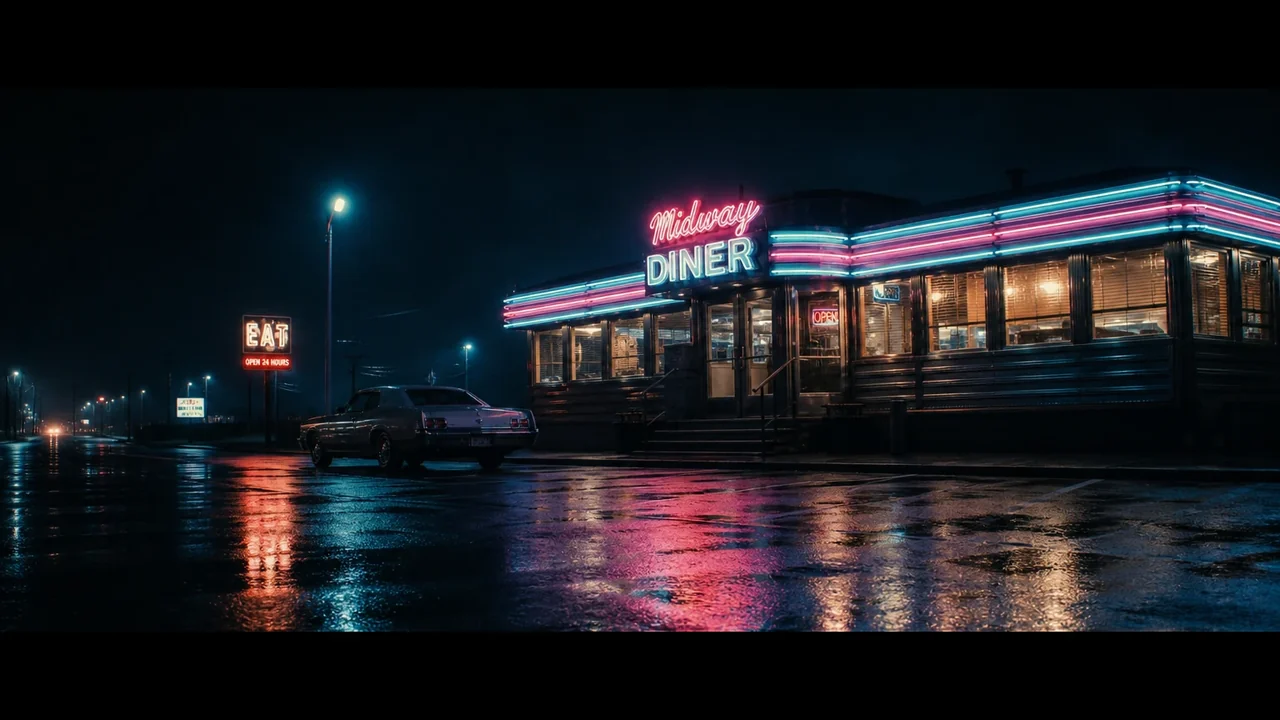
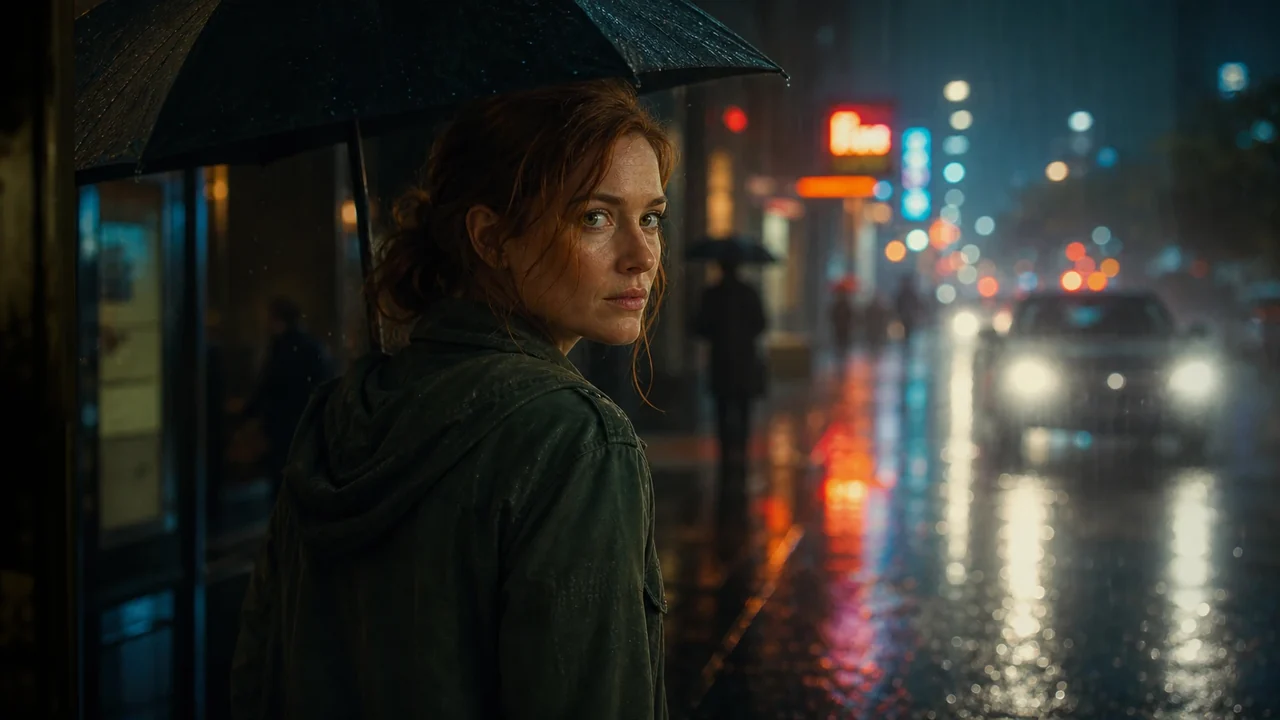
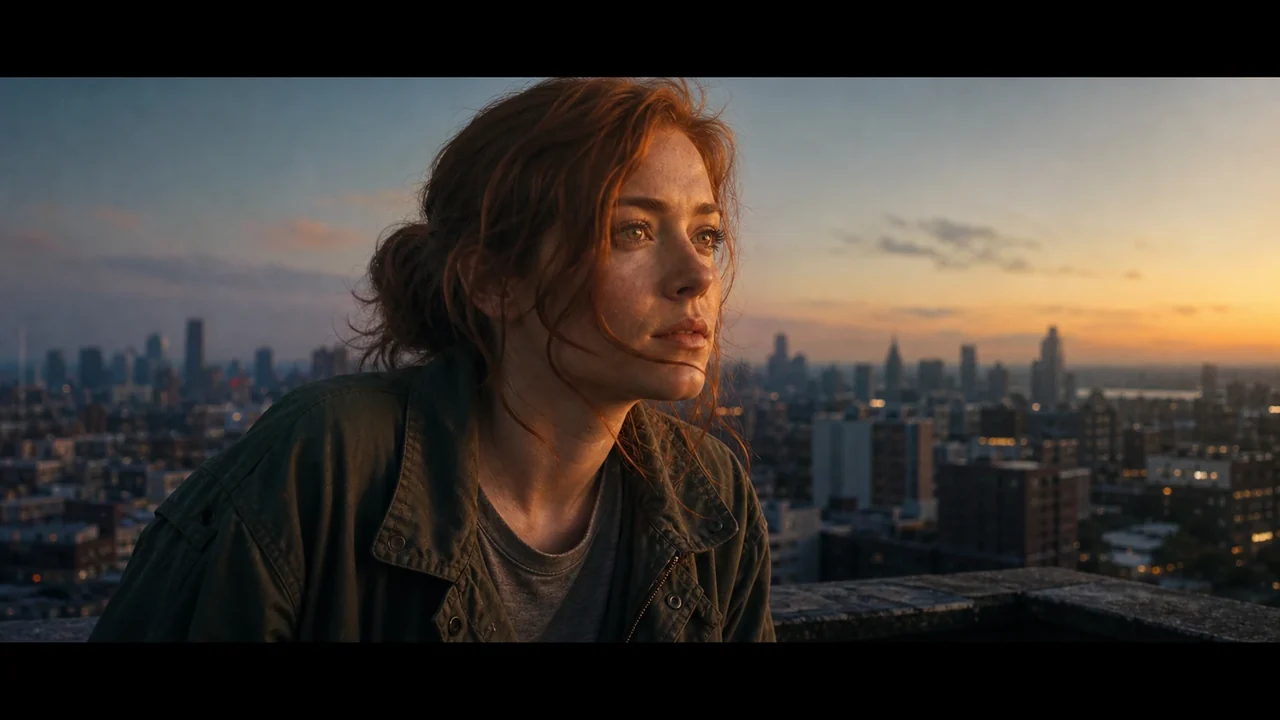
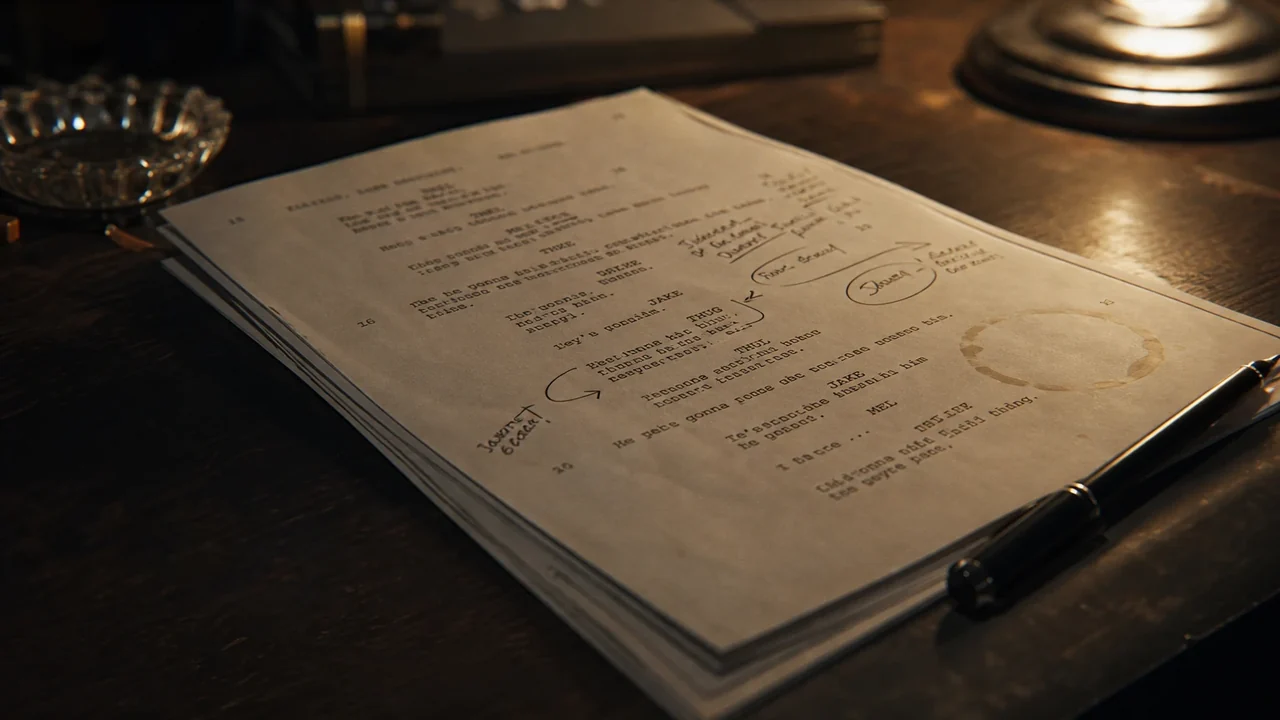
Paste a script. Get a shot-by-shot board.
Drop in a screenplay, an ad brief, or a few sentences. Fawna structures it into scenes, proposes a shot breakdown, and renders every frame, so you start from a real board instead of a blank page.
- Automatic scene and shot breakdown from raw text
- Numbered shots that map to a working shot list
- Reorder, split, and direct any shot on its own
Turn any shot into motion.
Animate a storyboard frame, bring a reference image to life, or generate a clip straight from a prompt. Choose the model that fits the shot, from cinematic realism to fast drafts to long, controlled motion.
- Image-to-video and text-to-video in one place
- A roster of models: Veo 3.1, Seedance, Kling, Wan, and more
- Native audio on supported models
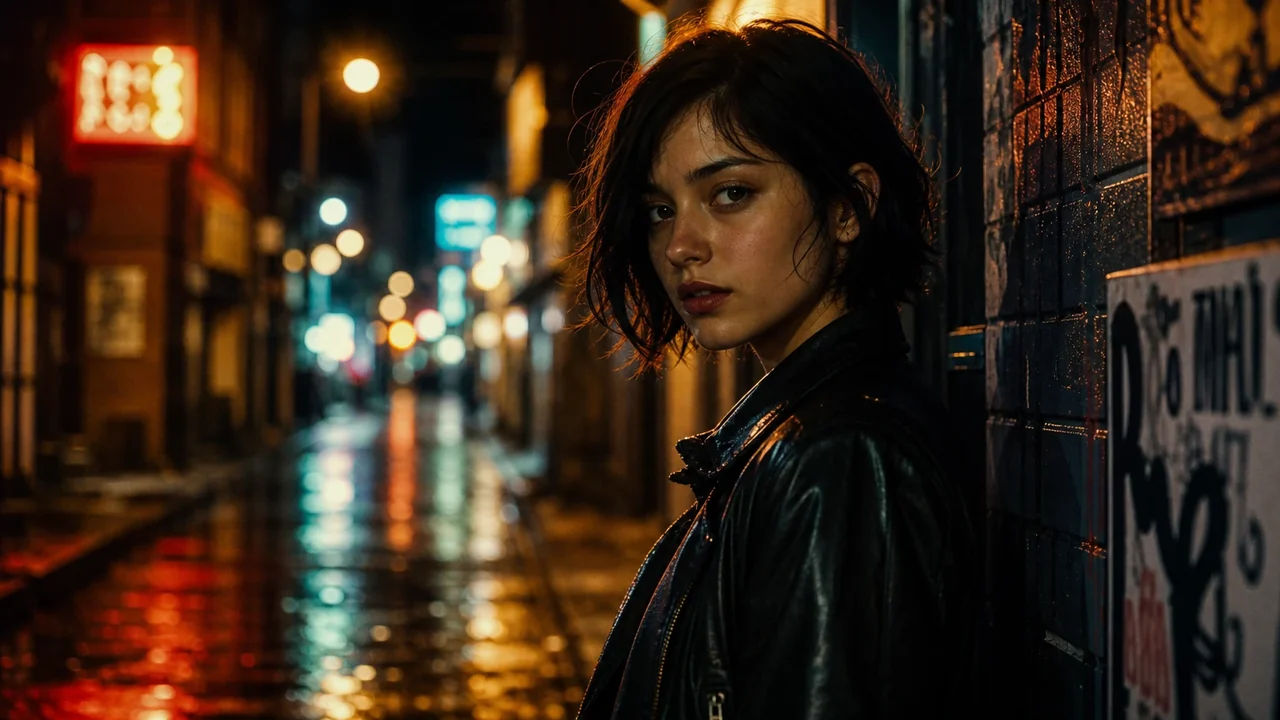
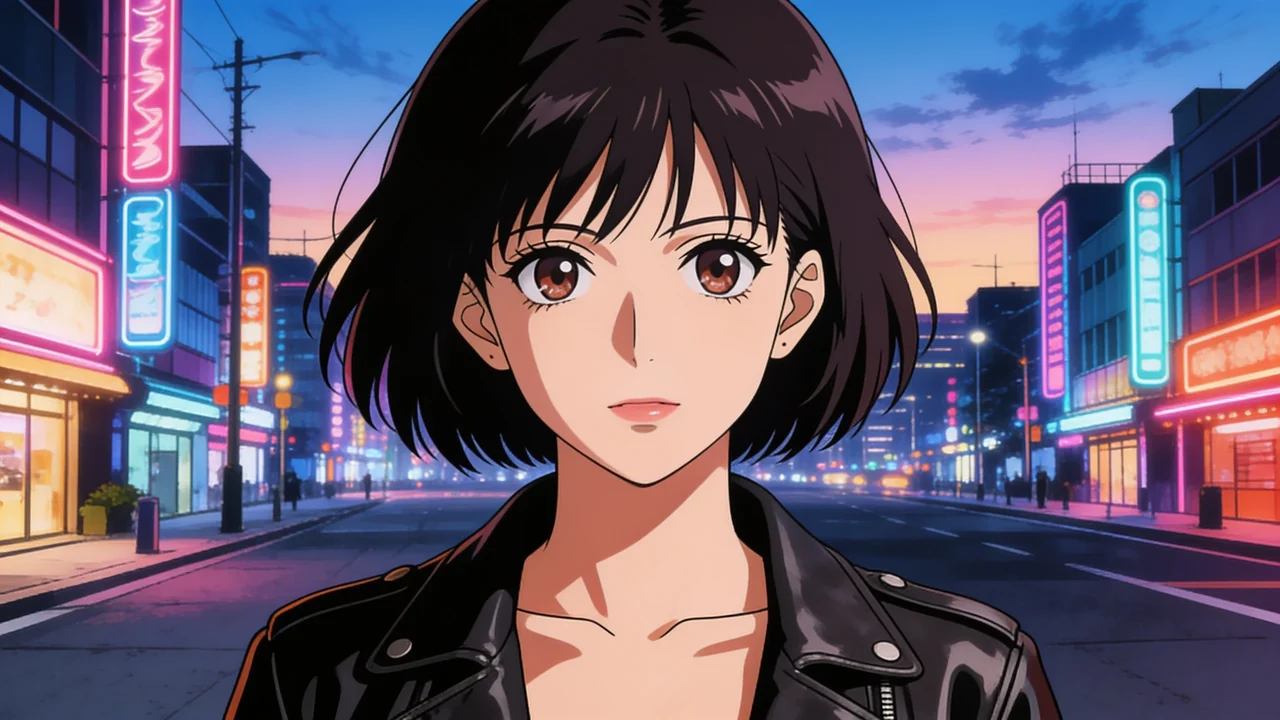
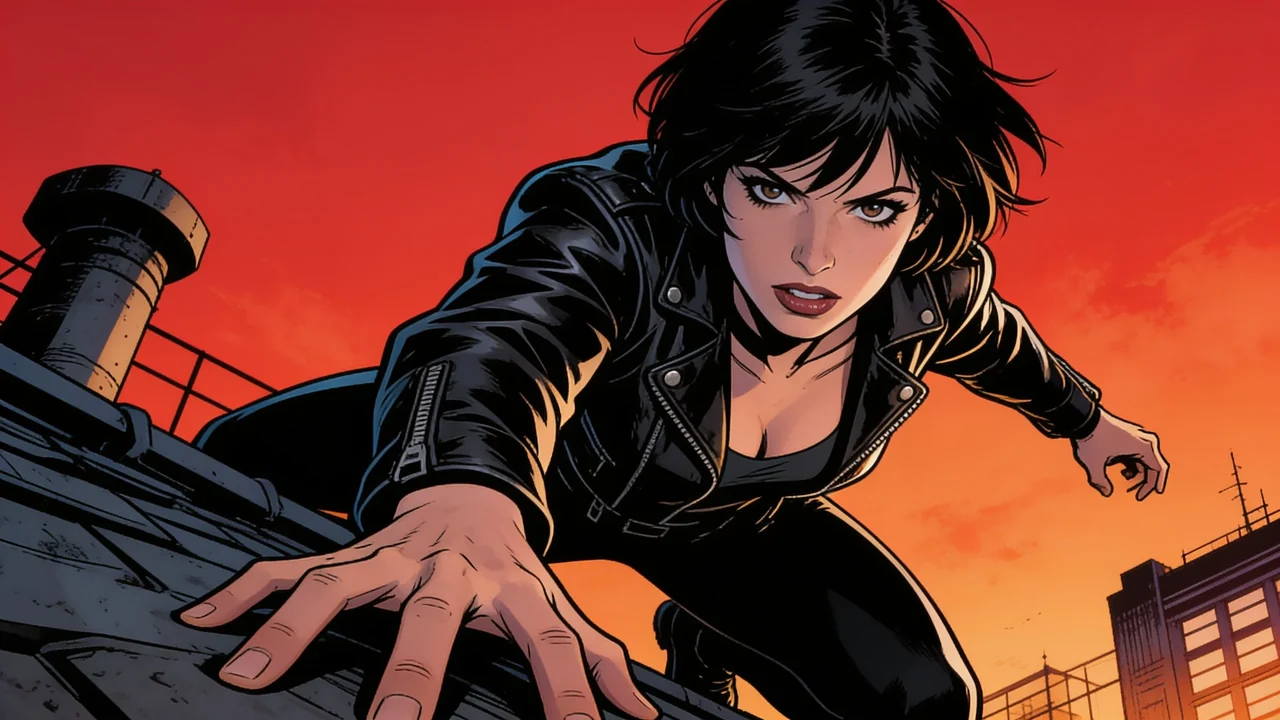


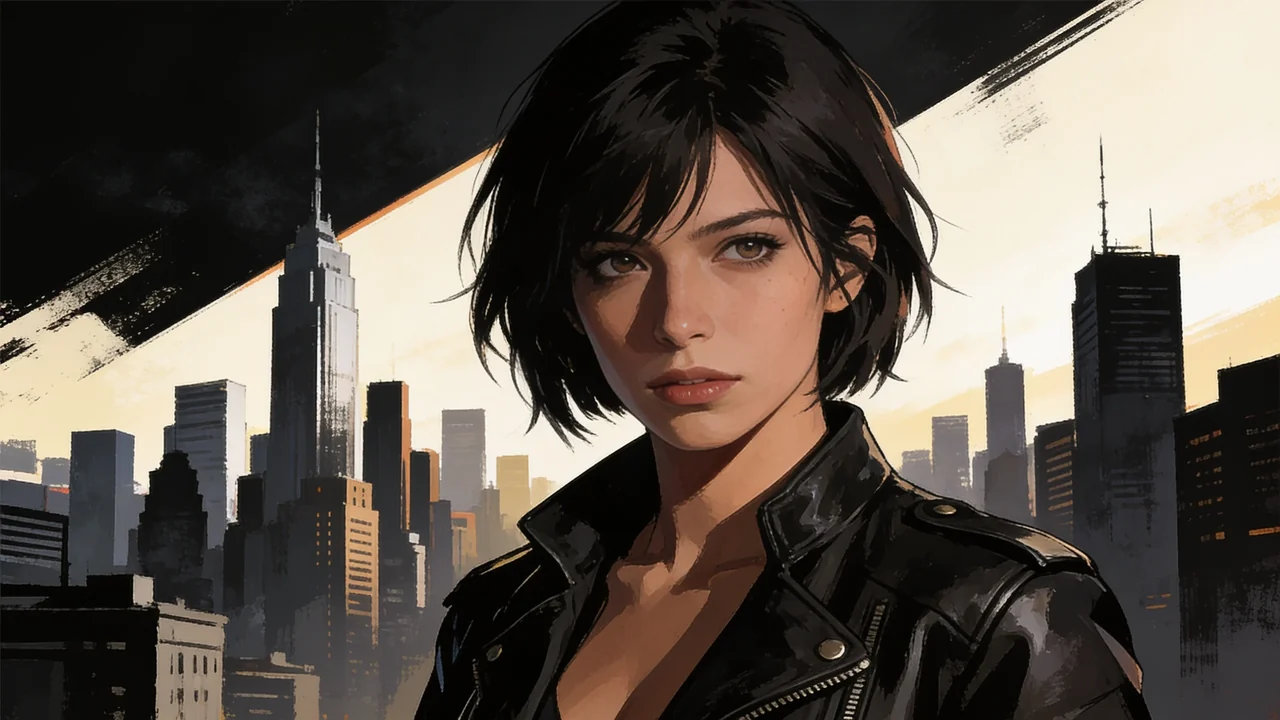
Characters, locations, and objects stay on model.
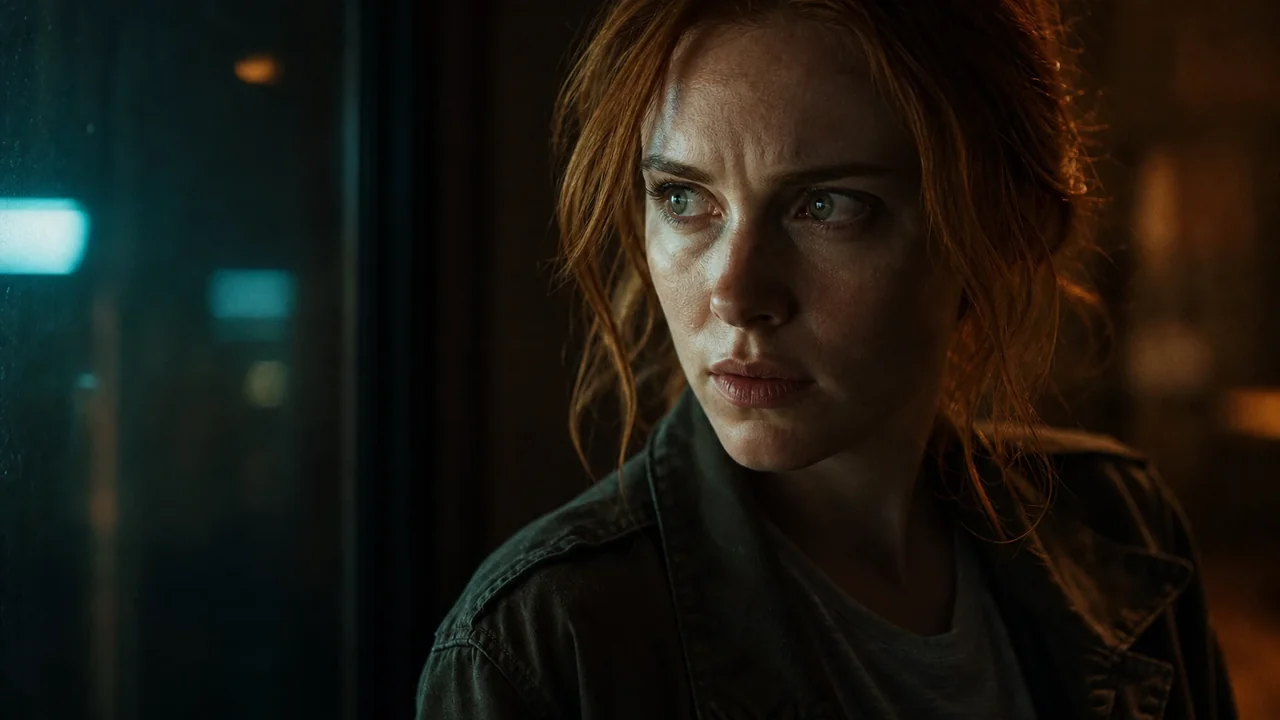
Define your cast, your sets, and your art style a single time. Fawna reuses those references on every frame, so the same character looks like the same character from the first shot to the last.
- Lock a character once and hold it across the whole board
- Wardrobe, props, and even objects anchor to references
- Swap the style to restyle everything at once
Cut and finish on a real timeline.
Carry the board straight into a timeline. Stack video tracks, layer narration and music, add transitions, and trim the timing, then export your cut. The editor itself is free to use.
- Multi-track timeline for video, voice, and music
- 1,400 royalty-free sound effects and music built in
- Drag any asset from the library straight onto a track
An infinite board for every image.
Drop in or generate many images at once, arrange them freely, and combine several into one. Run AI edits in place and send the result straight to your library, no exporting between tools.
- Merge and AI-compose several images into one scene
- Remove backgrounds, upscale, erase, and restore in place
- Every result saves back to your asset library
The whole pipeline, start to finish
Most tools own one step. Fawna runs the entire path from a blank script to an export, so nothing leaves the workspace.
Paste a script and Fawna breaks it into scenes and shots with consistent characters and locations.
The best image and video models in one place, with references and a style you can hold across the board.
Cast a voice per character from hundreds of options across 15+ languages, synced to your board.
A real multi-track editor with transitions, motion, and a built-in sound library, all in your browser.
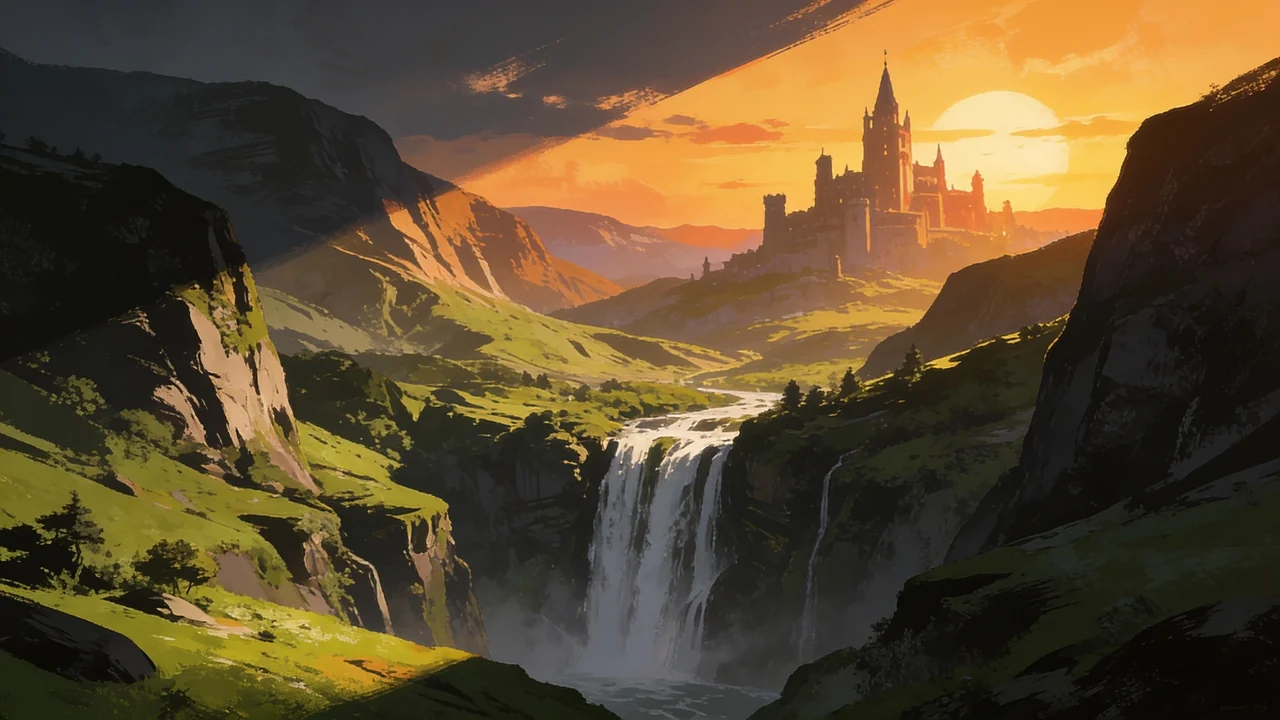
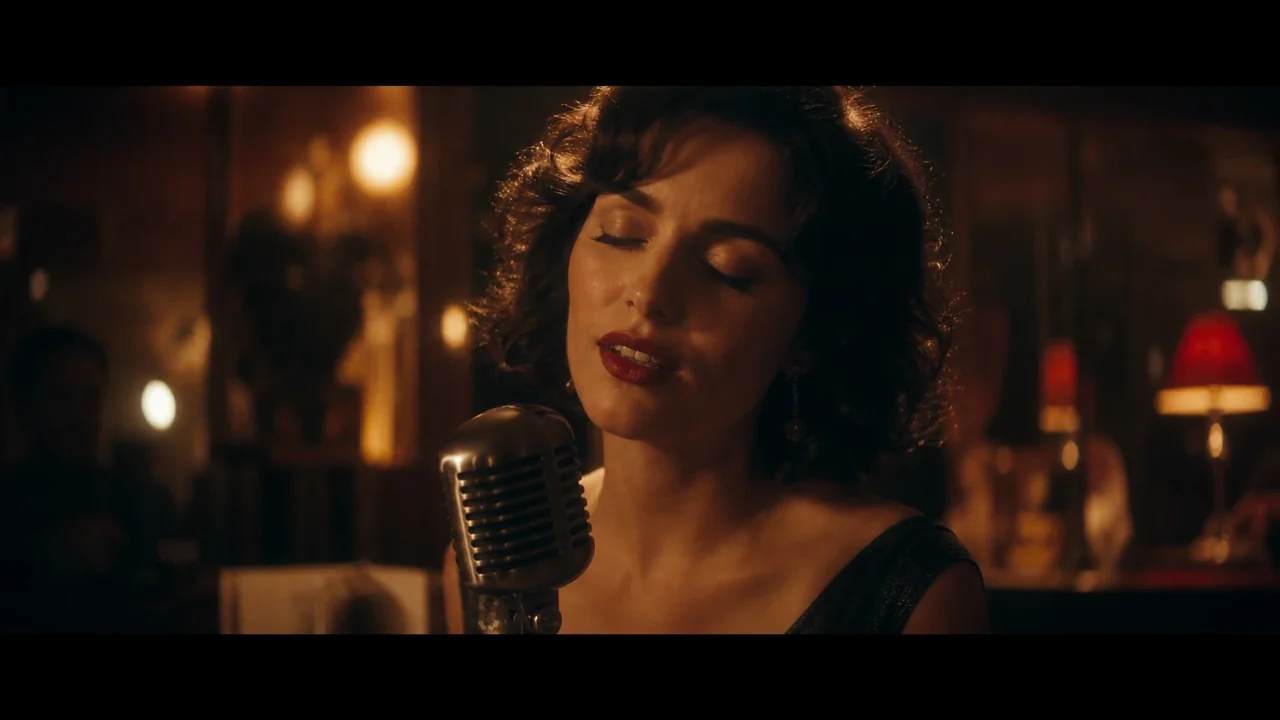
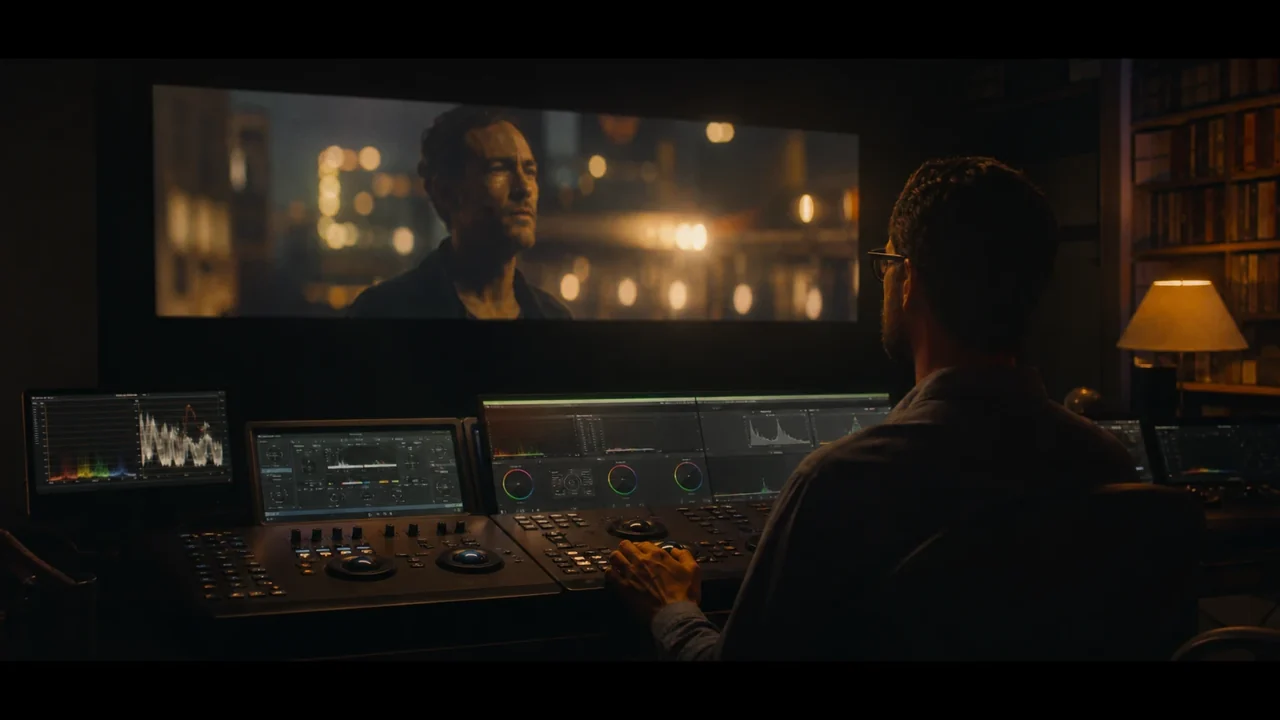
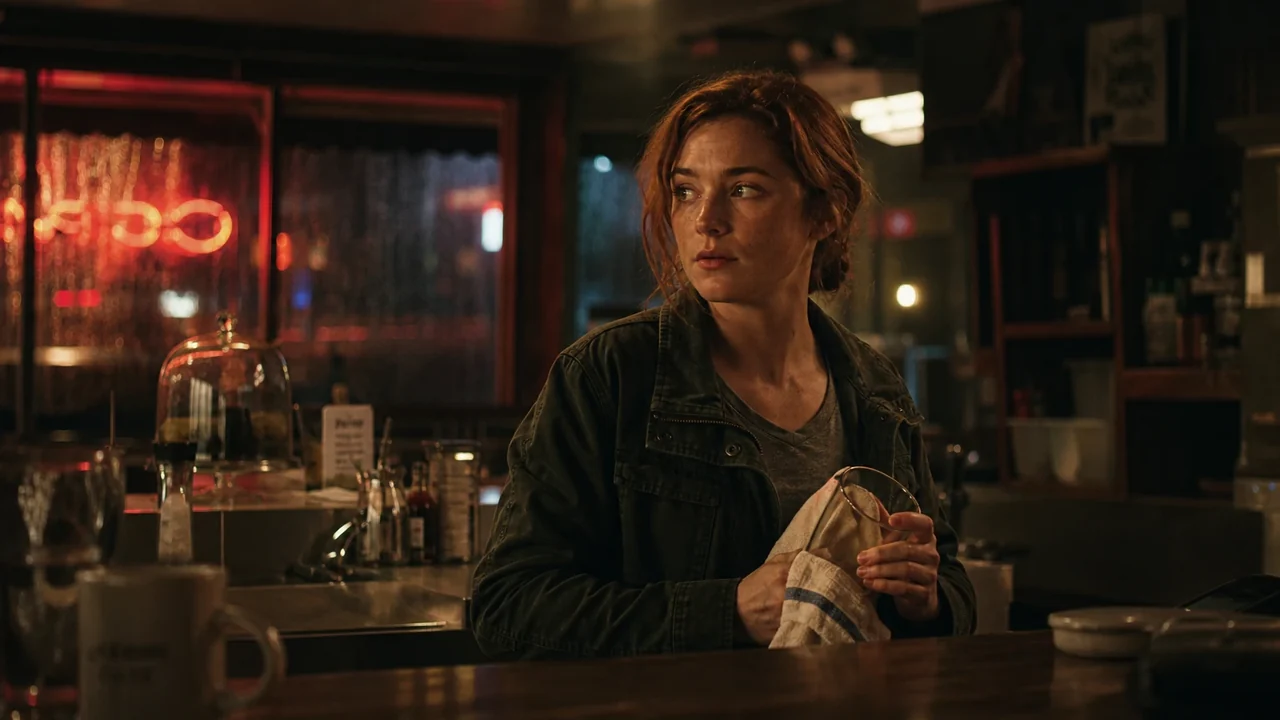
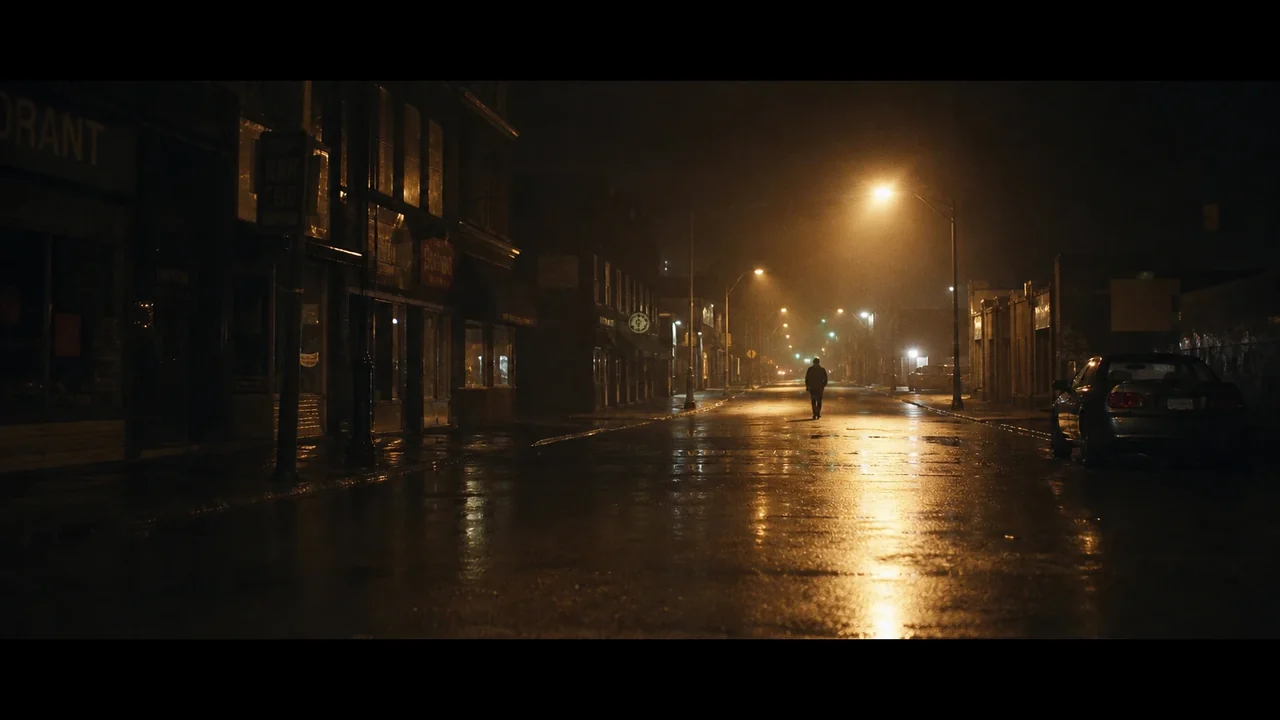
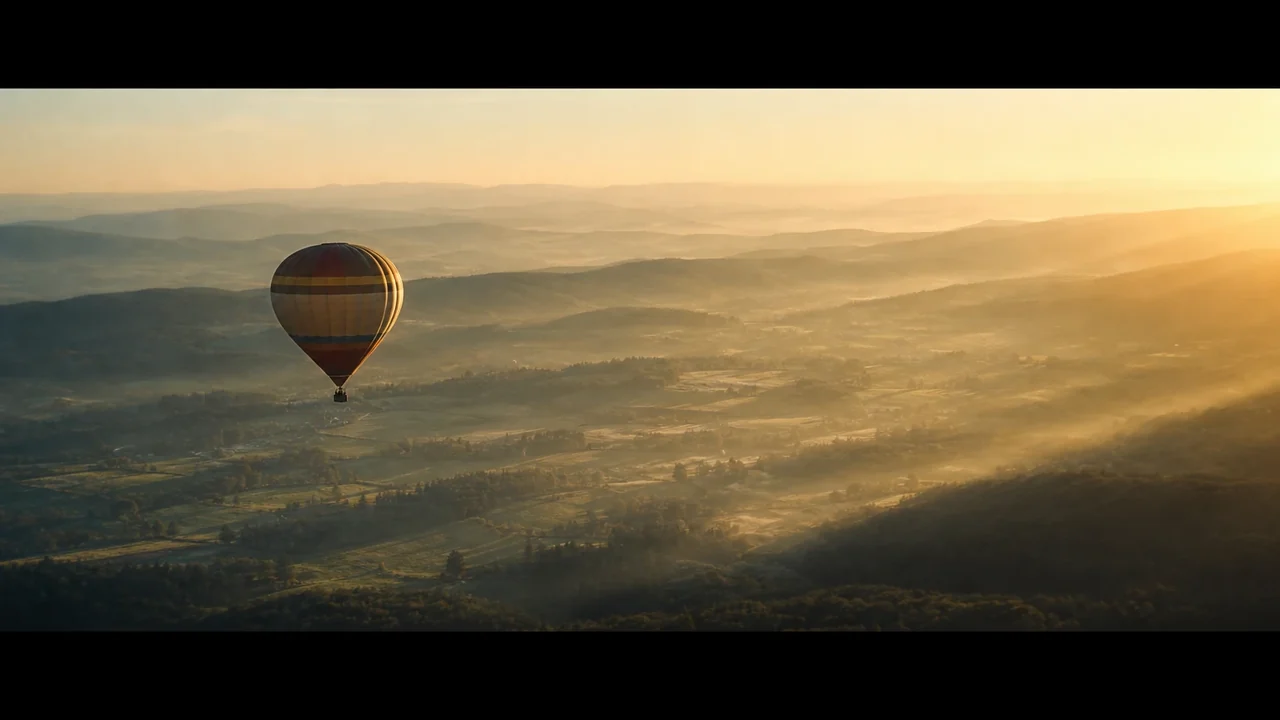
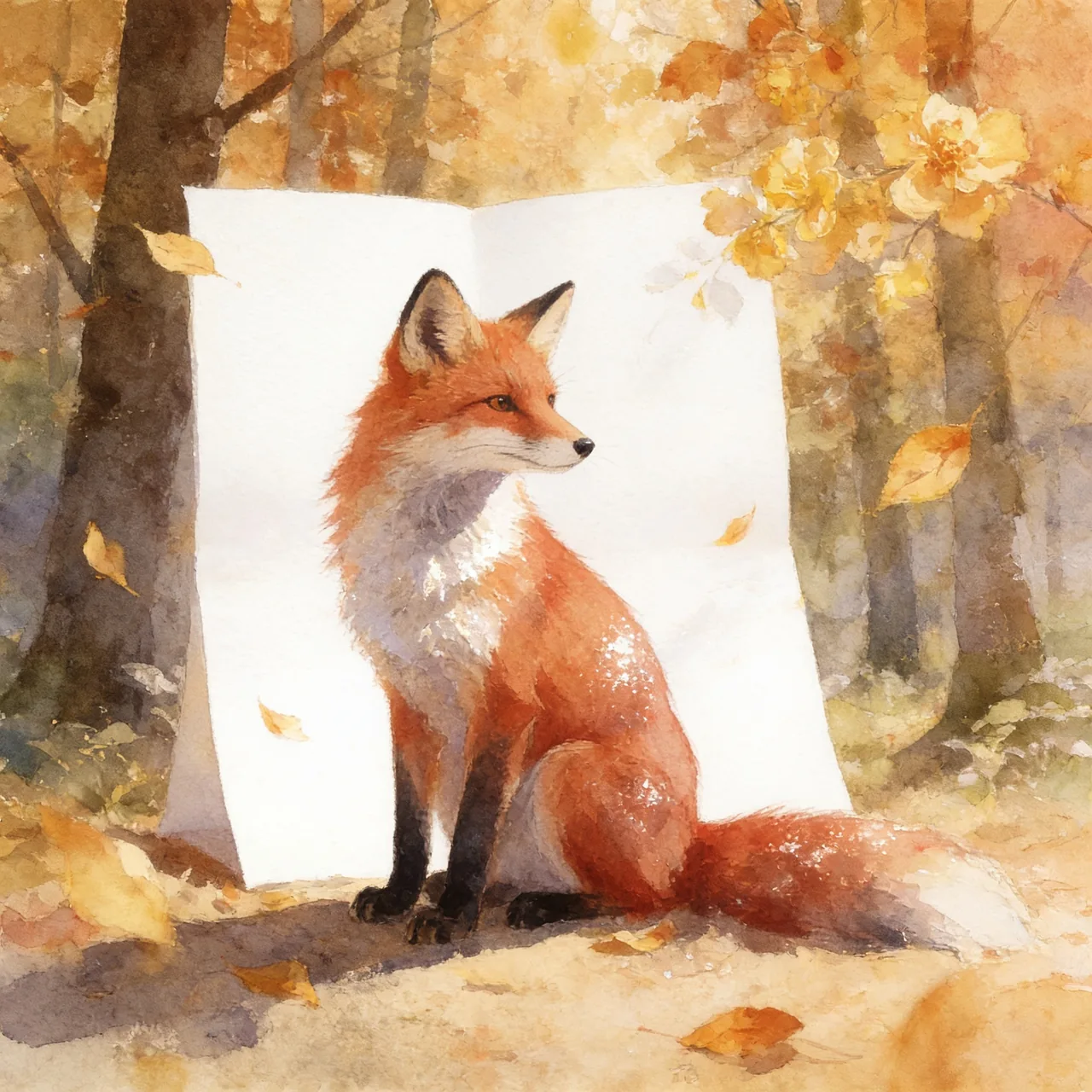
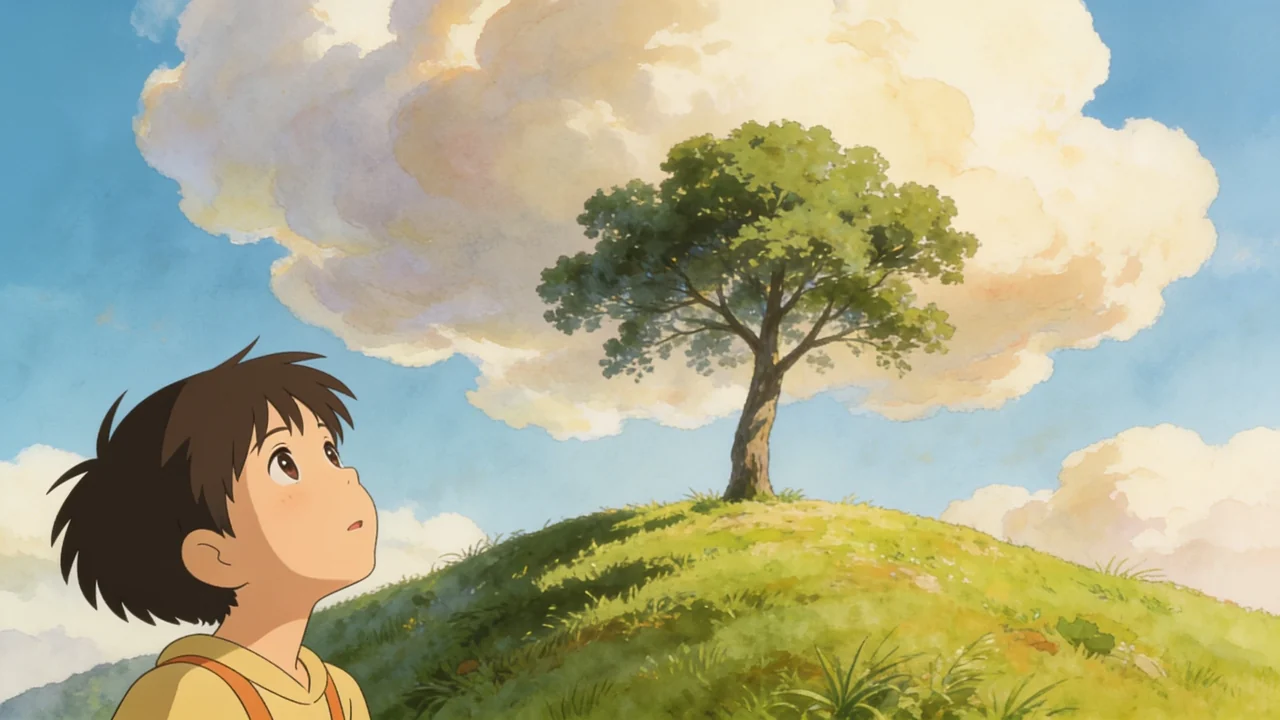
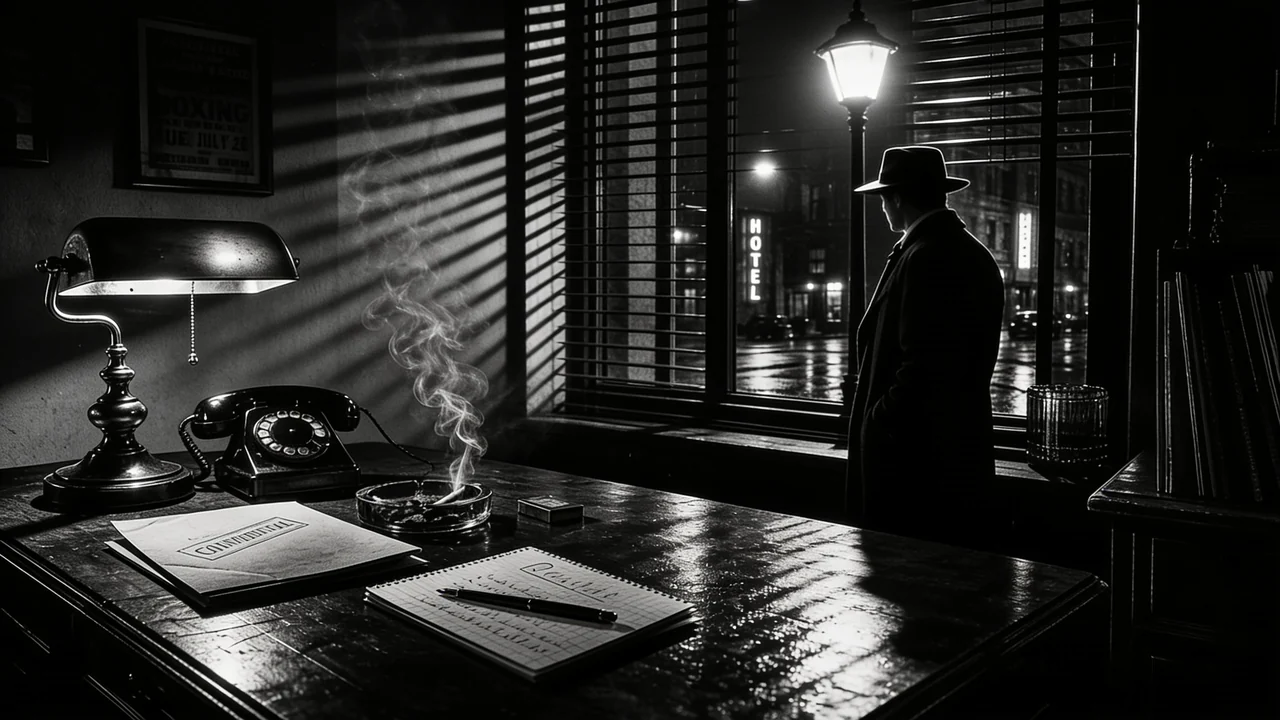
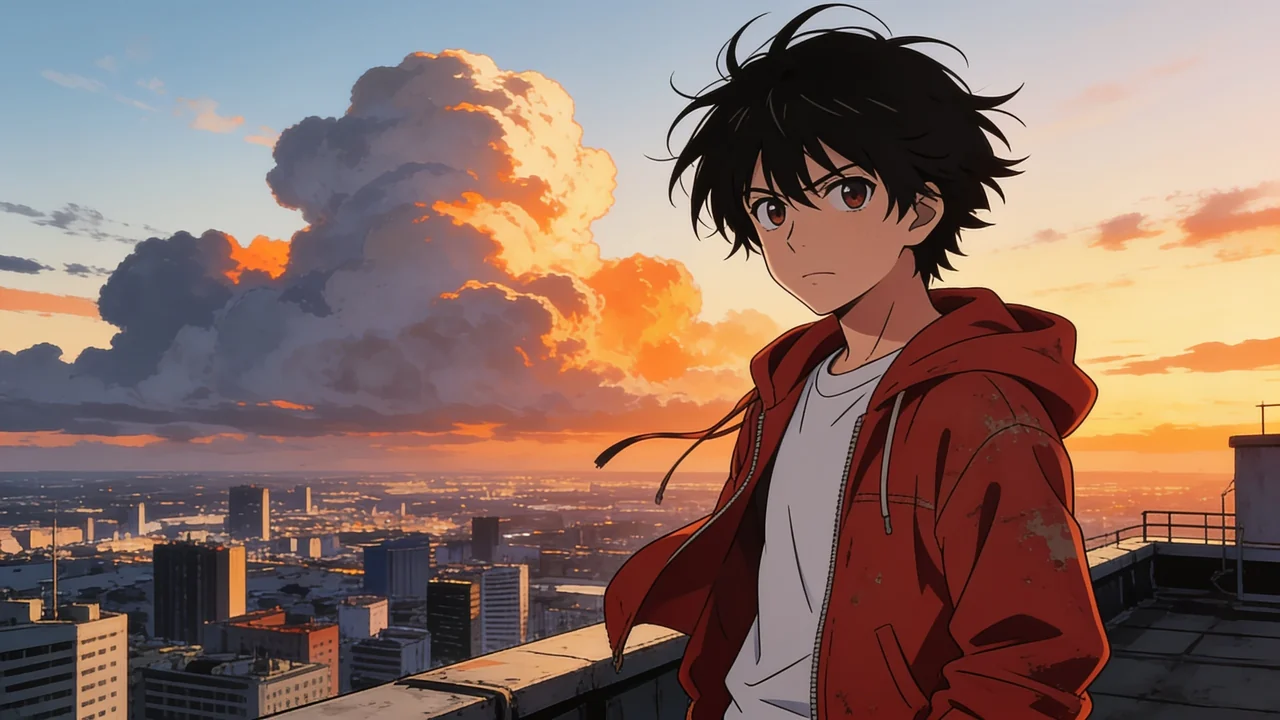
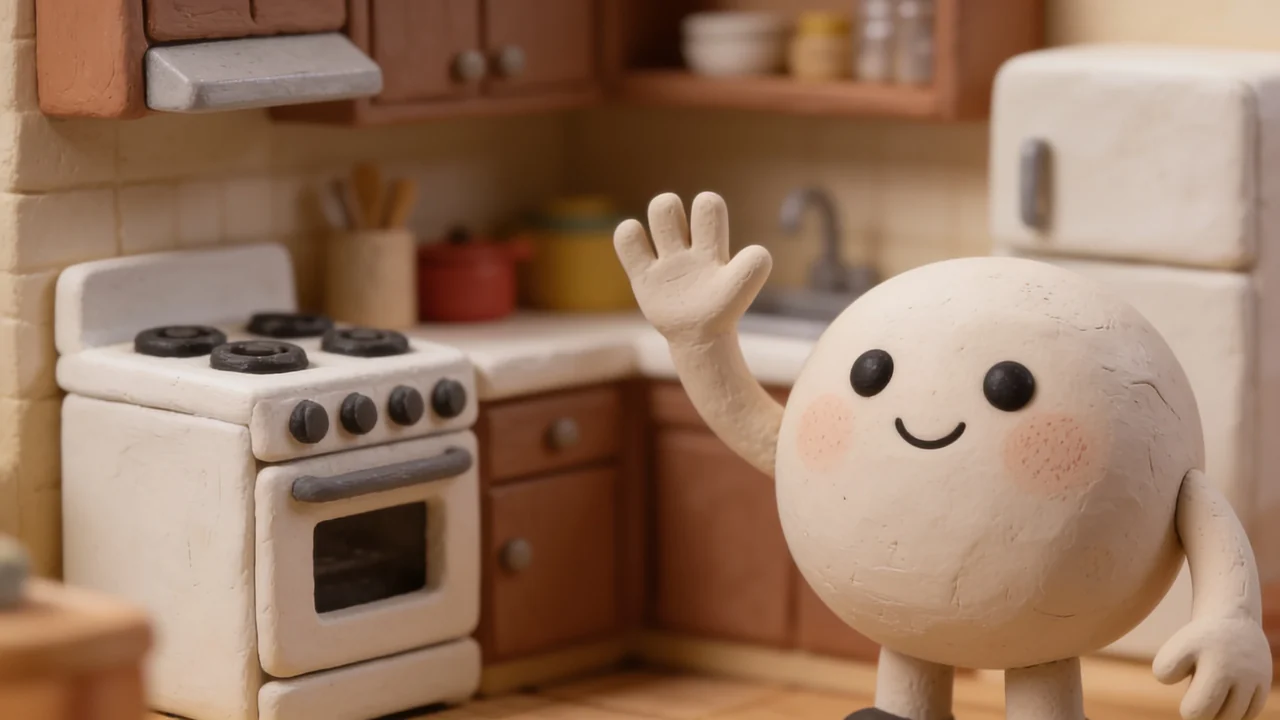
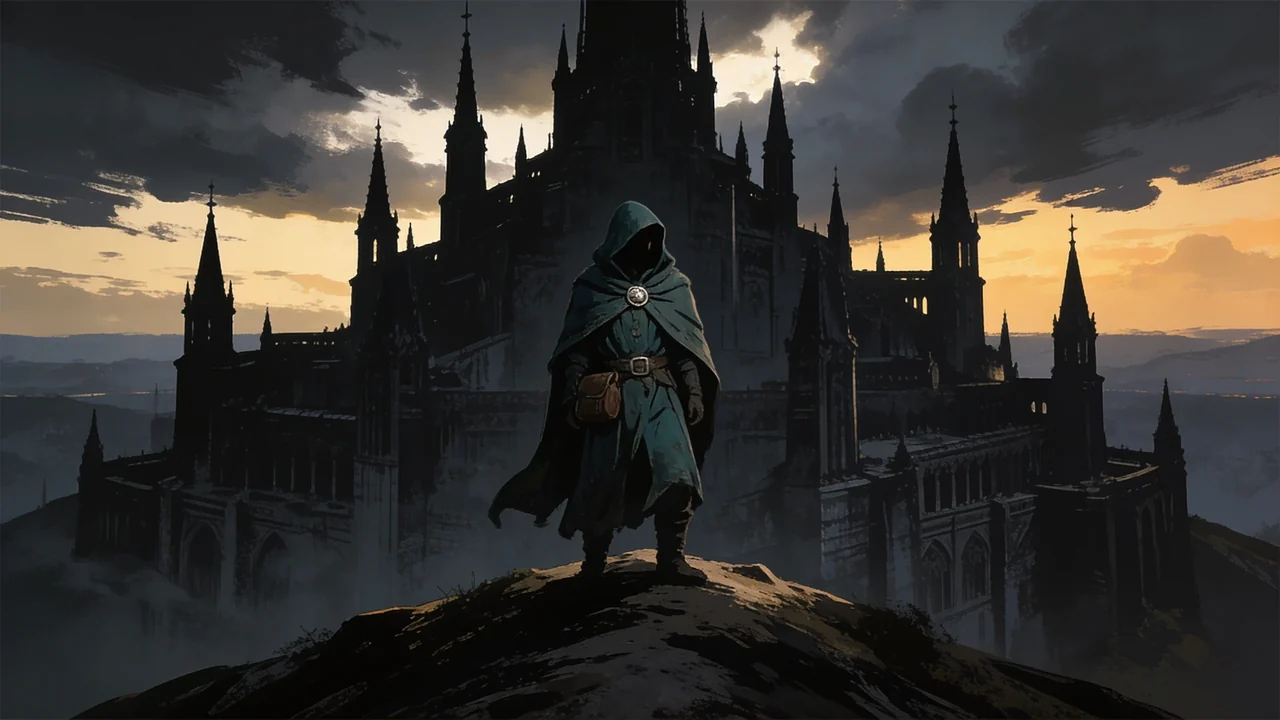
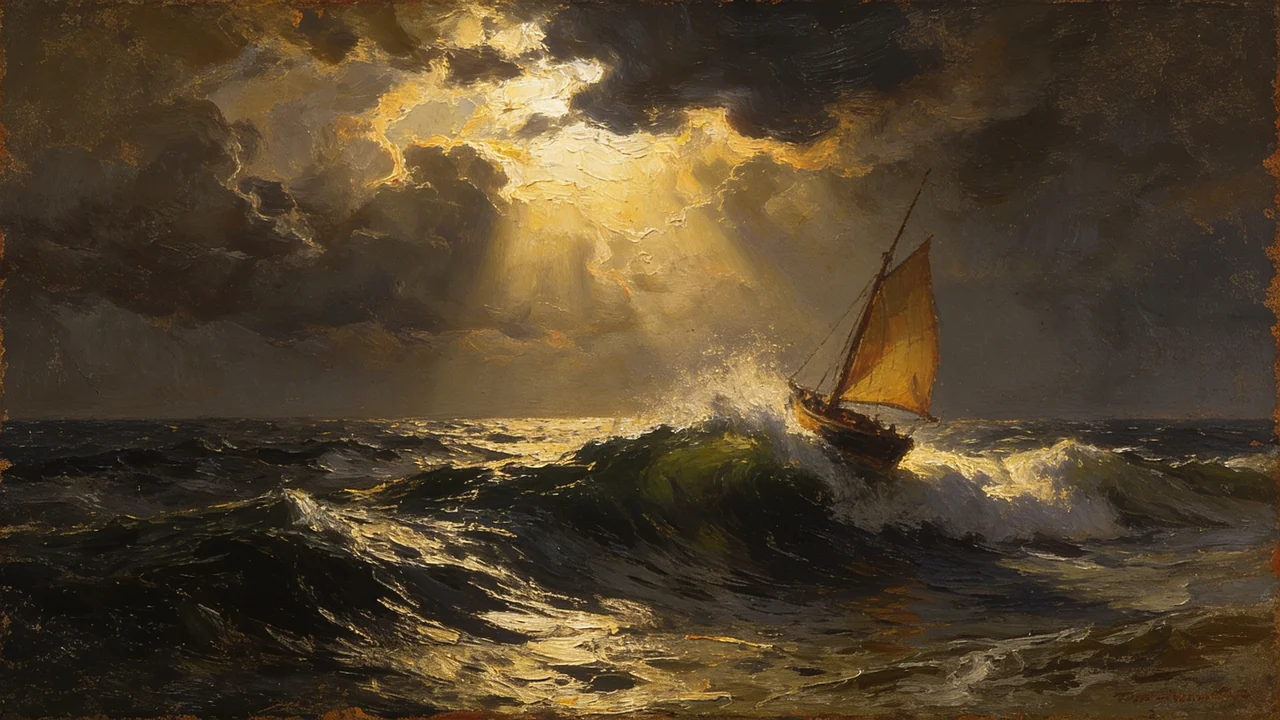
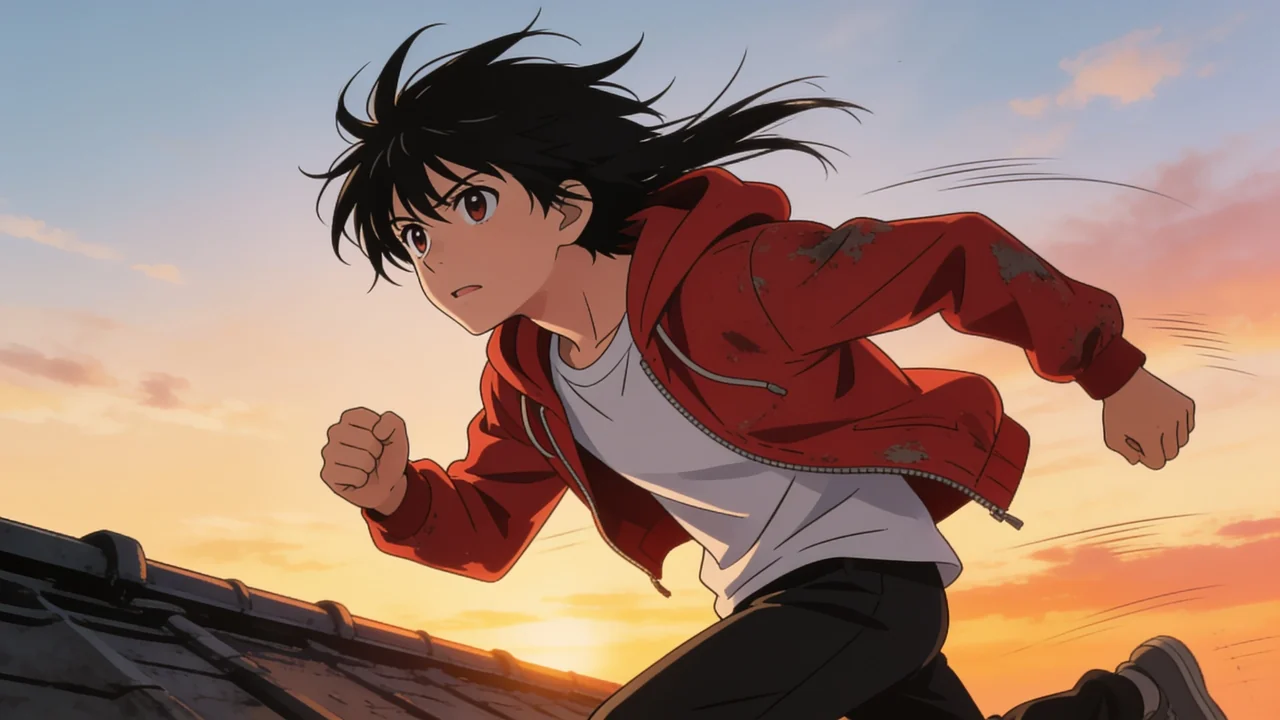
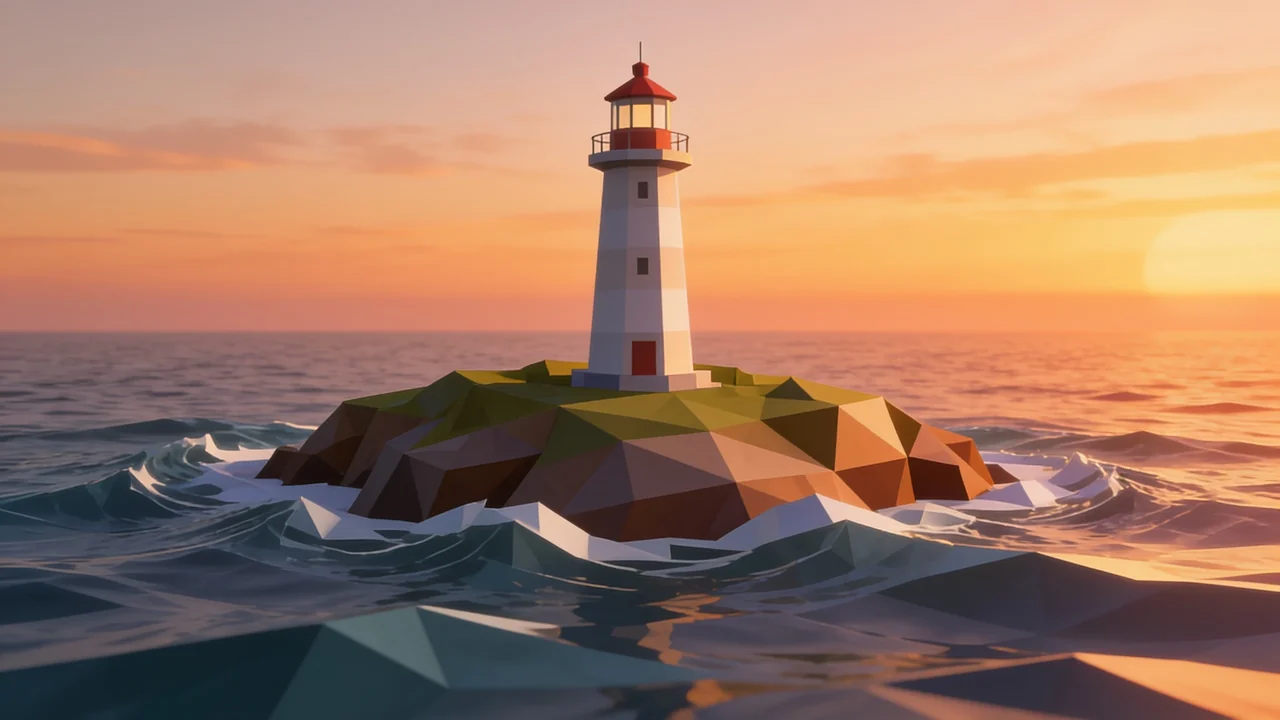
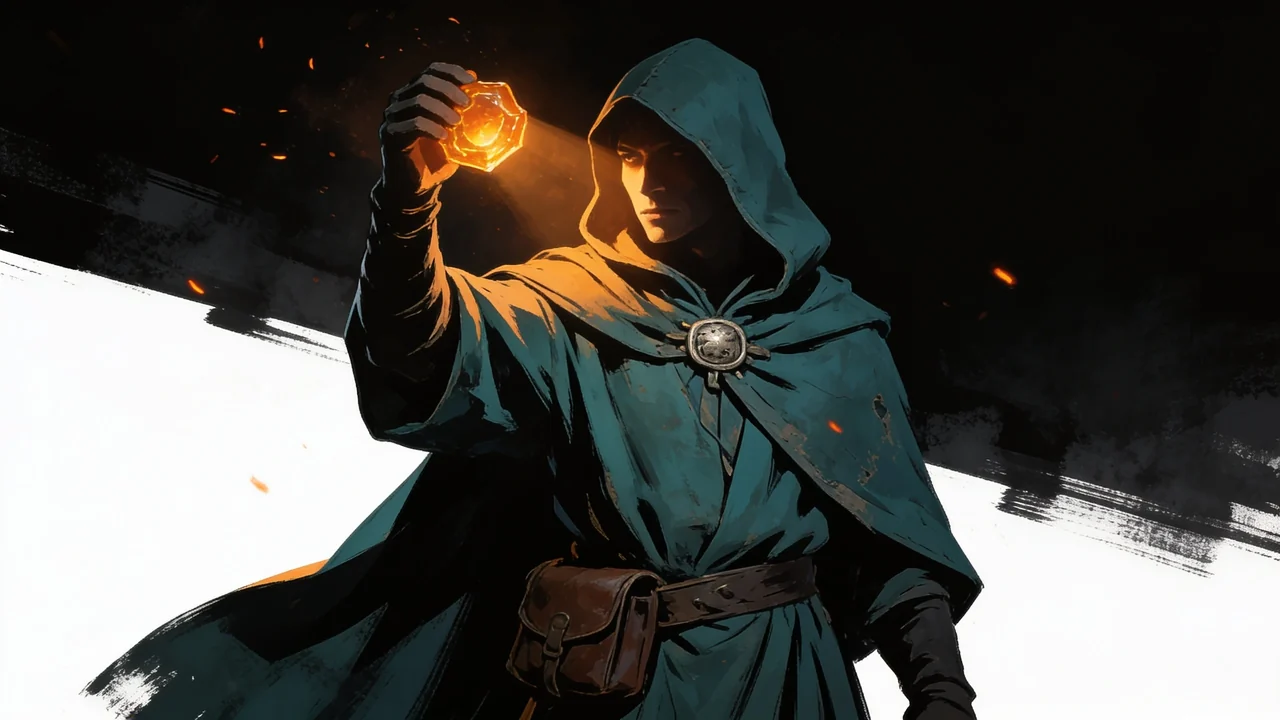
Frames and footage from real projects
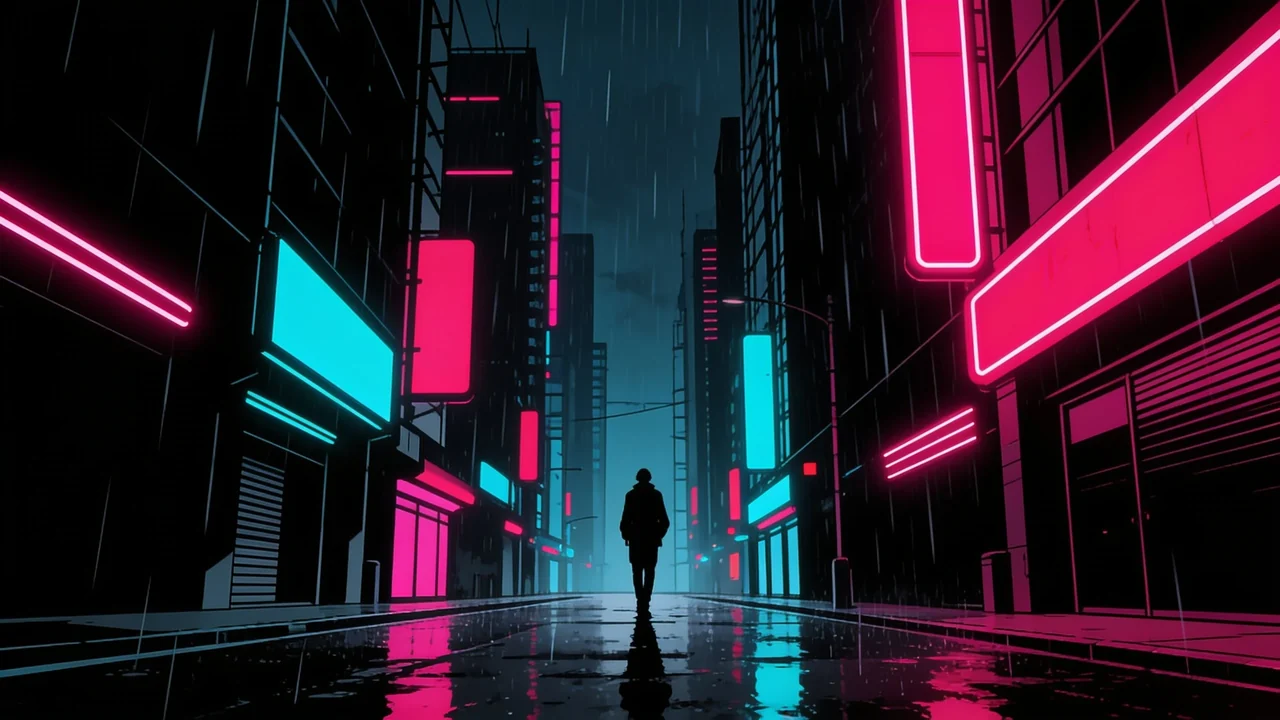

Built for every kind of video
 01Short films
Plan and pre-visualize a whole story.
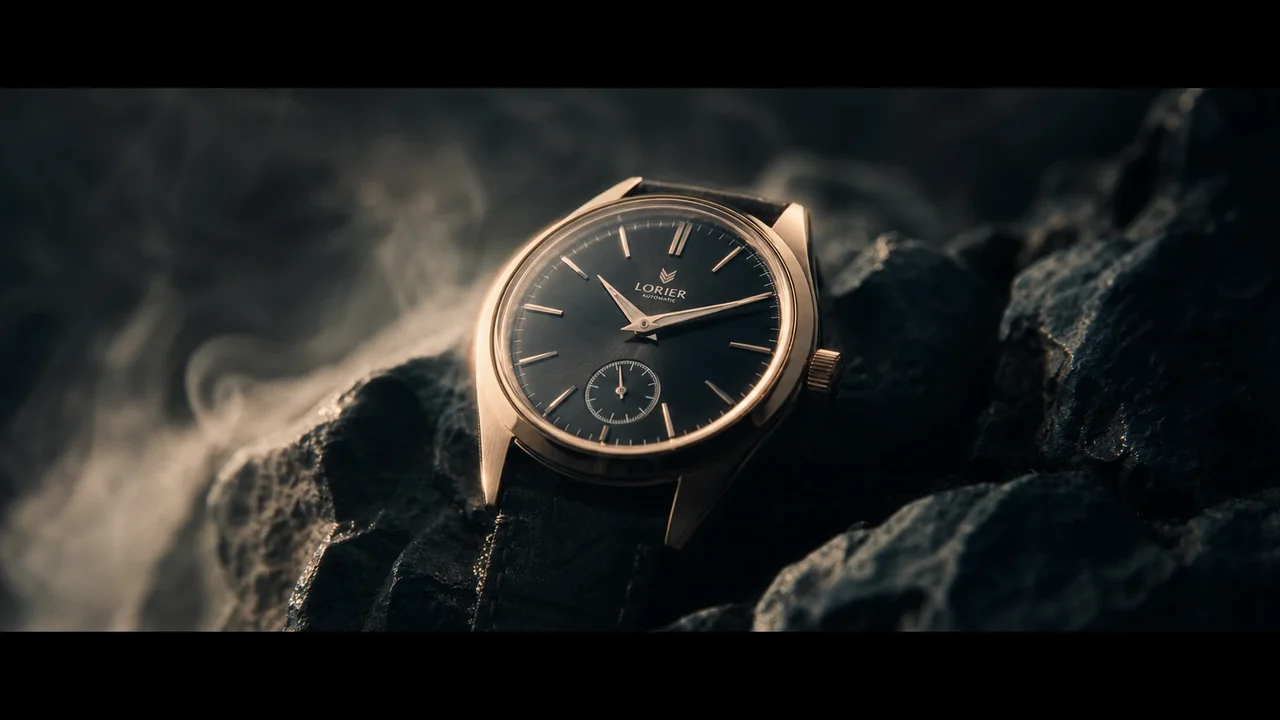 02Video ads
Scroll-stopping hooks that convert.
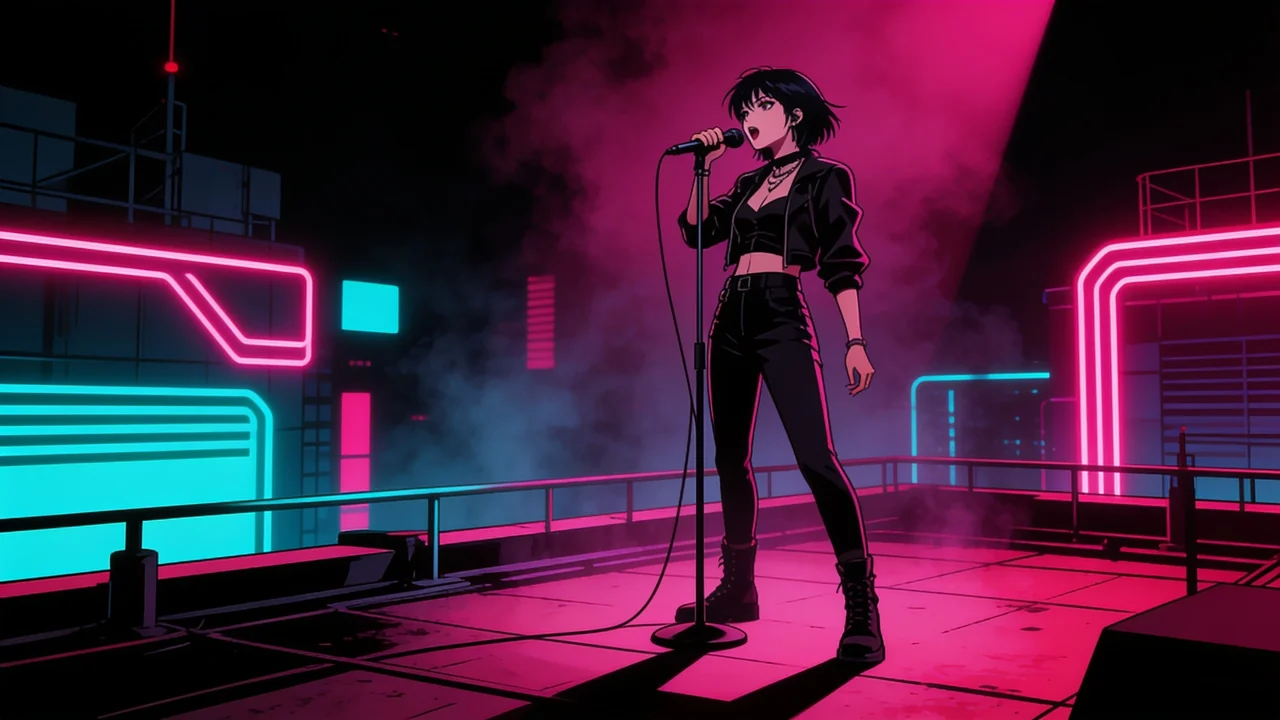 03Music videos
Turn a track into a visual.
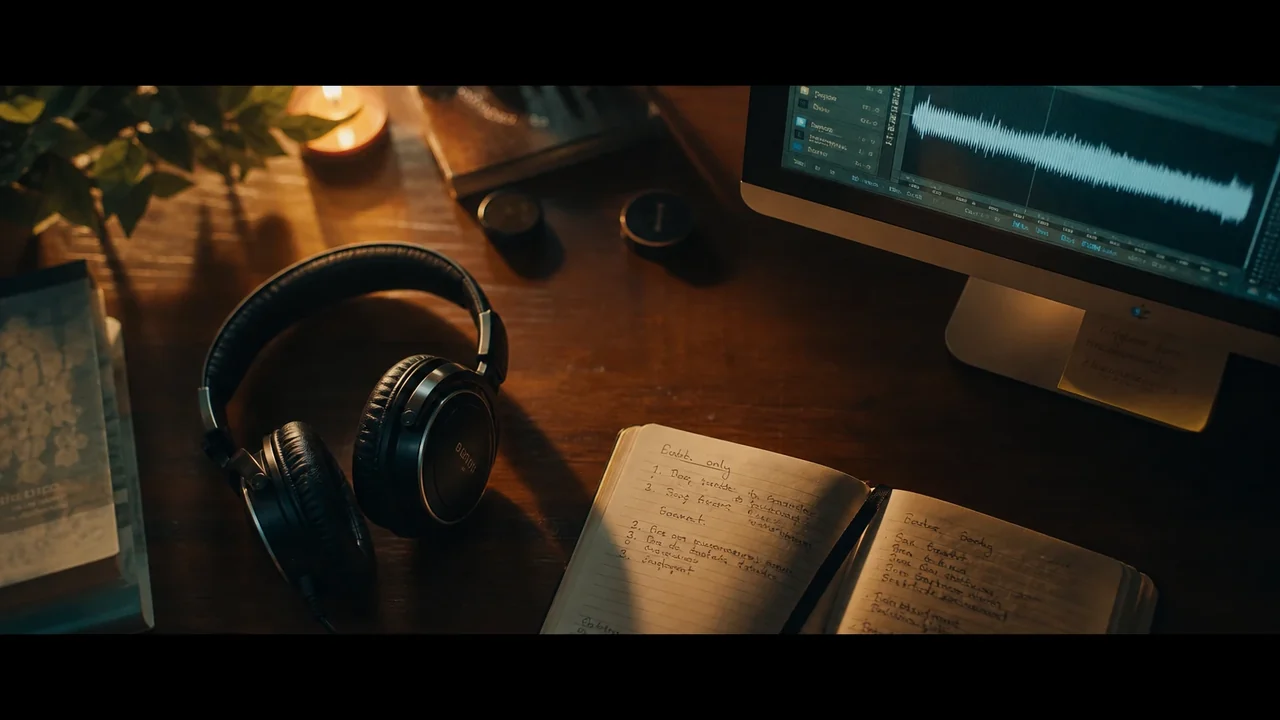 04Faceless YouTube
Publish on a schedule, no camera.
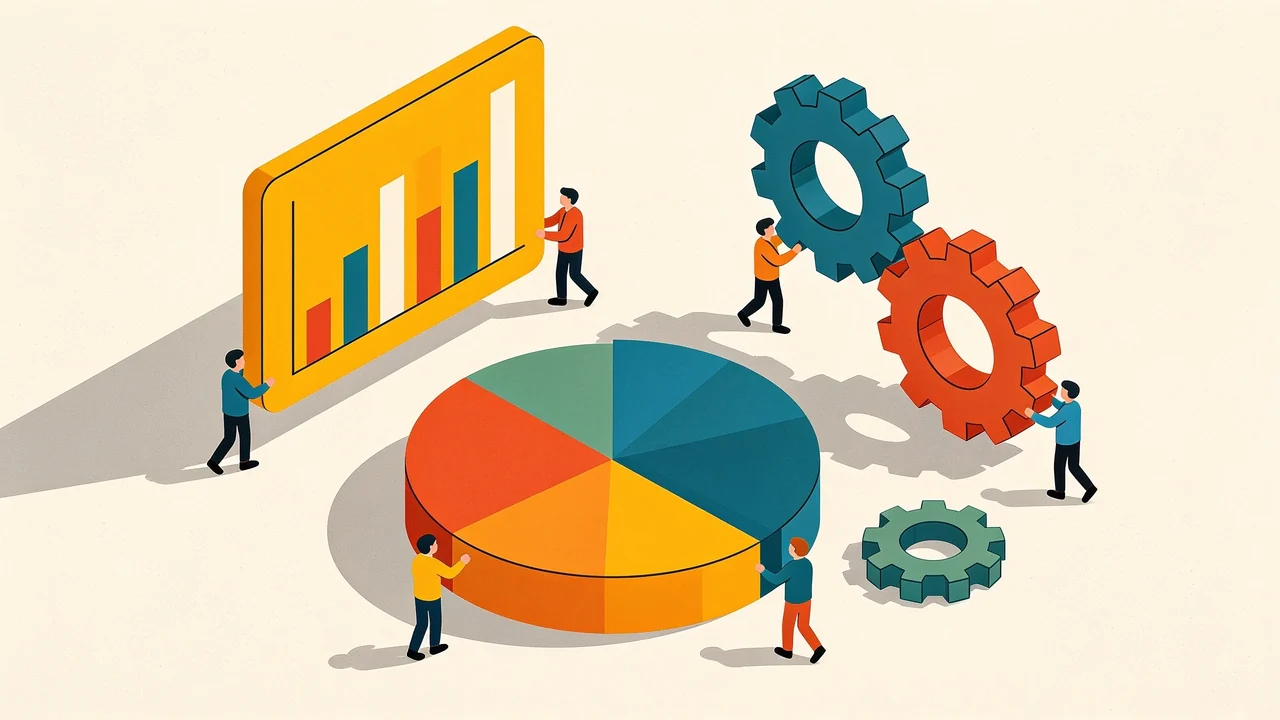 05Explainers
Make a complex idea click.
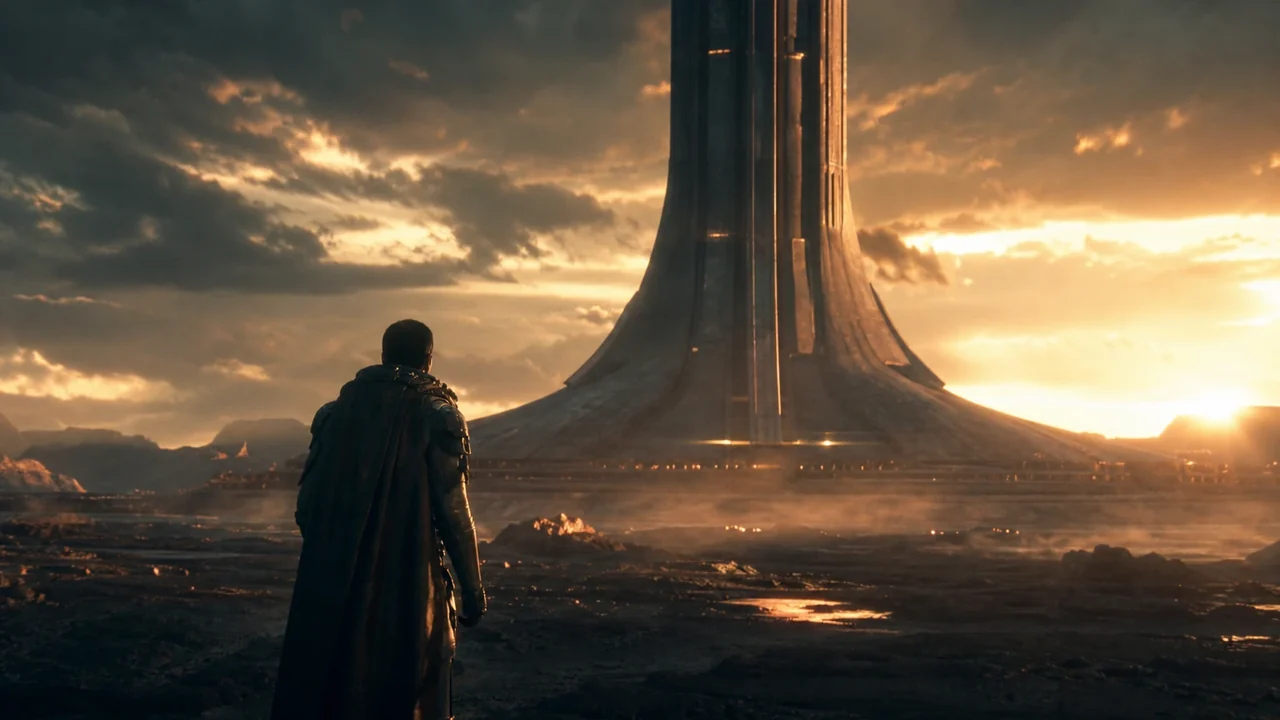 06Trailers
Cut a teaser that hooks fast.
Questions, answered
What does Fawna actually do?
Do I need to be an artist or editor?
How does it keep characters consistent?
Which models can I use?
How does pricing work?
Is it suitable for studios and teams?
Your next video starts right now.
Turn a script into a shot-by-shot board in minutes, then take it all the way to a finished cut.