For Educators
Bring your lessons to life, on video.
Turn a lesson into a clear, narrated video with an optional on-screen host, safe royalty-free sound, and no camera or editing experience required.
No camera requiredClear narrationRoyalty-free sound
In action
See it come together
Clarity first
One idea at a time.
Explainer and tutorial modes keep a single clear subject per shot and order the steps logically, so students follow along instead of getting lost.
- Explainer and tutorial content types
- One clear idea per shot
- Steps in a logical order
Safe and simple
A host, a voice, and clear sound.
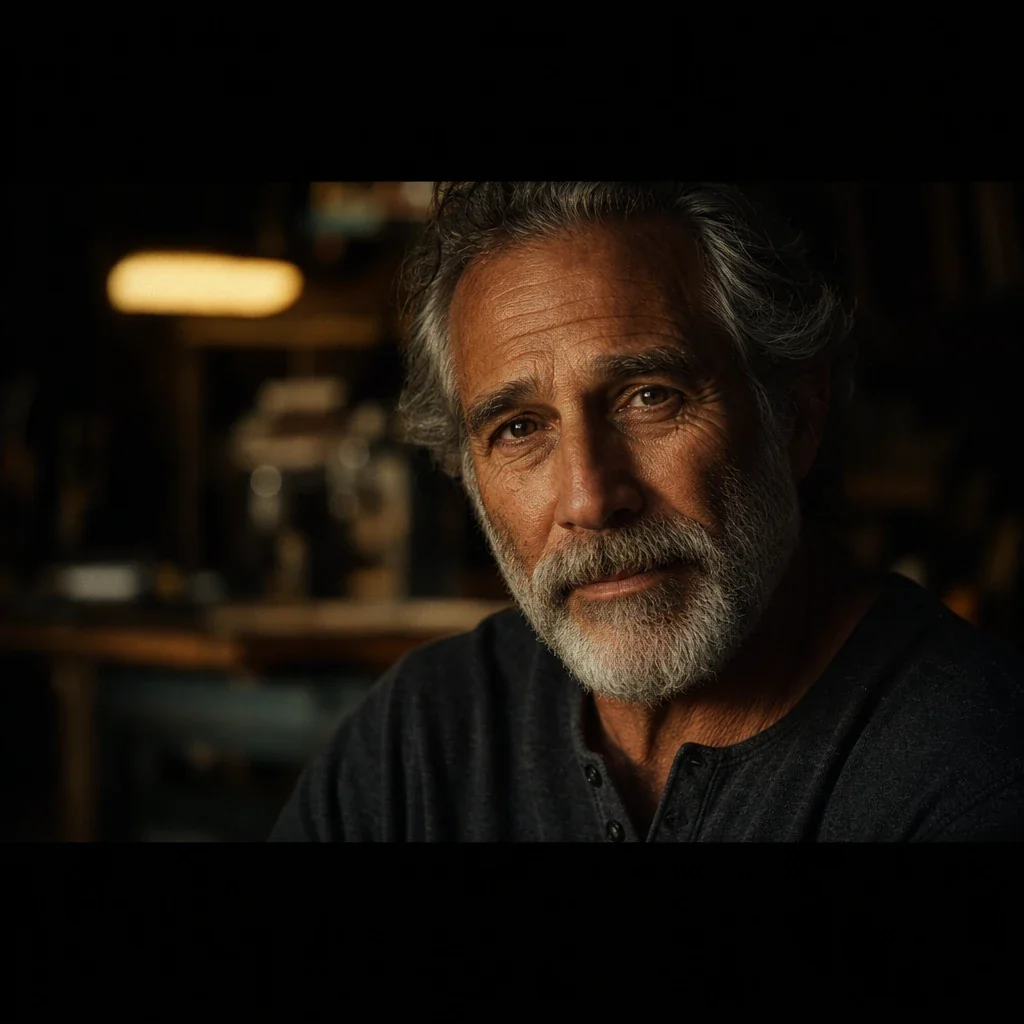
Add an on-screen presenter, a narrator voice in many languages, and a built-in CC0 sound library that is cleared for use, with nothing to license.
- Optional on-camera host
- Voiceover in 15+ languages
- Royalty-free CC0 sound
Why educators use Fawna
From a lesson to a video
1
Start from your lessonPaste your notes or script. Fawna structures it so each shot carries one clear idea, easy to follow.
2
Narrate or host itAdd a clear voiceover, or put a friendly host on screen to walk students through the material.
3
Share it anywhereExport a clean video to share in class, on a learning platform, or on a channel.

FAQ
Educator questions
Do I need video editing experience?
No. Fawna structures and generates the video, and you can publish without learning an editor.
Can a presenter appear on screen?
Yes. Presenter mode puts a host on camera who walks students through the lesson.
Is the sound safe to use?
Yes. The built-in sound library is CC0, cleared for use with no attribution or licensing required.
I have notes, not a script. Can Fawna still make a video?
Yes. Paste your lesson notes and Fawna structures them so each shot carries one clear idea in a logical order, so students follow along.
Can I use this in languages other than English?
Yes. The narrator voice speaks 15+ languages, so you can give the same lesson in the language students learn in.
Where can my students watch the finished lesson?
Export a clean video to share in class, post on a learning platform, or upload to a channel. No camera or editing experience needed.
Make your first lesson video
Turn a lesson into a clear, narrated video, no camera or editing required.