Generate video with the best models, in one place.
Text to video, image to video, and native audio across Veo 3.1, Seedance, Kling, Wan, and Hailuo. One subscription, one studio, and every clip drops straight into your storyboard and editor.
The best video models, one subscription
No juggling logins or per-tool bills. Pick the model that fits the shot, and switch any time. Every plan can use every model.
Veo 3.1
Describe the shot. Get the footage.
Write what you want to see, pick a model, and Fawna generates the clip. Steer it with duration, aspect ratio, resolution, and audio, then re-roll until it lands, with a live credit estimate before you spend.
- Prompt-to-clip across every model in the roster
- Control duration, aspect ratio, resolution, and audio
- See the credit cost before you generate
Turn any frame into a moving shot.
Start from an image, a storyboard frame, or a generated still, and animate it. Add a character reference so the people in the shot stay on model as they move, not a stranger every clip.
- Animate any still, upload or generated
- Character reference keeps your cast consistent
- Direct the motion with a simple prompt
Generated video that goes somewhere
A clip on its own is a dead end. In Fawna, every generation lands in your library and flows into a storyboard and a real editor, so you finish the whole video, not just a sample.
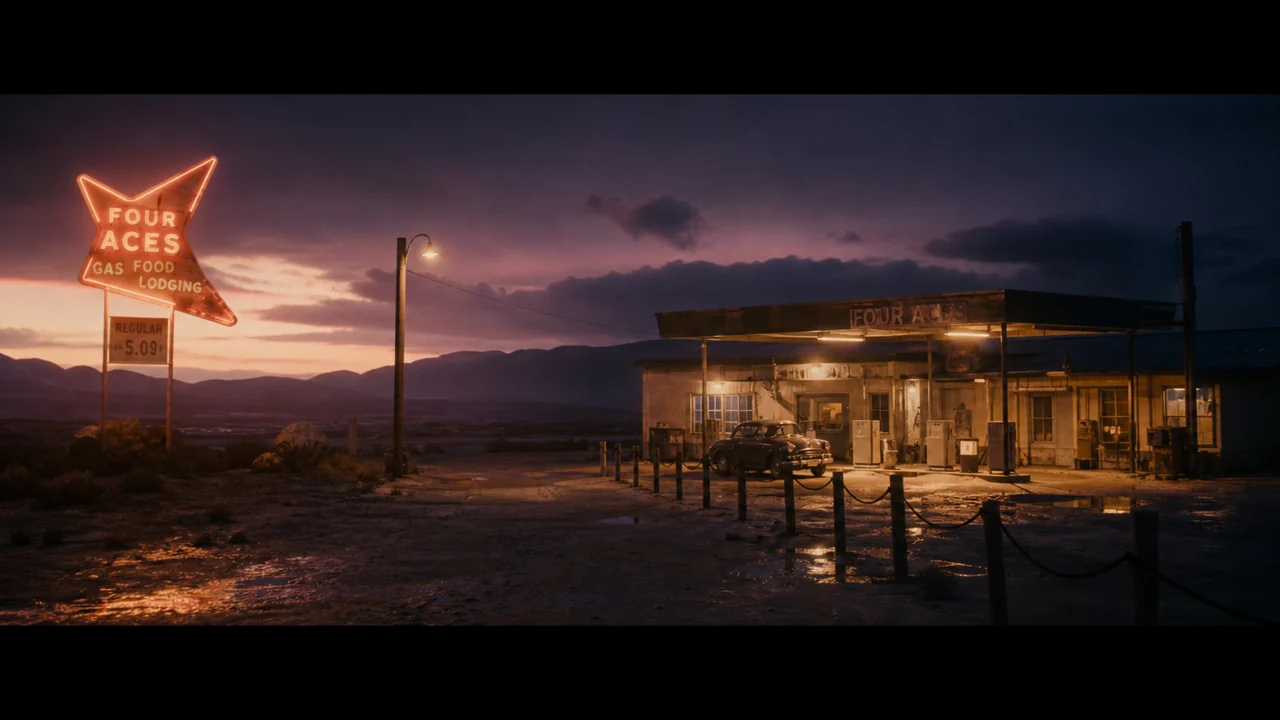
Inside a storyboard
Generate per-shot motion across an entire script, not one clip at a time.
AI Storyboard Maker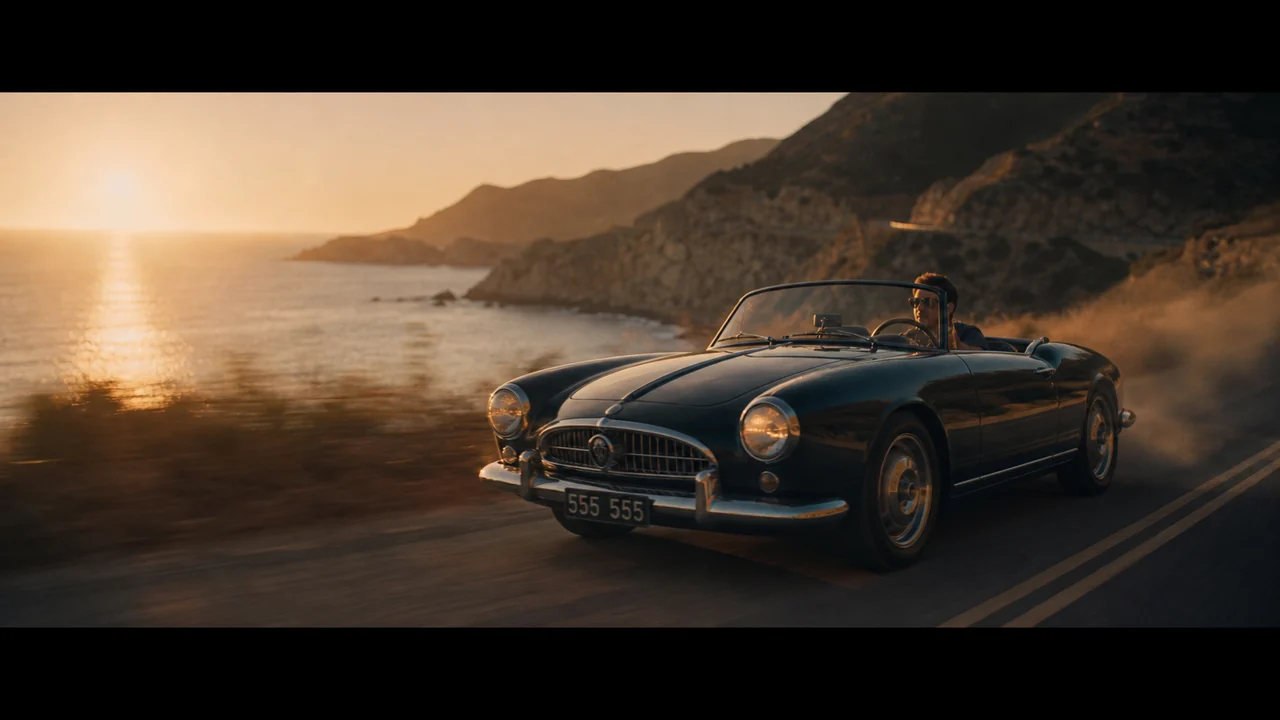
Onto the timeline
Drop clips straight into the editor, trim, transition, and score them.
Video Editor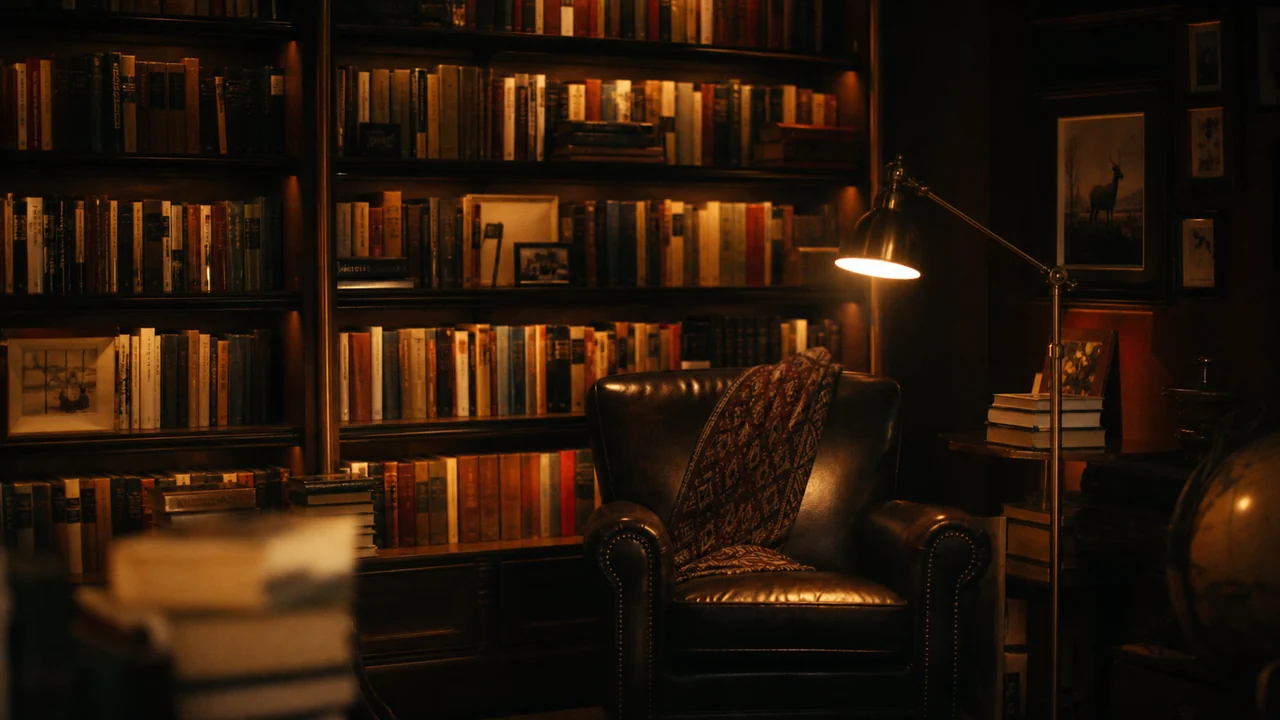
Saved to your library
Every clip is kept, versioned, and reusable across every project.
Asset LibraryMade with Fawna
Real clips across the model roster, generated in the studio.
AI video generator questions
Which AI video models can I use?
What is the difference between text to video and image to video?
Can the video have sound?
What length and resolution can I generate?
Can I keep characters consistent across clips?
What happens to a clip after I generate it?
Generate your first shot
Pick a model, write a prompt, and watch it render, then take it all the way to a finished video.