From script to storyboard in minutes, not weeks
Fawna reads your script or brief, breaks it into scenes and shots, and illustrates every frame. Consistent characters, controllable cameras, and export-ready boards your whole team can build on.
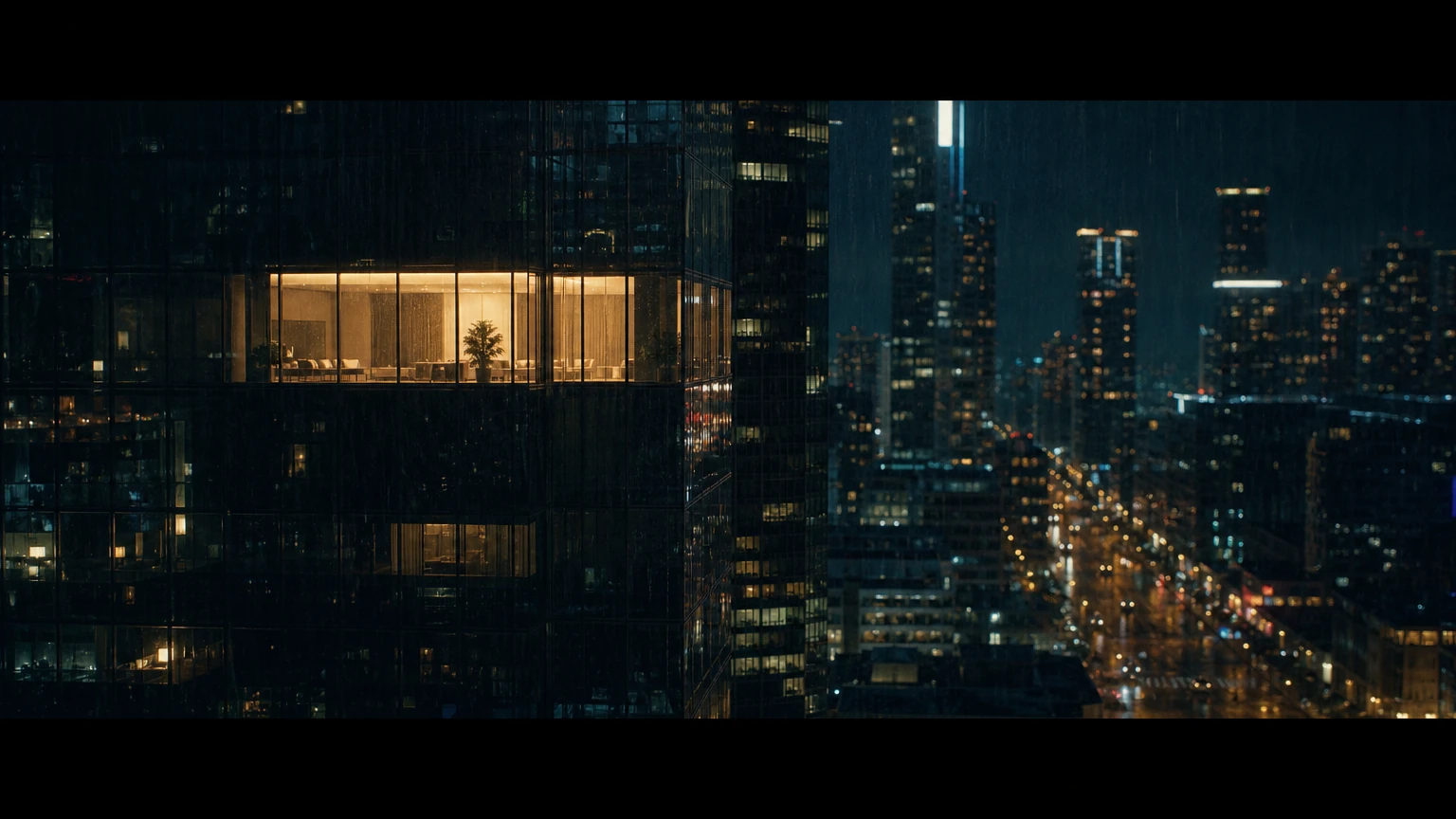

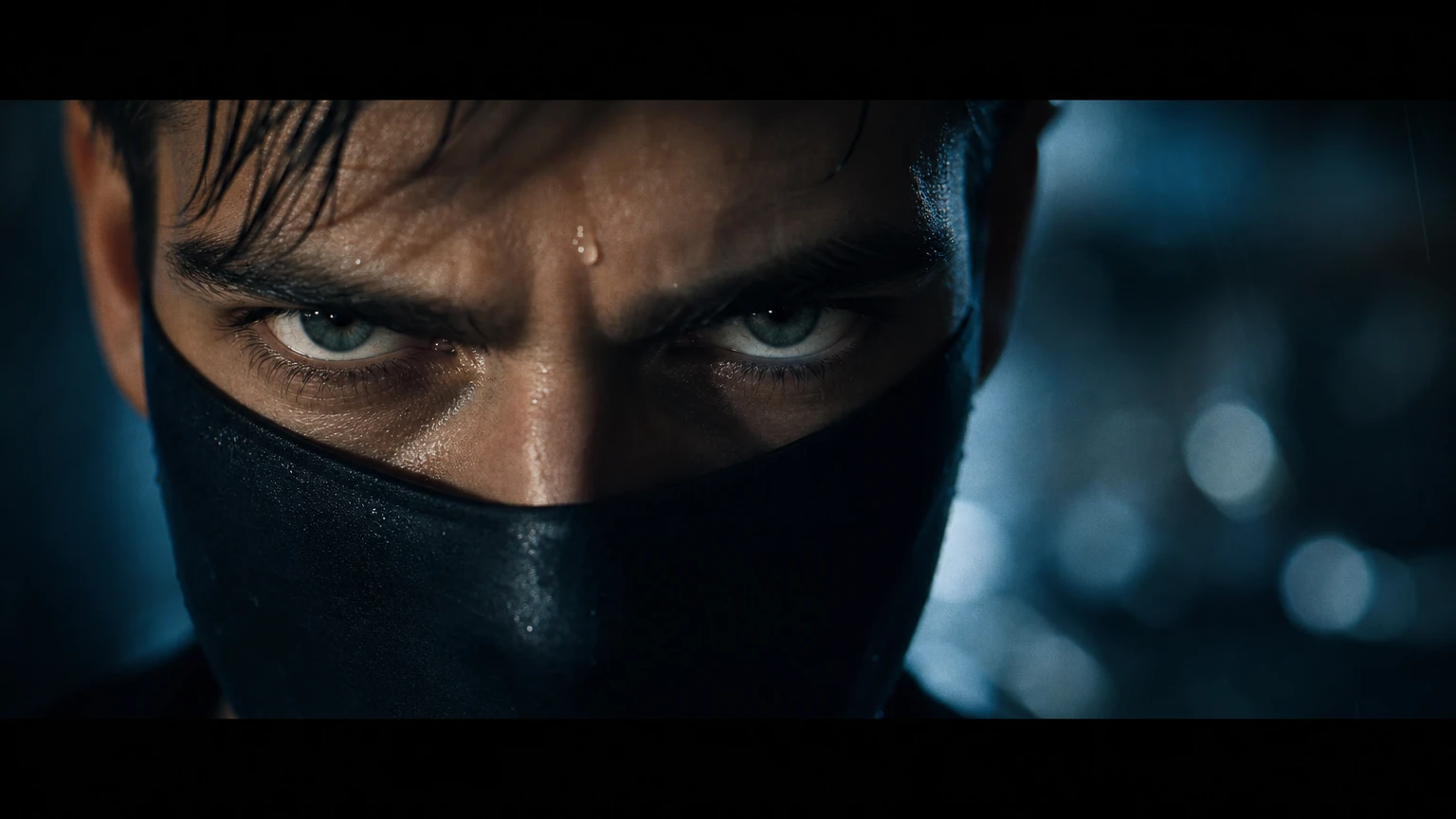
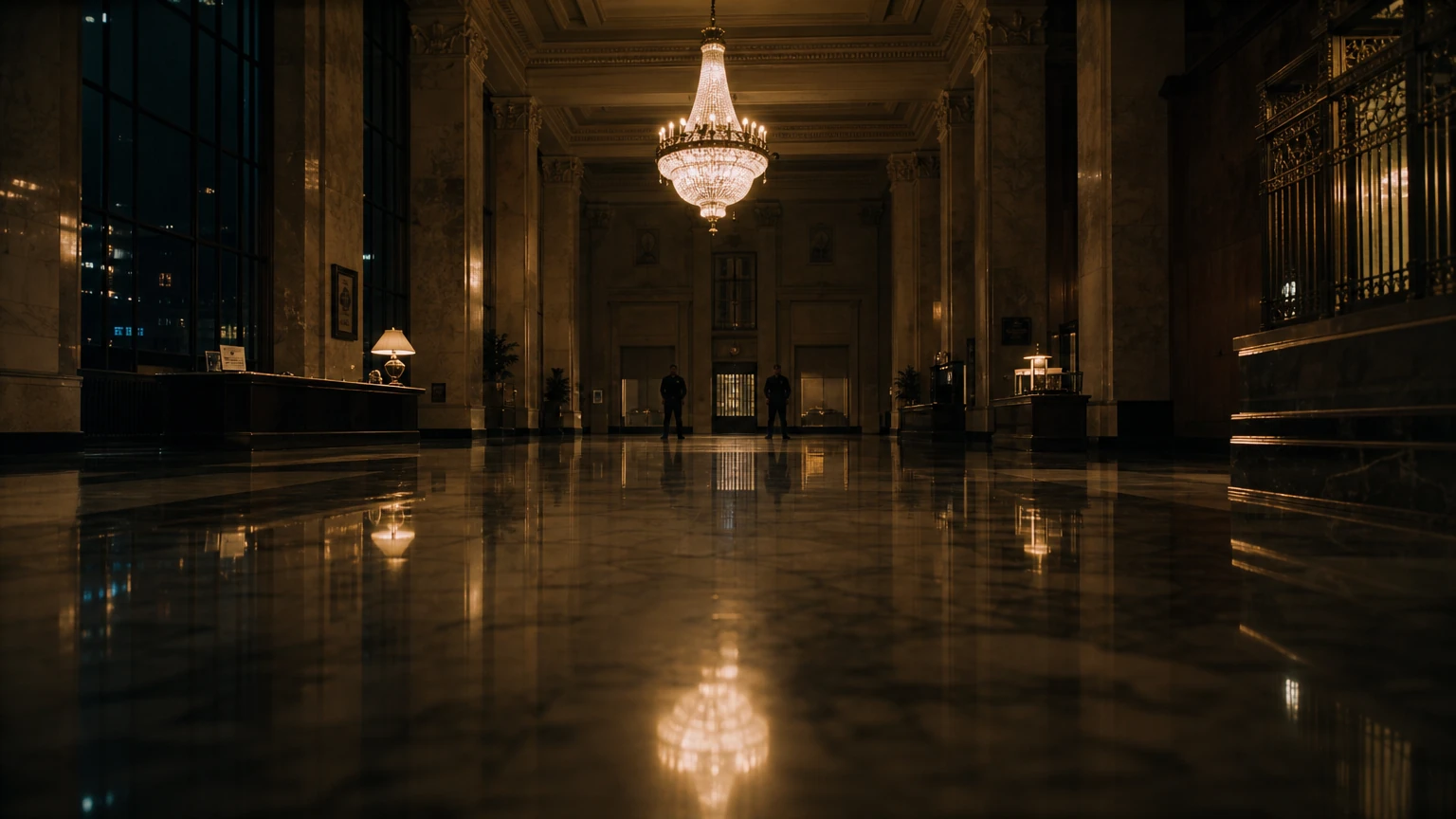
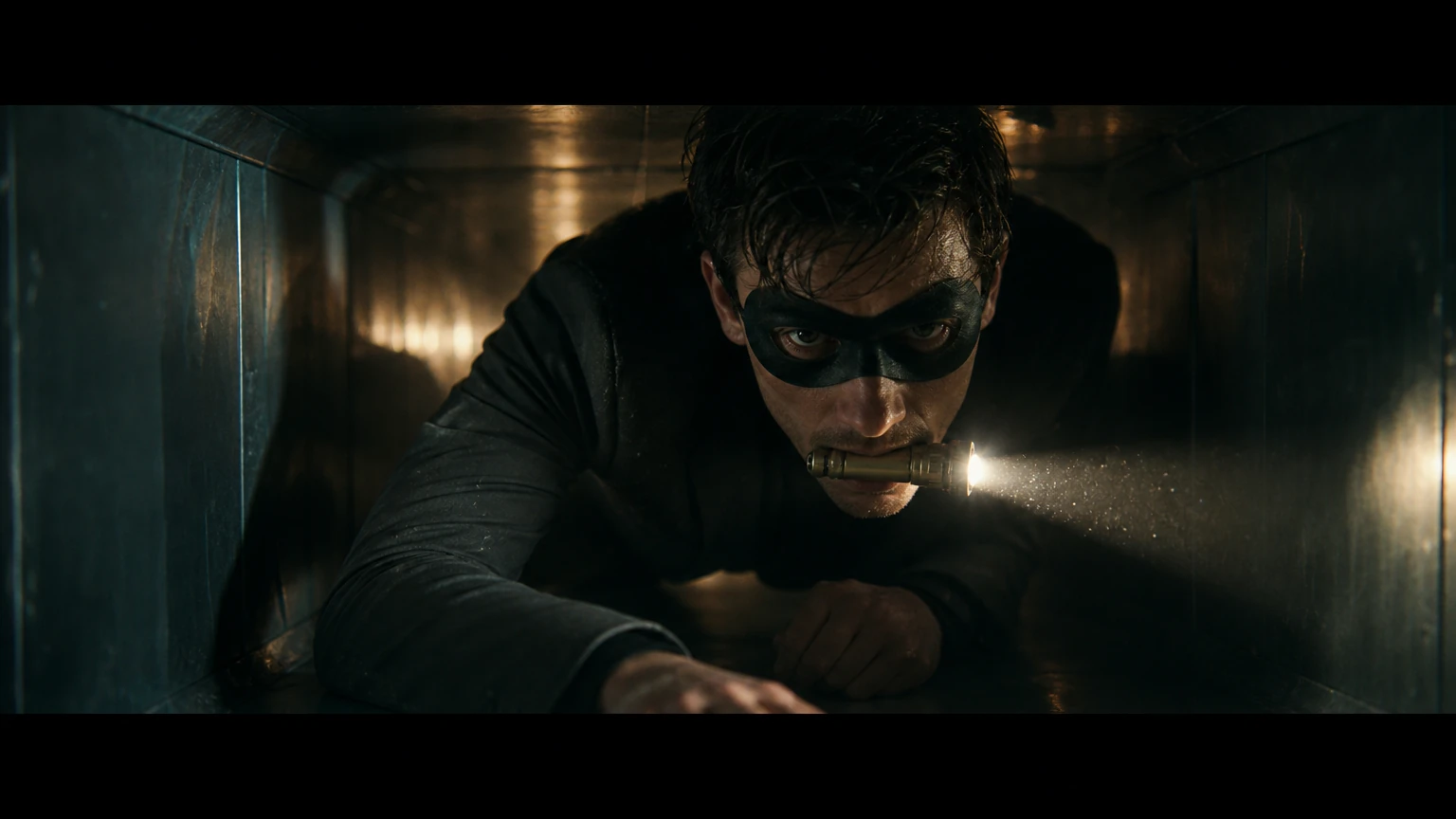
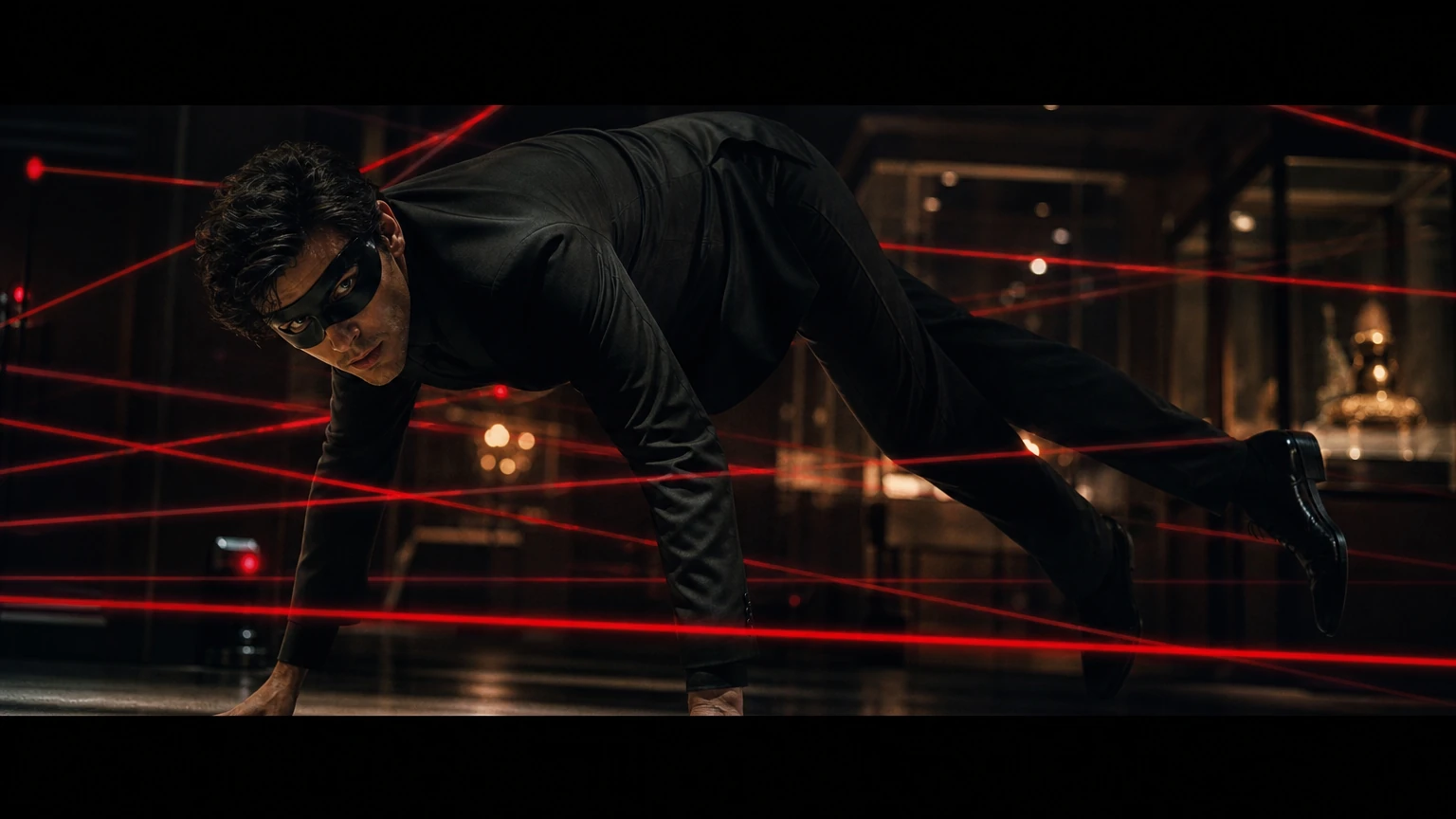
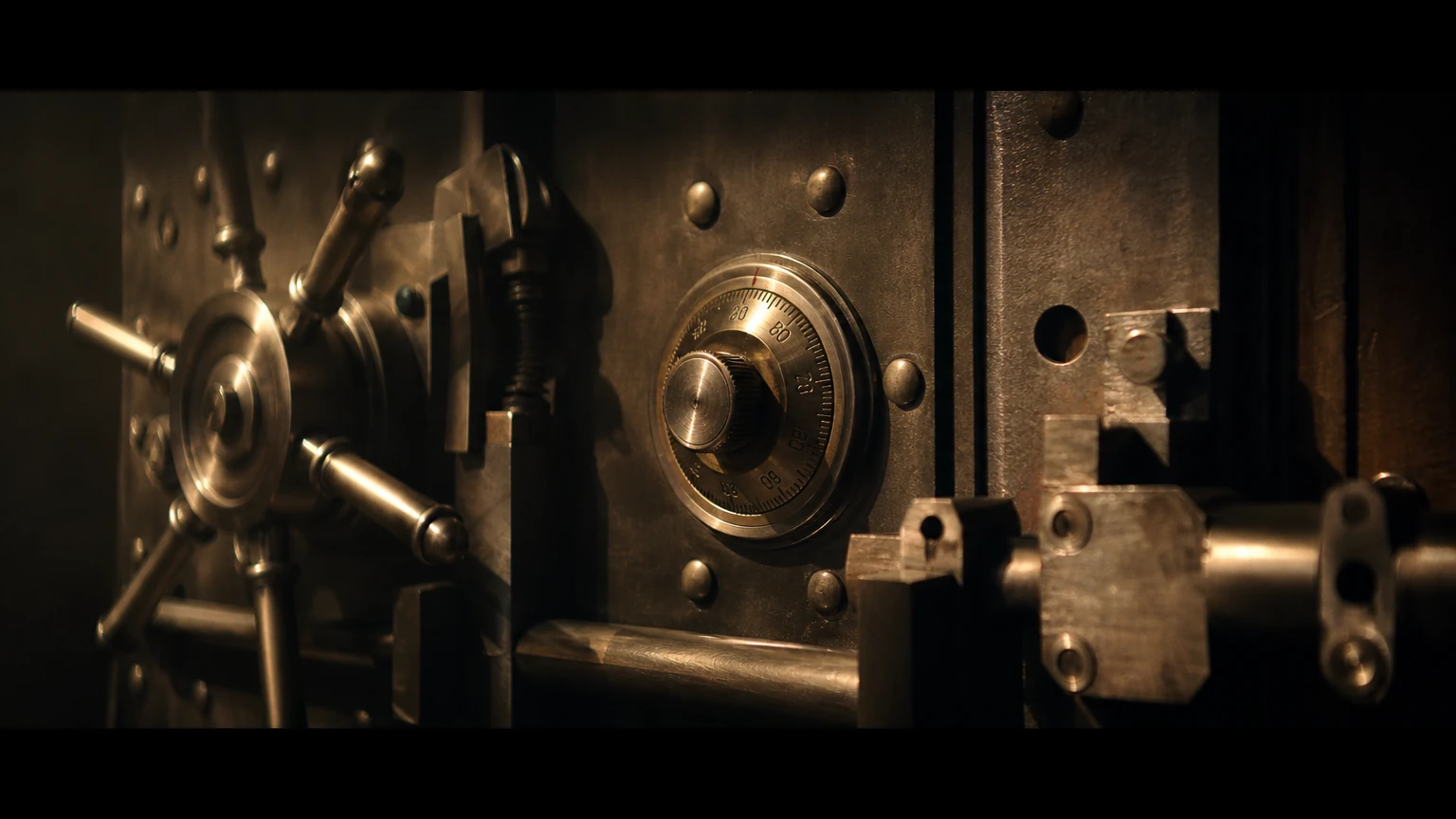
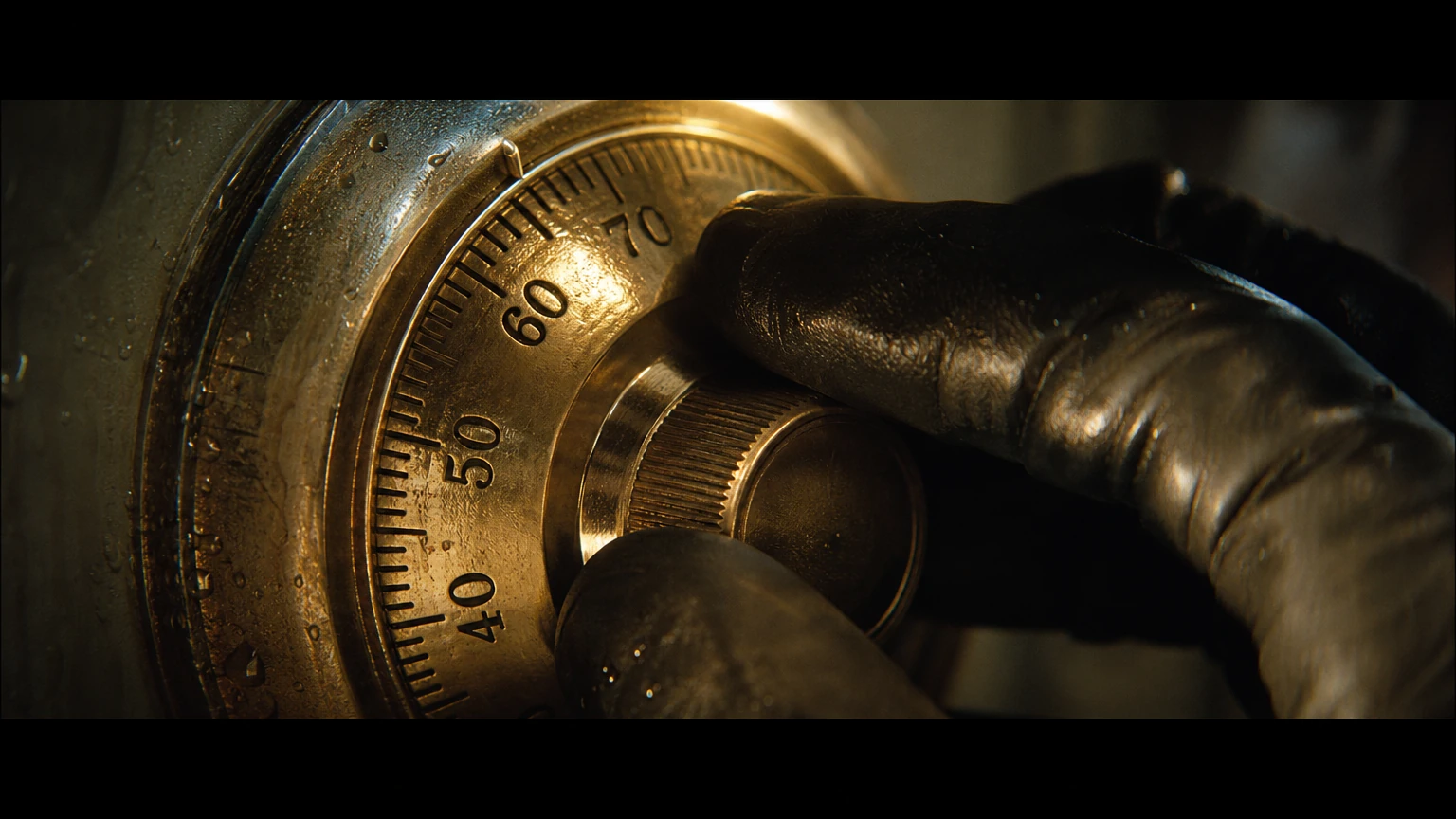
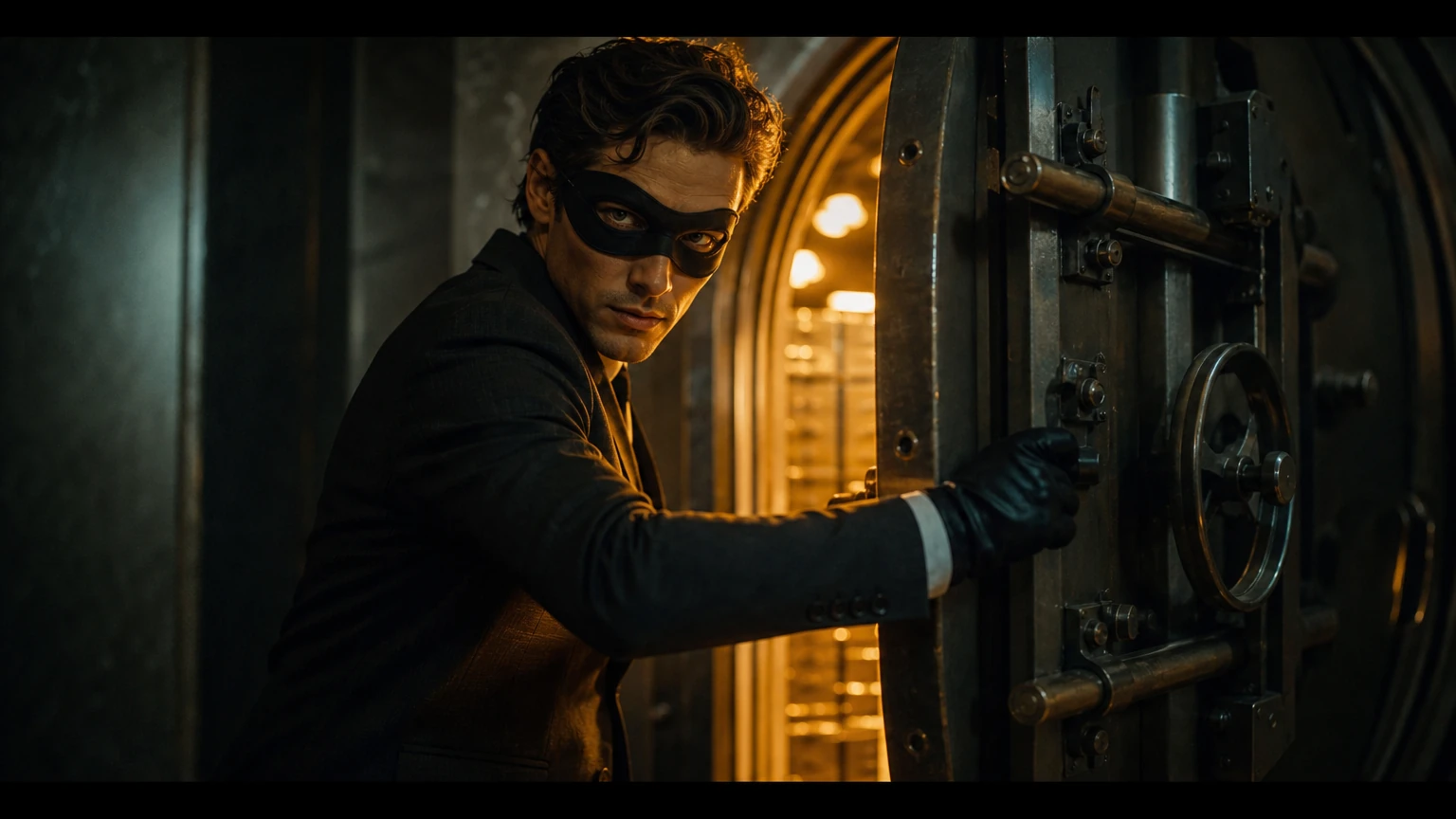
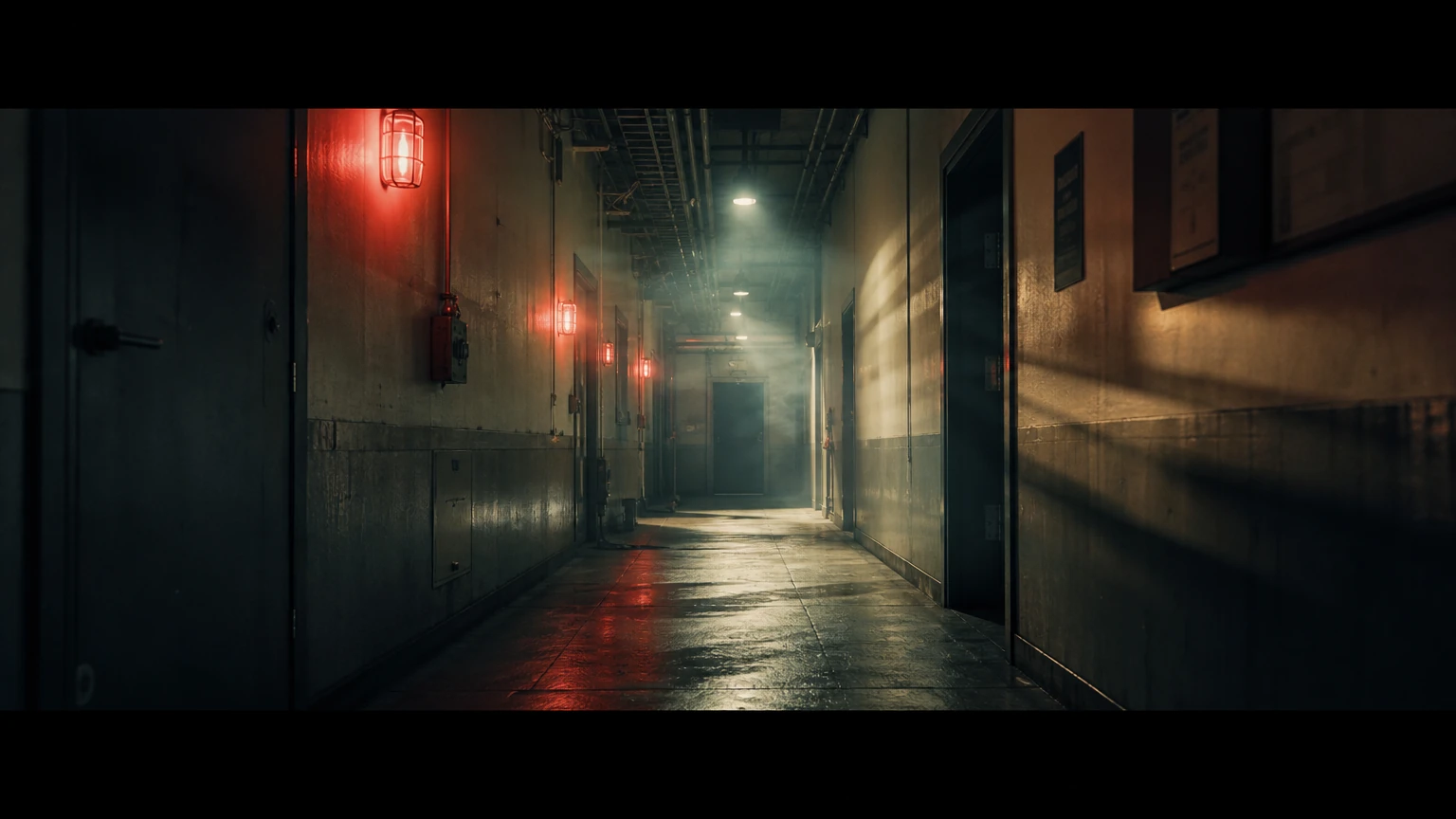
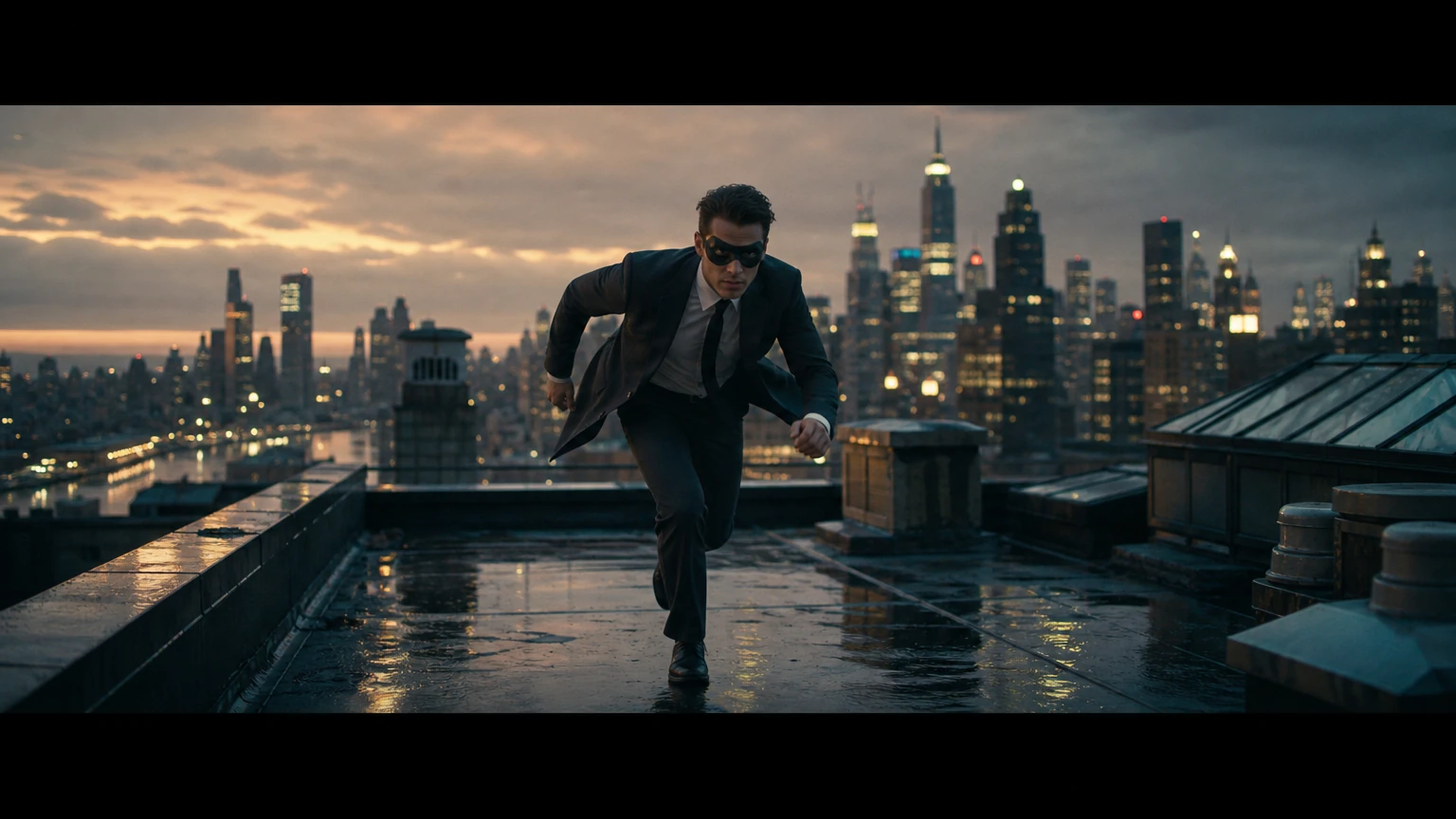
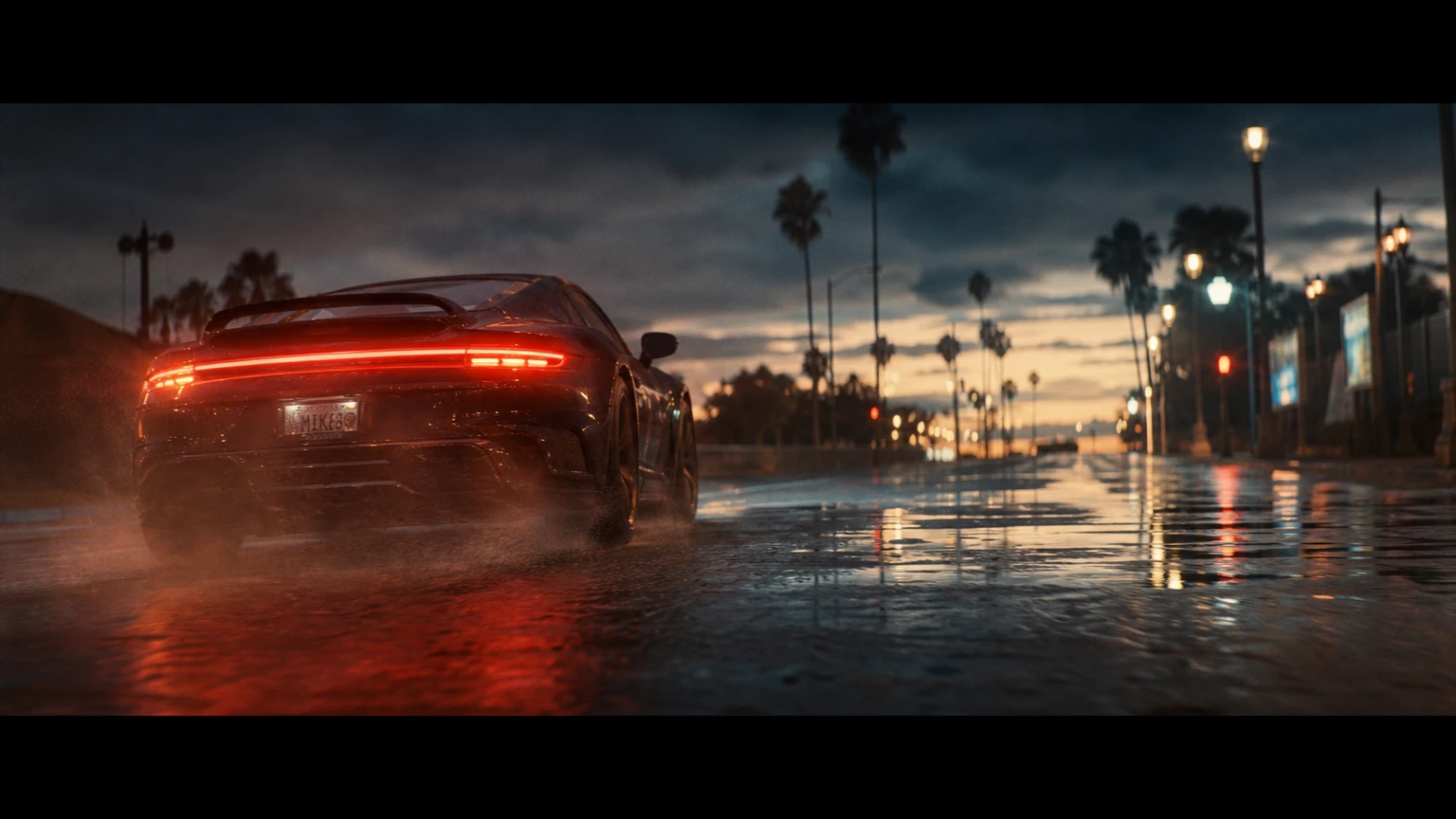
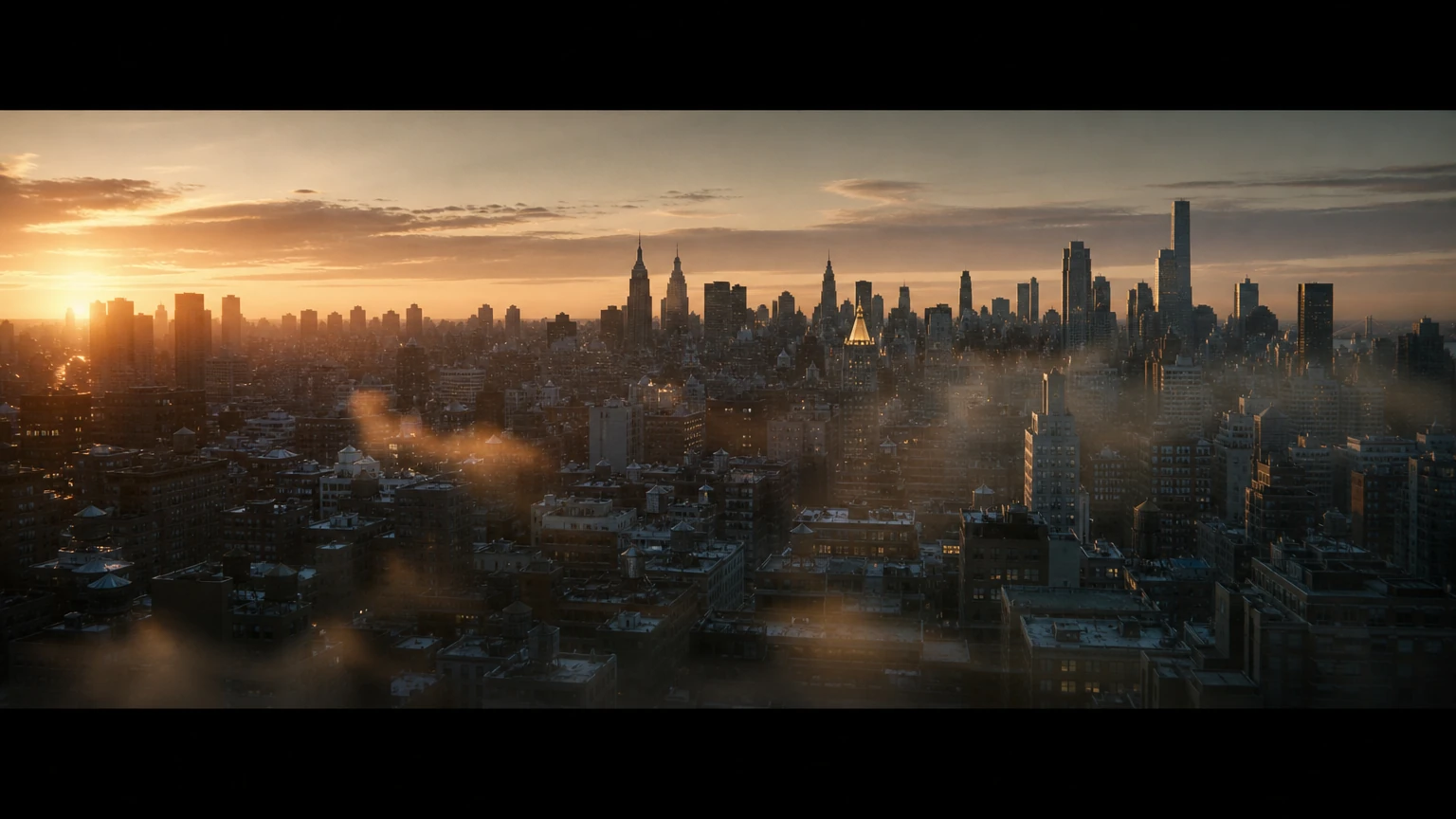
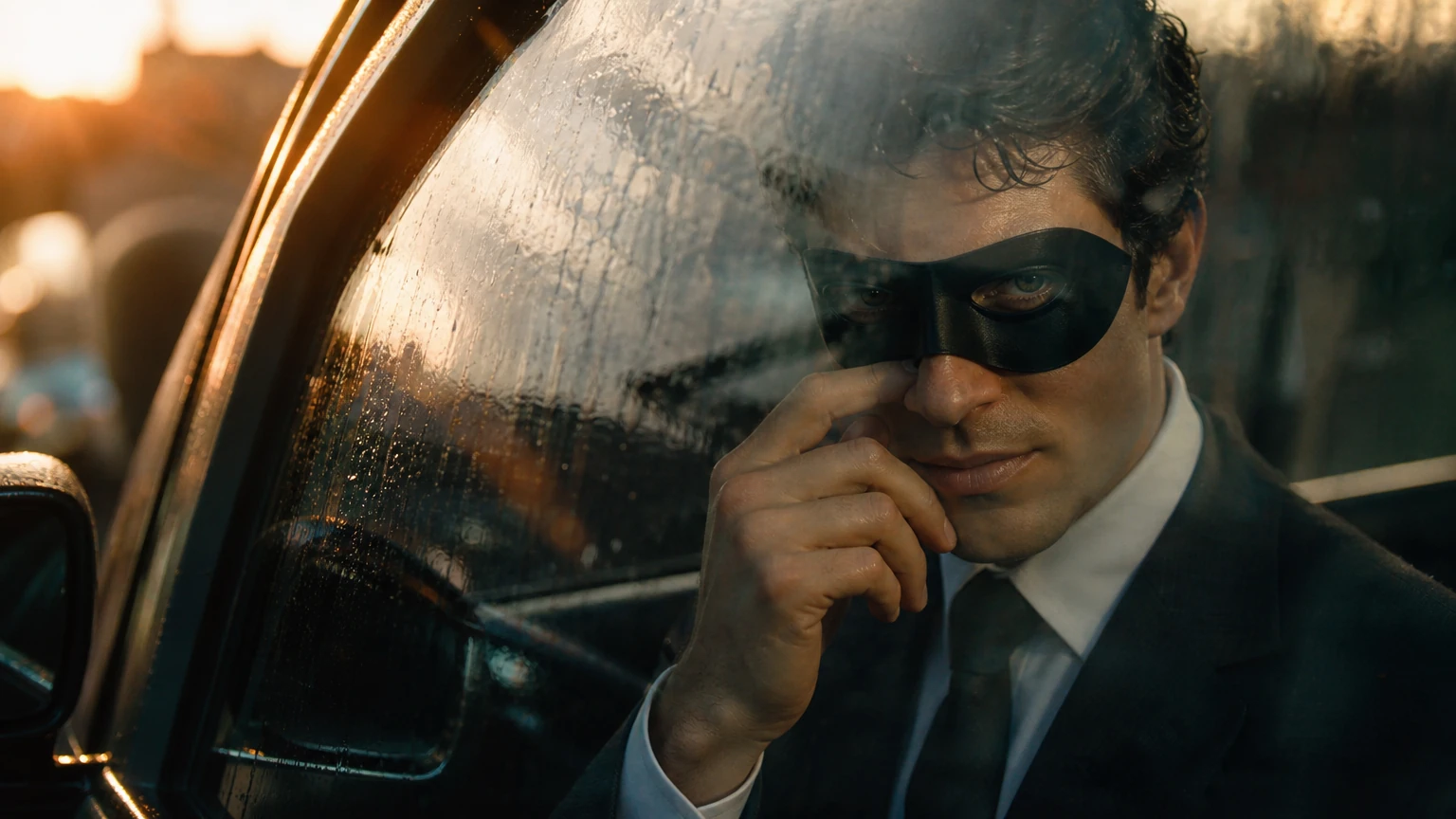
One script becomes a complete, directable board
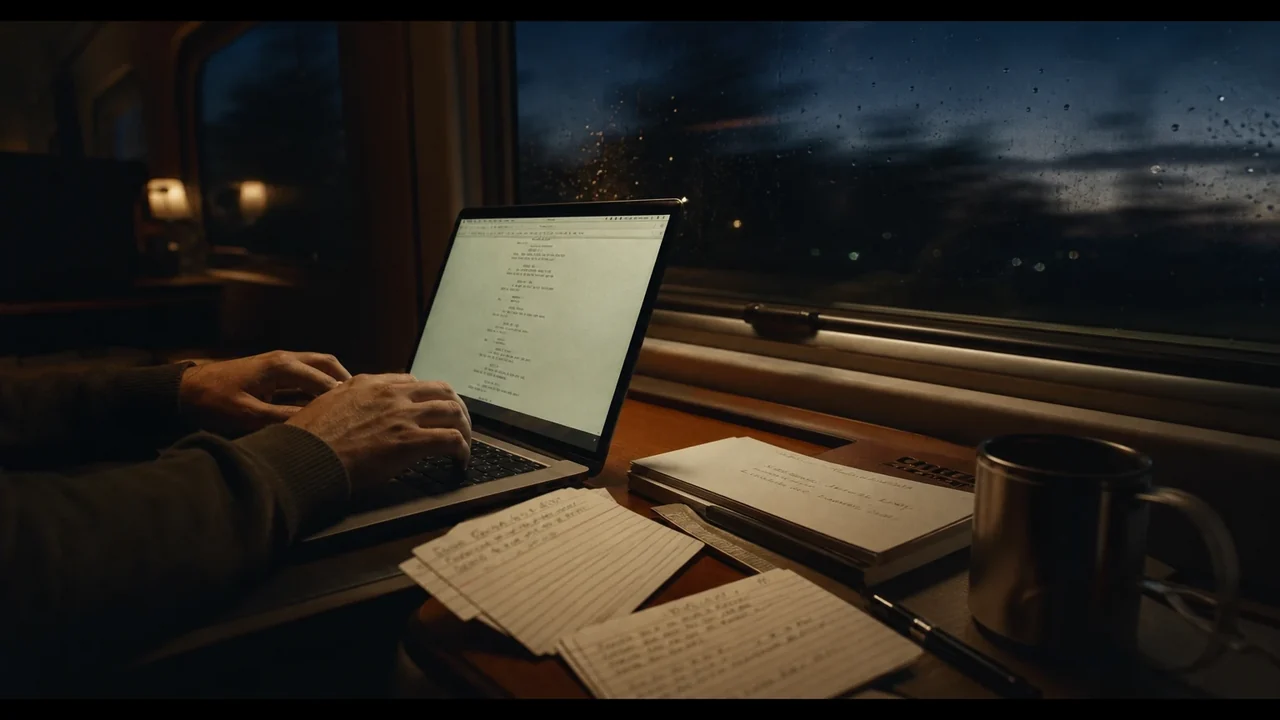
Script breakdown
Paste a script or brief and get scenes split into numbered shots, automatically.

Consistent cast & sets
Characters, locations, and style stay on model across every single frame.
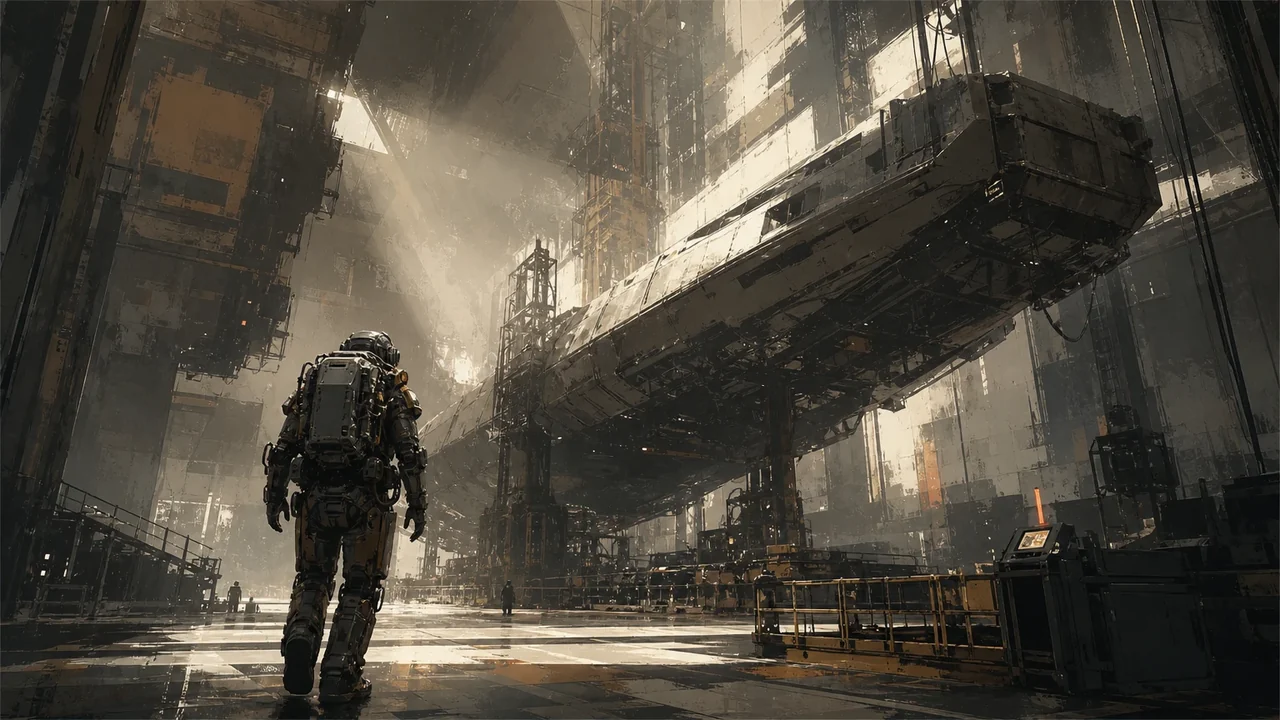
Per-shot direction
Reframe, recompose, or regenerate any one shot without touching the rest.
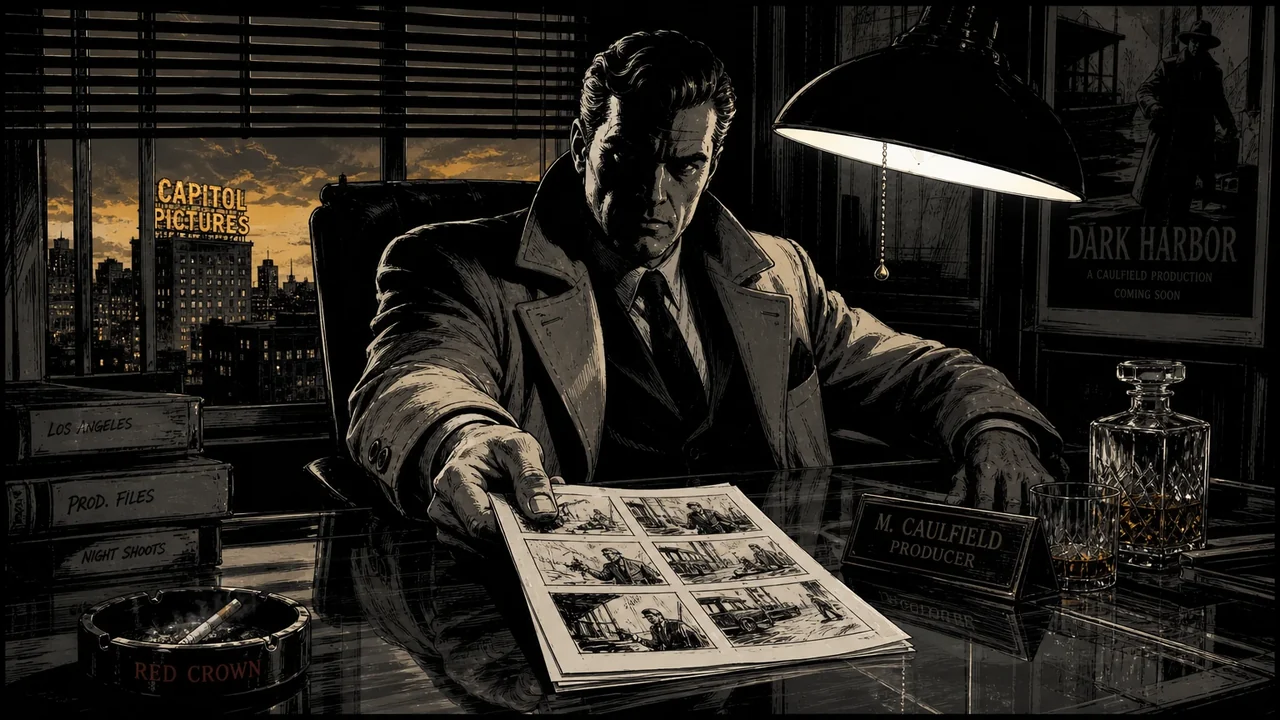
Export anywhere
Animatic, shot list, PDF pitch deck, or carry it straight into the editor.


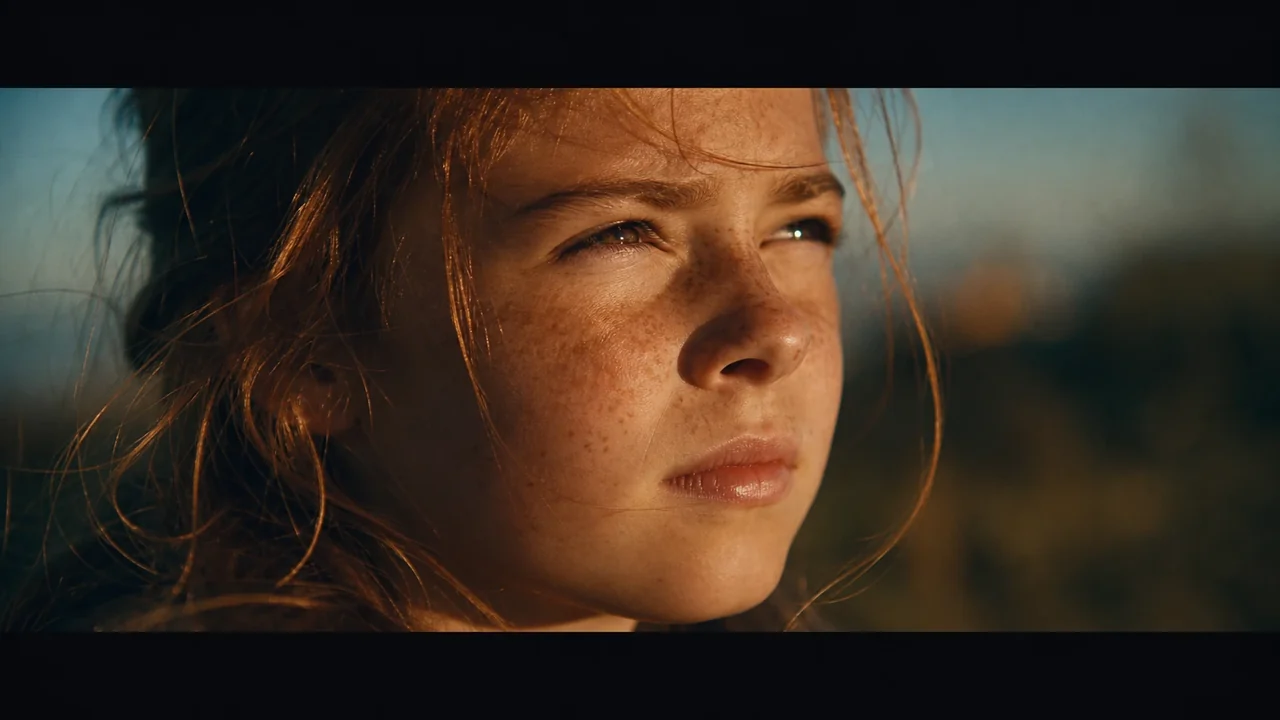
Paste a script. Get a shot-by-shot board.
Drop in a screenplay, ad brief, or a few sentences. Fawna structures it into scenes, proposes a shot breakdown, and renders each frame, so you skip the blank page and start from a real board.
- Automatic scene and shot breakdown from raw text
- Numbered shots that map to a working shot list
- Reorder, split, and bridge scenes as the cut evolves
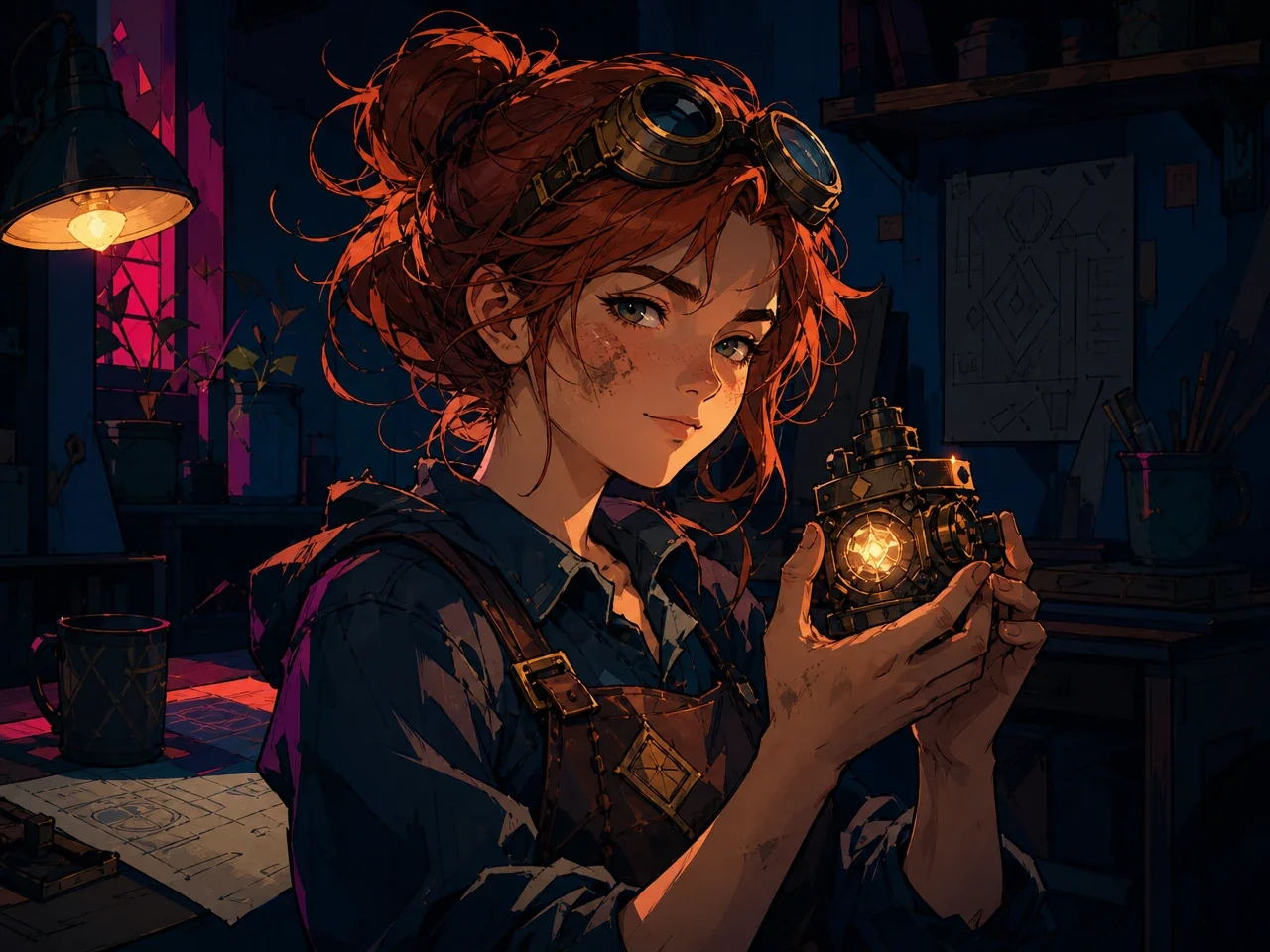
Characters and locations that stay on model
Lock your cast, sets, and art style once. Fawna reuses them across every frame, so the same character looks like the same character in shot 1.1 and shot 3.4, with no drift between scenes.
- Reusable characters, locations, and style references
- One look held across the entire board
- Swap a style and restyle every shot at once
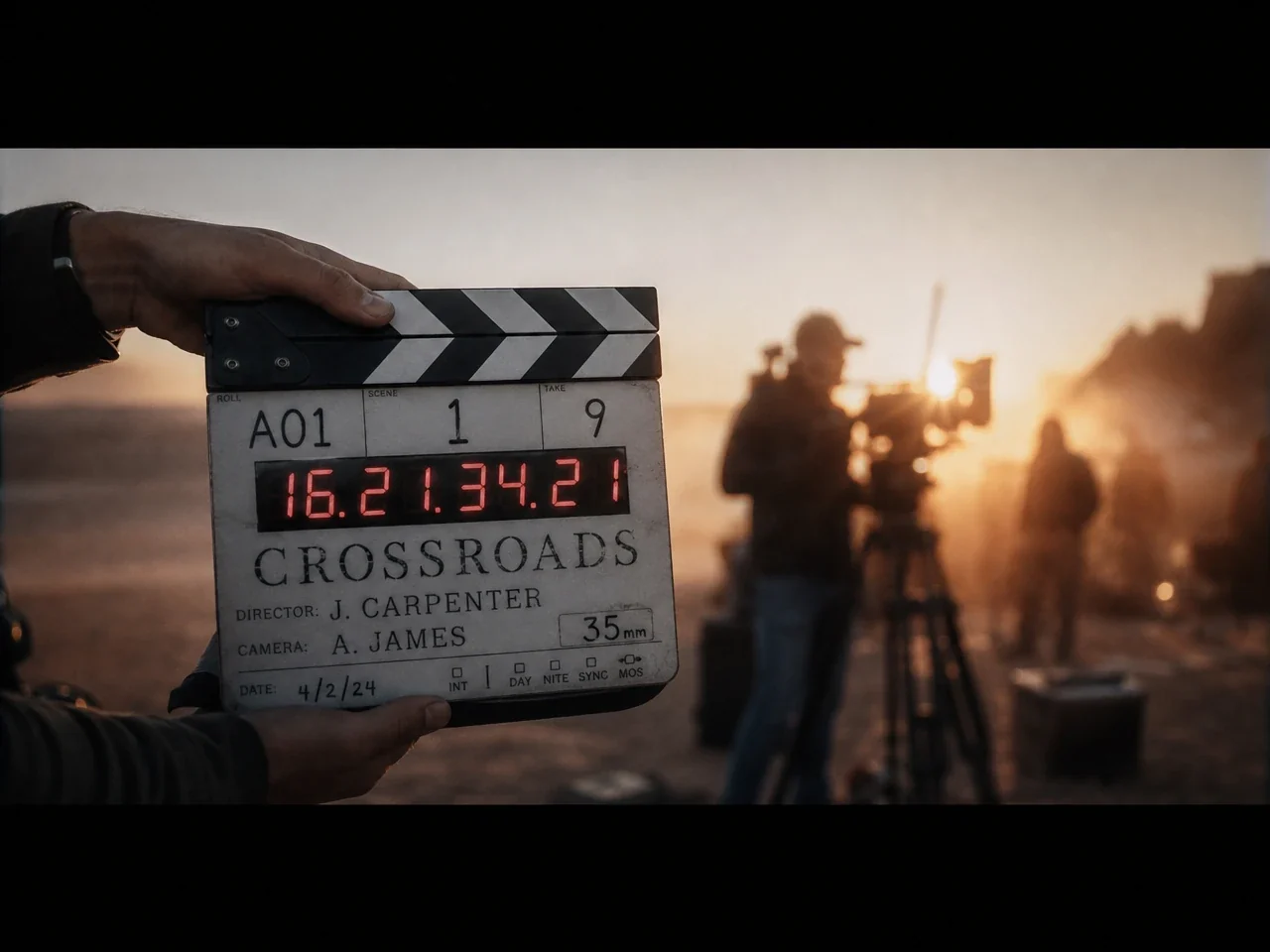
Direct every shot, not just the first draft
Adjust framing and camera angle, rewrite the visual direction, or regenerate a single frame without touching the rest of the board. You stay the director; Fawna does the redraws.
- Per-shot framing, composition, and camera control
- Regenerate one frame, keep everything else
- Iterate freely without restarting the project
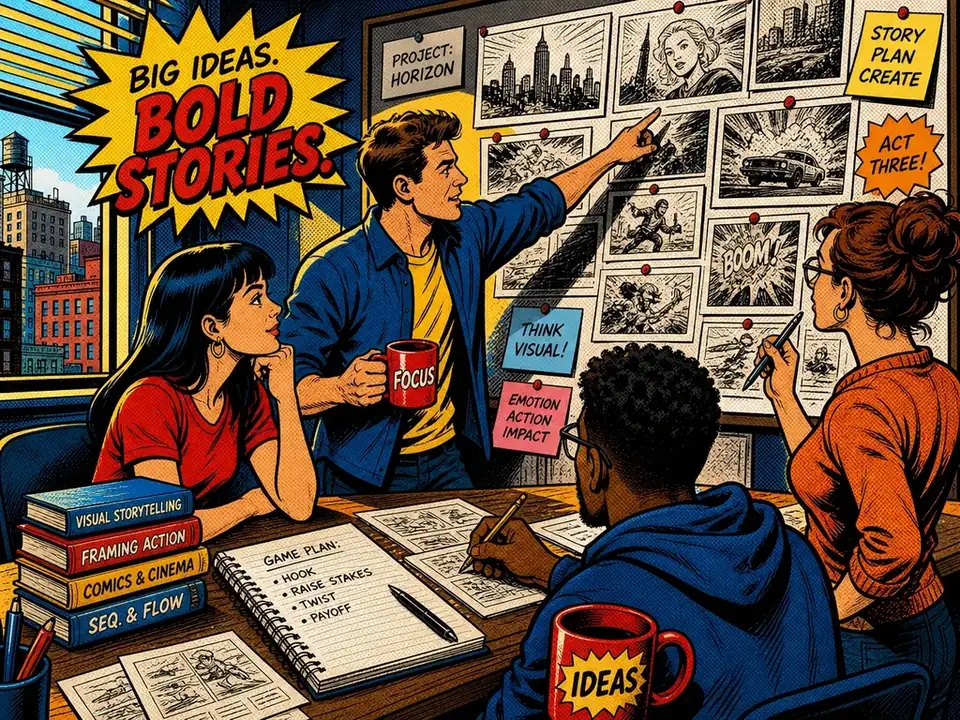
Hand off in the format each stakeholder needs
Turn the board into an animatic, a clean shot list, or a PDF pitch deck. Export to MP4 for review, or carry the same scenes straight into the Fawna editor to finish the video.
- Animatics and shot lists from the same board
- PDF pitch decks for clients and stakeholders
- MP4 export, or continue in the video editor
How the AI storyboard maker works
Four steps from idea to a board you can present, share, or turn into a finished video.
Bring your script or idea
Paste a full screenplay, a campaign brief, or a one-line concept. There is no template to fill out and nothing to format first.
Review the shot breakdown
Fawna proposes scenes and numbered shots. Adjust the order, cast, and structure until it matches your vision.
Direct and render every shot
Set framing and camera, keep characters on model, and regenerate any single frame without touching the rest.
Export and hand off
Send out an animatic, shot list, or PDF deck, render to MP4, or continue straight into the editor.


Built for teams that ship a lot of video
From a single director to a full studio, Fawna keeps pre-production fast, on brand, and on the same page, with reusable assets every teammate pulls from.
- Share a board and gather feedback on the latest version
- Reuse approved characters, locations, and styles across projects
- Secure access and the scale for high-volume pipelines
AI storyboard maker FAQ
Everything you need to know before your first board.
What is an AI storyboard maker?
Do I need to be an artist or designer?
How does Fawna keep characters consistent across shots?
Can I change the framing or regenerate a single shot?
What can I export?
What kinds of projects is it good for?
Is there a free way to try it?
Is it suitable for studios and larger teams?
Start your storyboard today
Turn your next script into a shot-by-shot board in minutes, then take it all the way to a finished video.