Cut and finish your video in a real editor.
Fawna's free, browser-based video editor gives you multi-track editing, transitions, motion, and a built-in sound library. Bring an AI storyboard straight in, or start from scratch.
See it in action
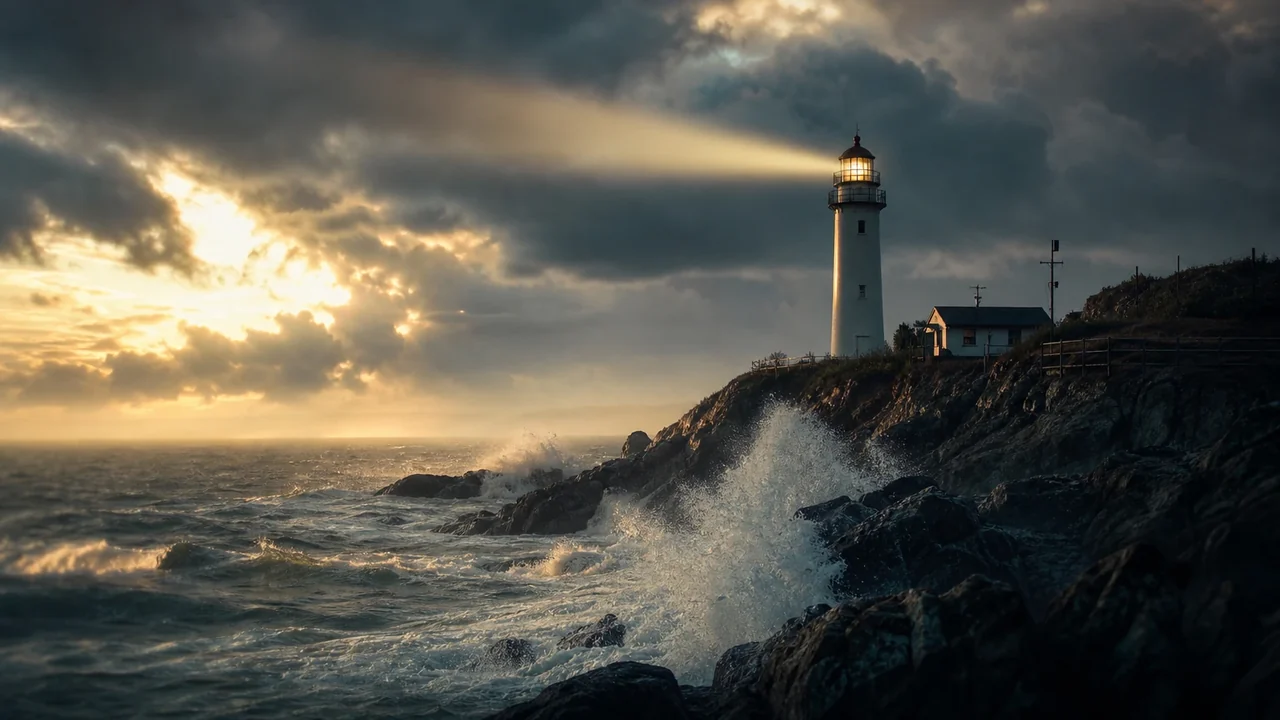



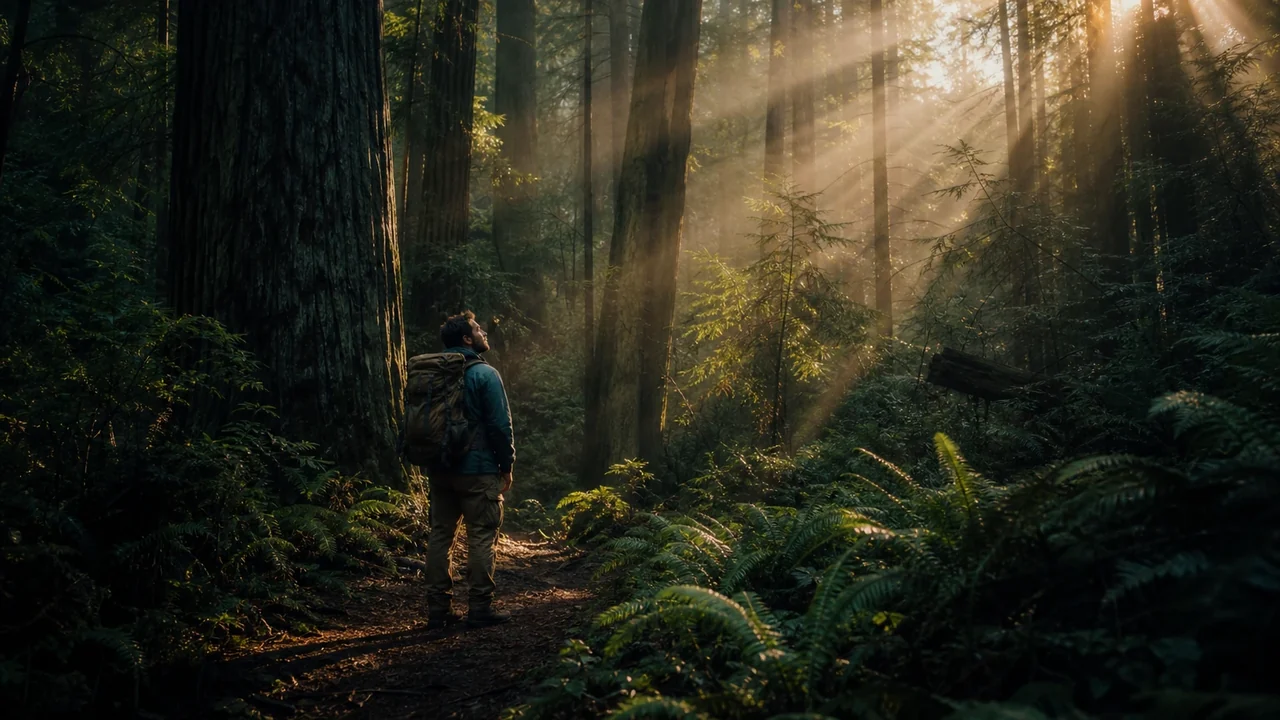


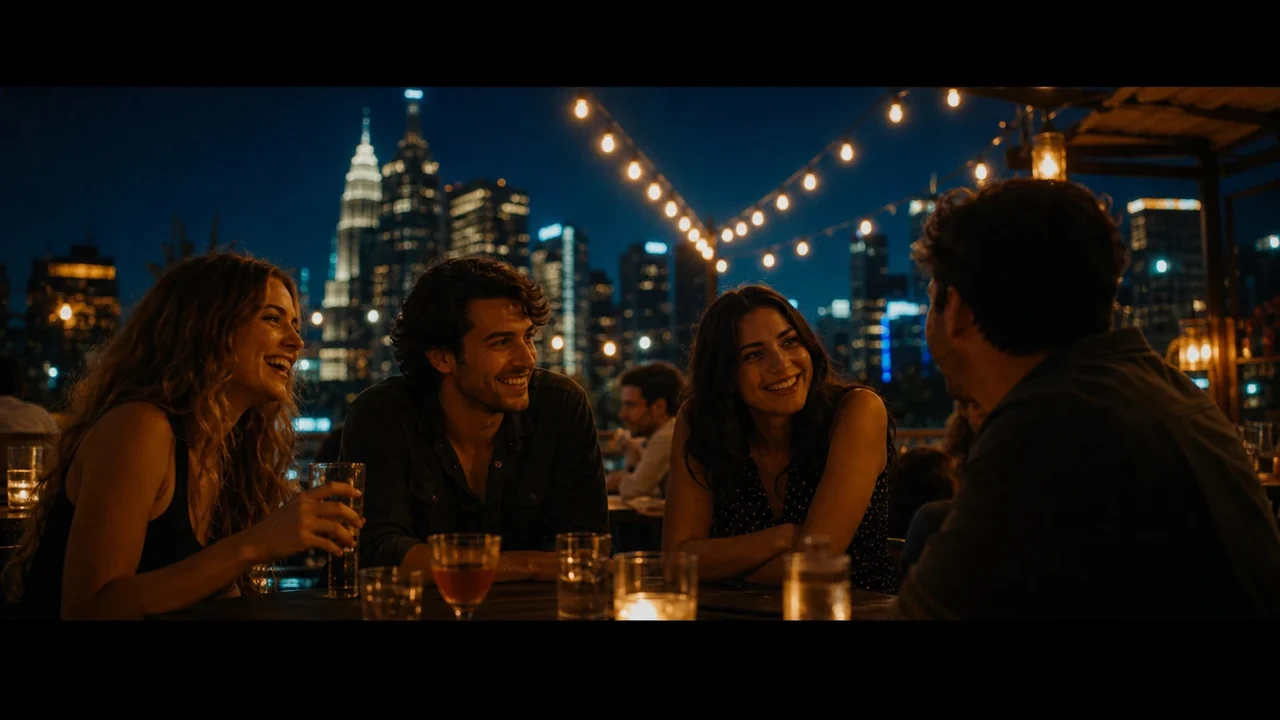
A real editor, free in your browser.
Bring an AI storyboard straight in or start from scratch, then cut, score, and export your video.
A full editor, not a trimmer
Real tracks, real transitions, real audio. The kind of control you expect from desktop software, running in a browser tab.
Layer it on a multi-track timeline
Stack video, b-roll, voice, and music on independent tracks. Drag, trim, split, and ripple, with snapping and zoom from a full project down to a single frame.
18 transitions
Fades, wipes, slides, and zooms with custom easing curves.
Motion on a still
Add pan and zoom (Ken Burns) to bring any frame to life.
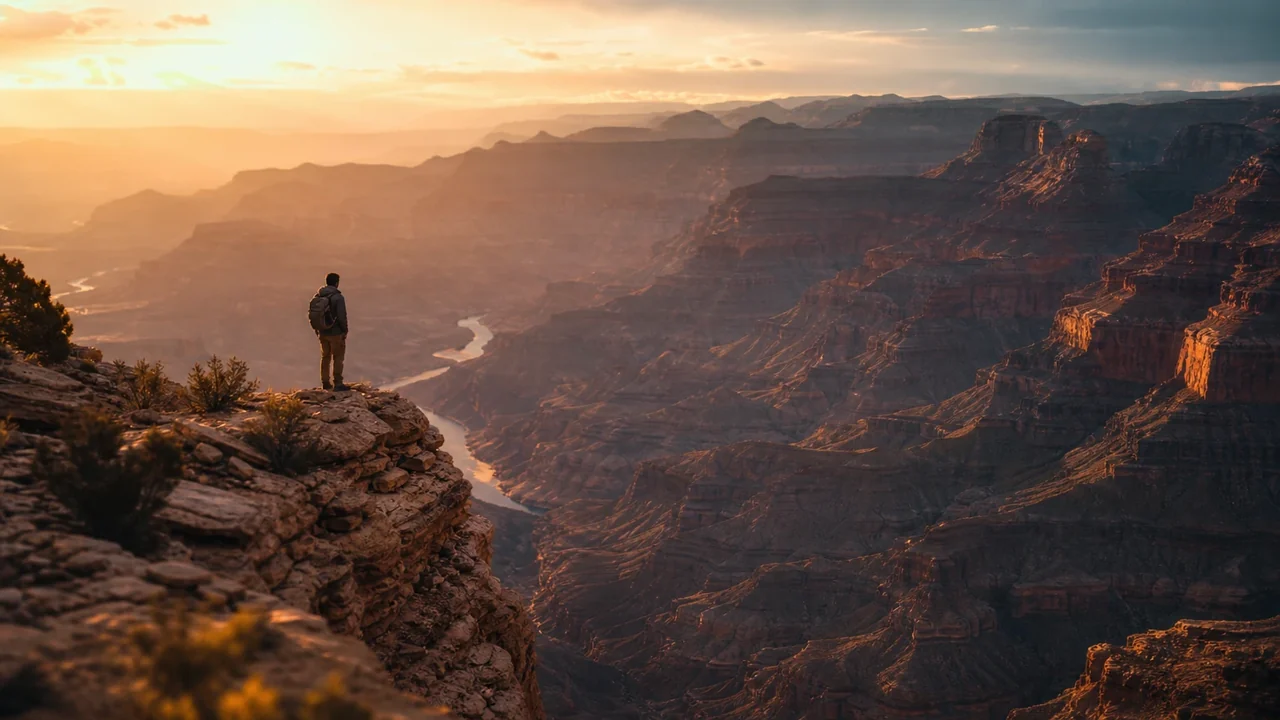 Pan + zoom
Multi-track audio
Voice, music, and effects with per-track volume and waveforms.
Any aspect ratio
Cut a vertical or square version without rebuilding.
A built-in sound library
Whooshes, impacts, risers, ambience, and music beds, drag straight onto the timeline. Cleared for commercial use.
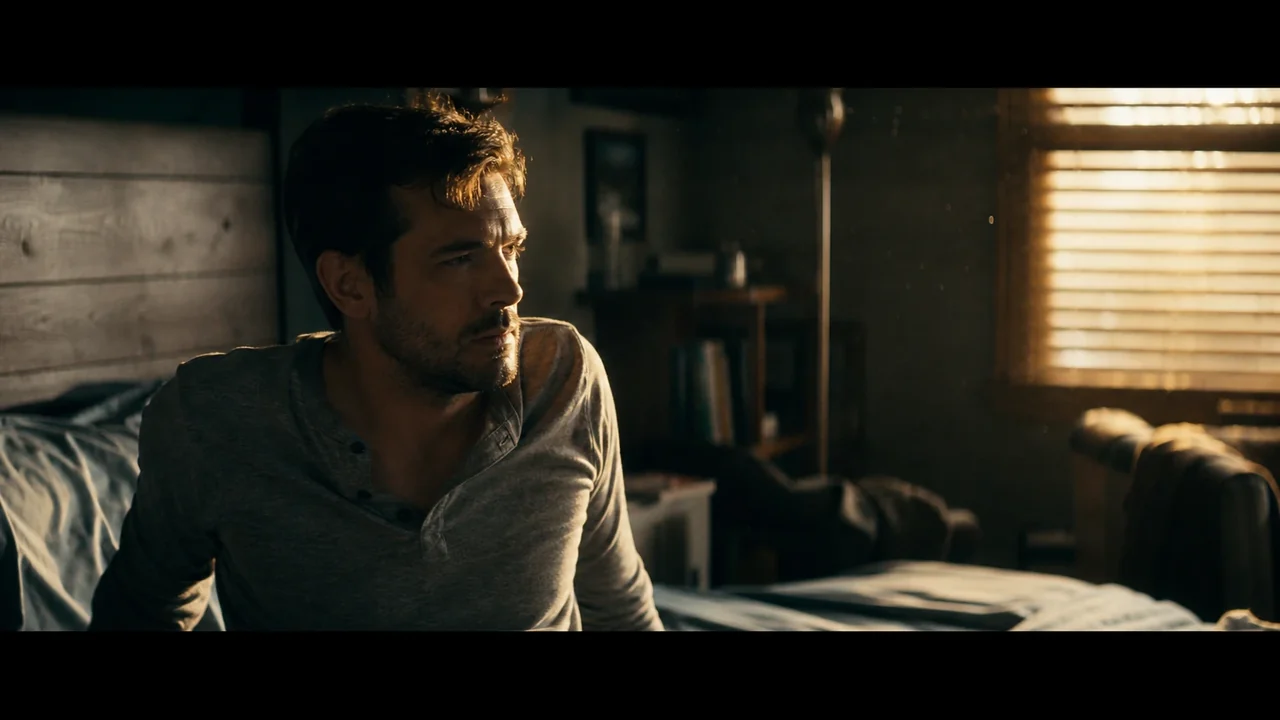
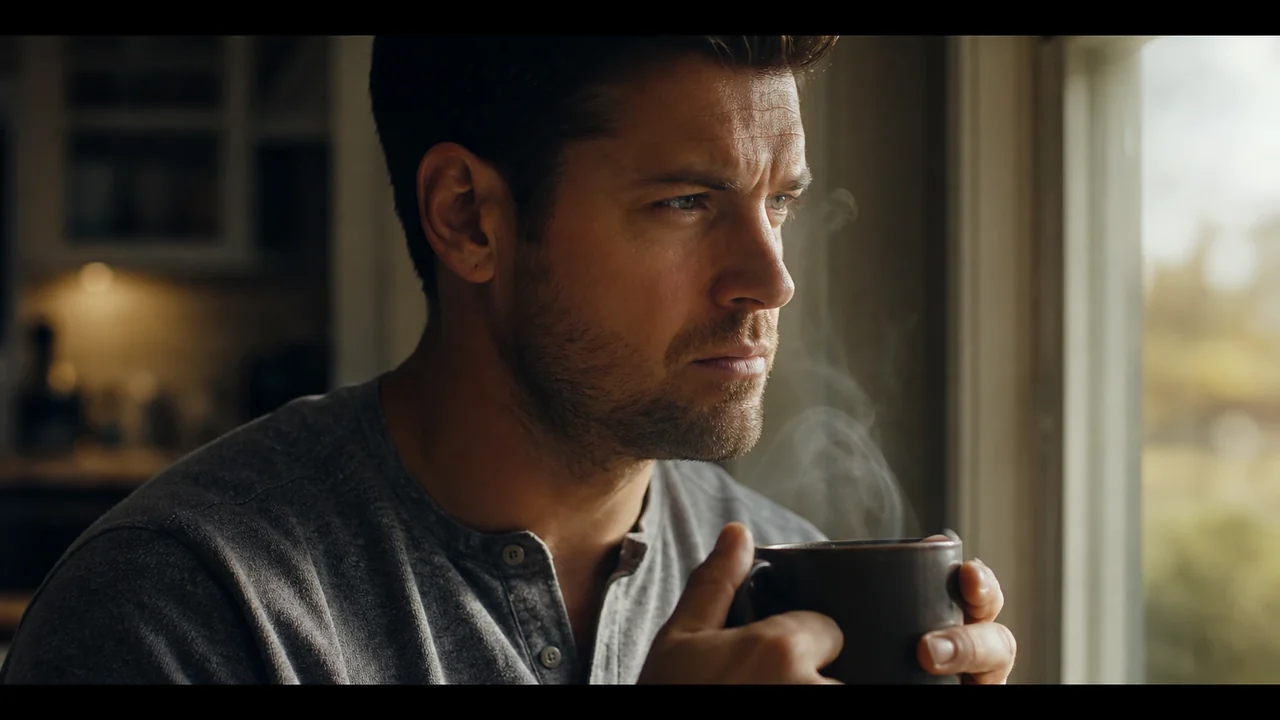
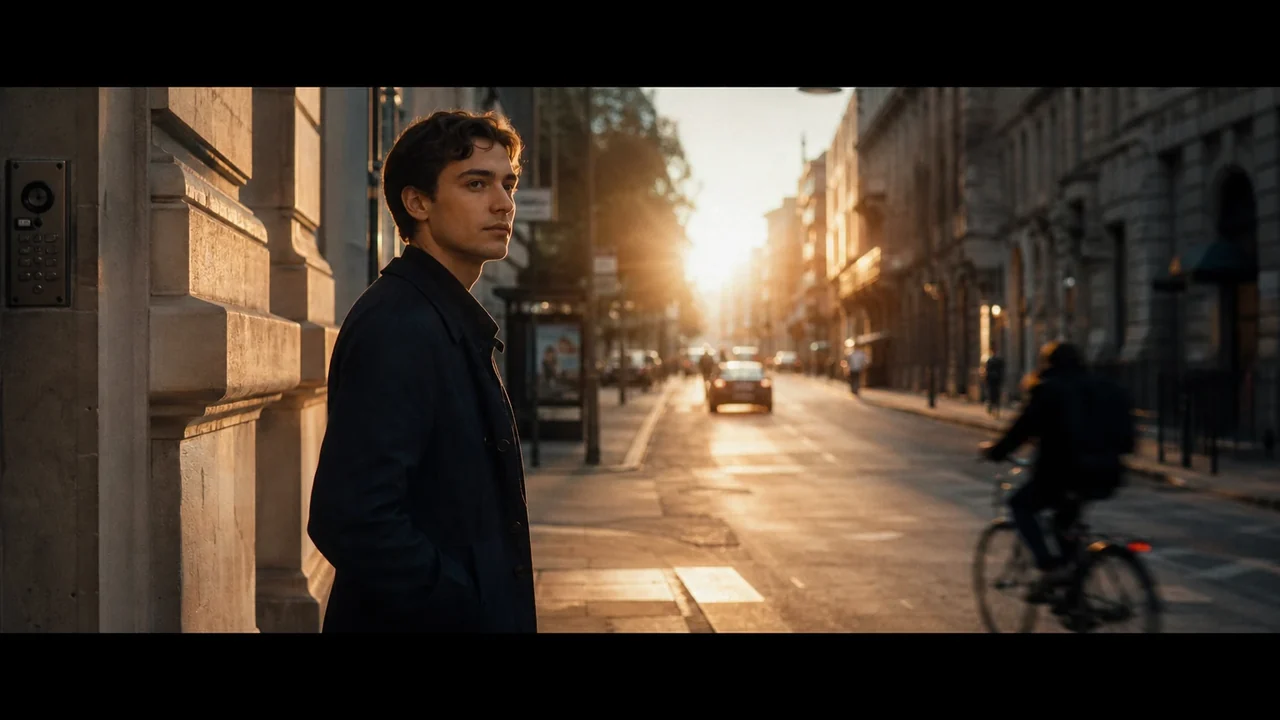
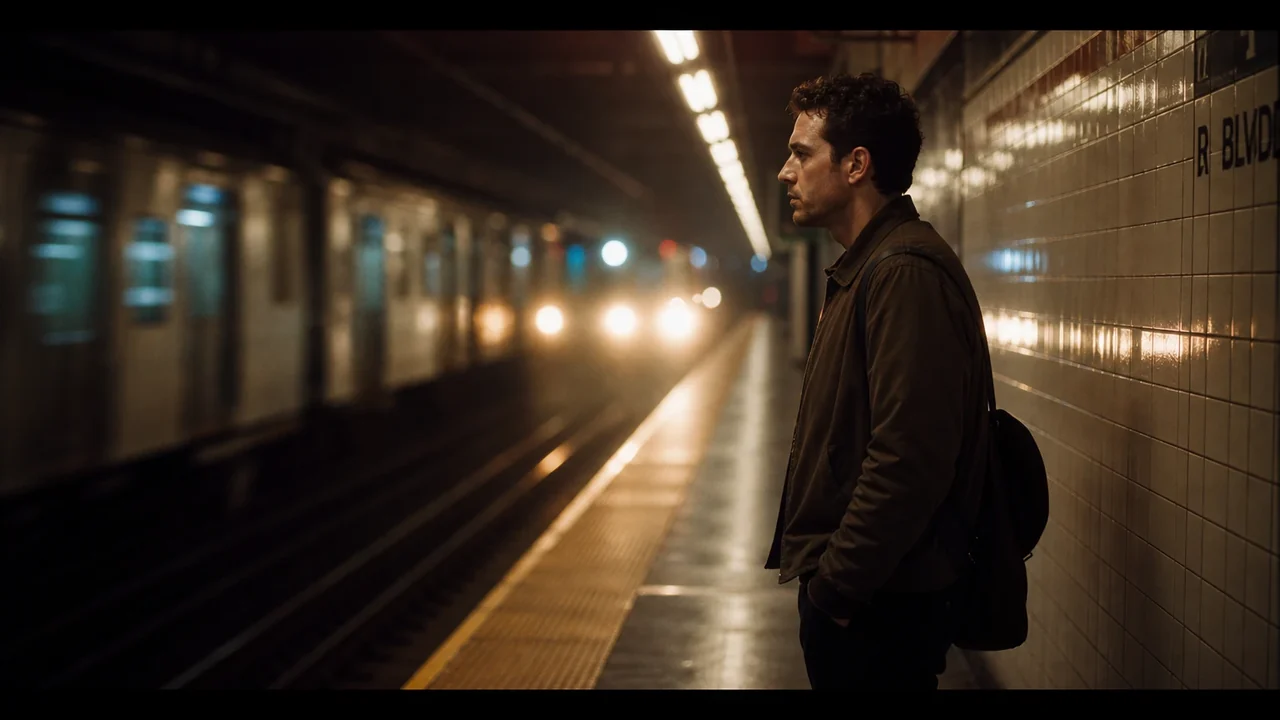
Bring your storyboard in. Finish the cut.
Send any Fawna storyboard straight to the timeline. Every scene lands as a clip with its motion and audio, cut at the exact moments your animatic used, so you start finishing instead of rebuilding.
- Scenes arrive as clips, timed to match the preview
- Motion and Ken Burns moves carry over one to one
- Narration and audio land on their own tracks
Score it without leaving the editor
Browse a built-in library of about 1,400 CC0 sound effects, search by type, preview the waveform, and drag the right hit straight onto the timeline. No downloads, no licensing headaches, with music on the way.
- Whooshes, impacts, risers, ambience, and beds
- Waveform previews so you hear it before you place it
- CC0 licensed and cleared for commercial use
The editor is free. Keep it that way.
Editing, the timeline, the sound library, and your asset library do not cost a thing. You only spend credits when you ask Fawna to generate something new with AI.
Free to use
- Multi-track timeline editing
- Transitions and motion
- 1,400 CC0 sound effects
- Your asset library
Costs credits
- Generating AI video
- Generating AI images
- AI voiceover
Cut anything, on one timeline
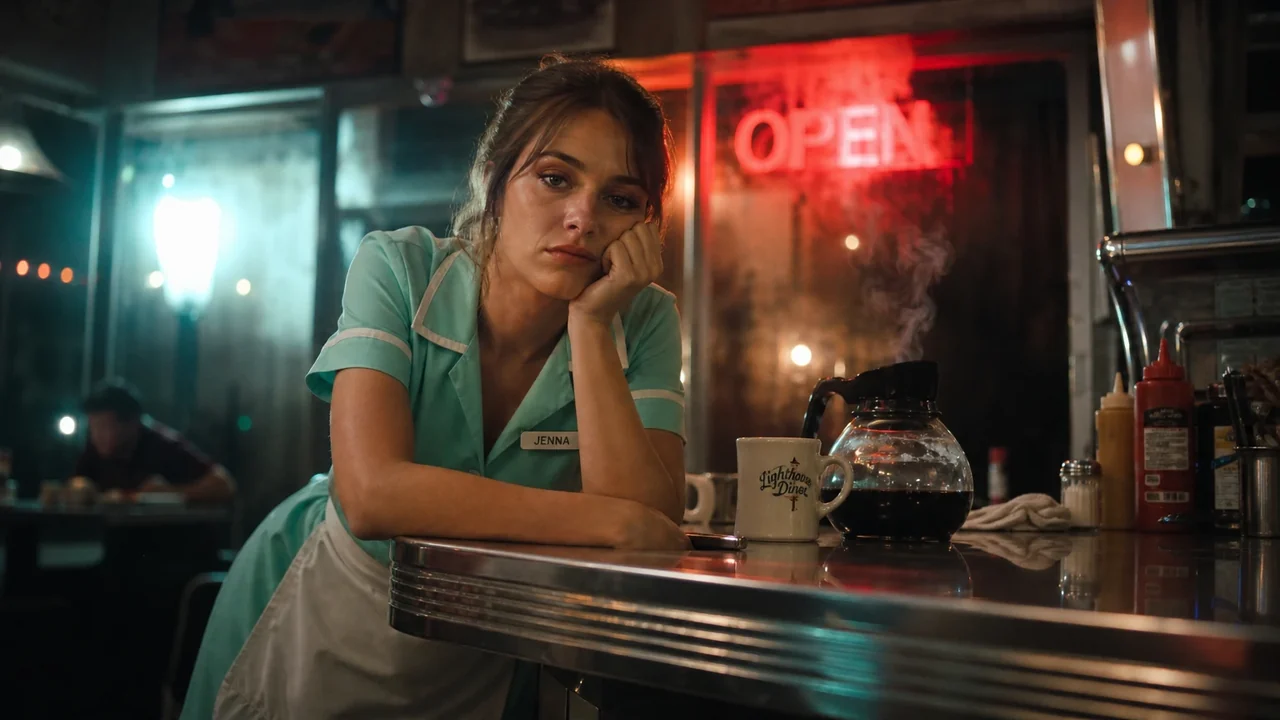
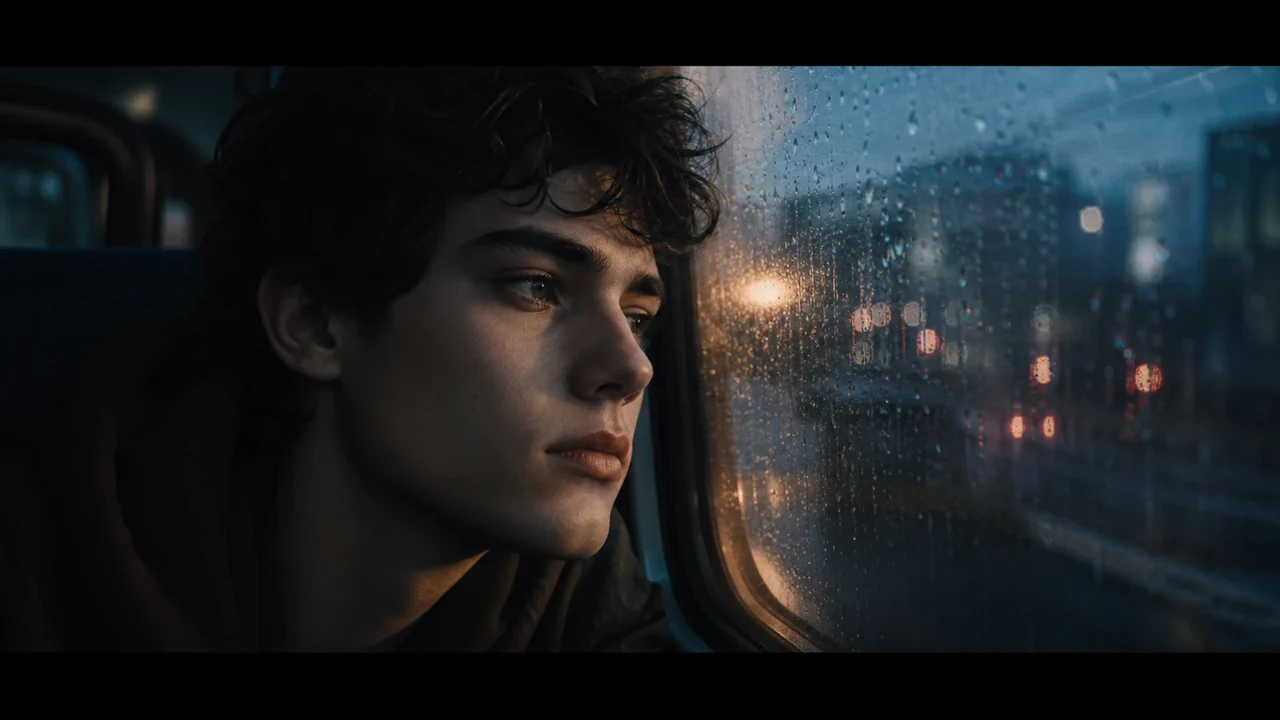
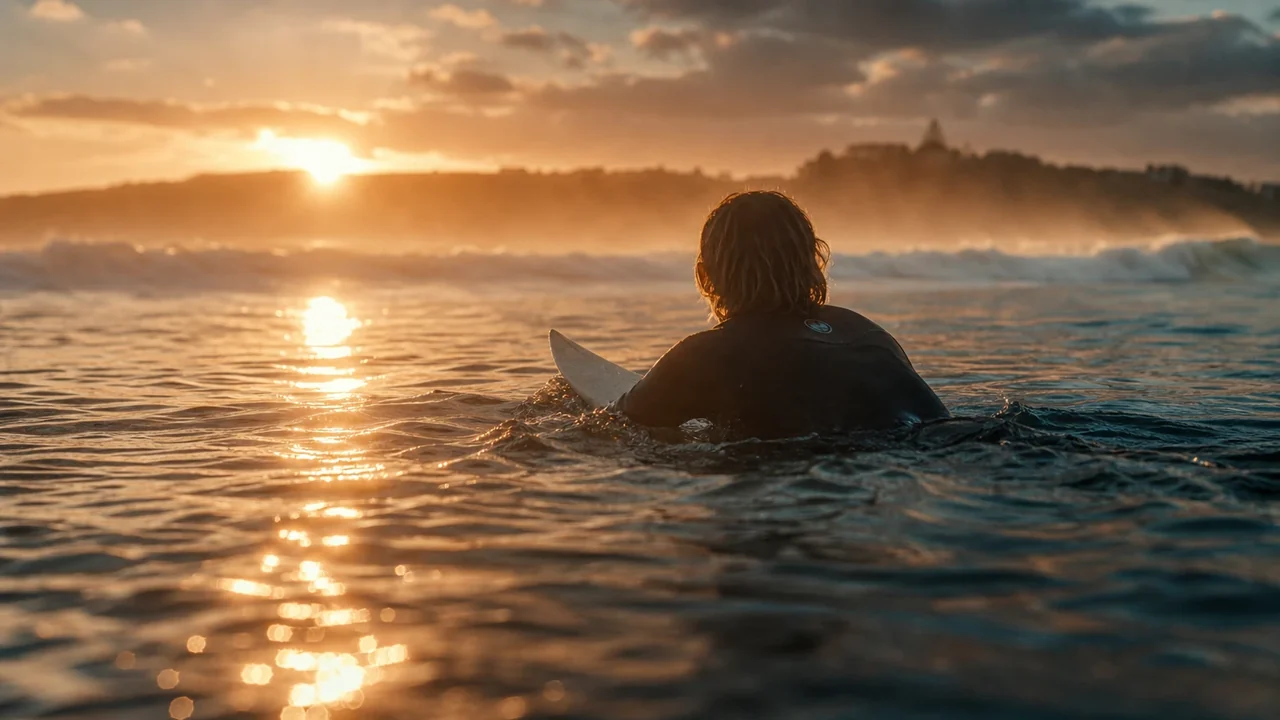
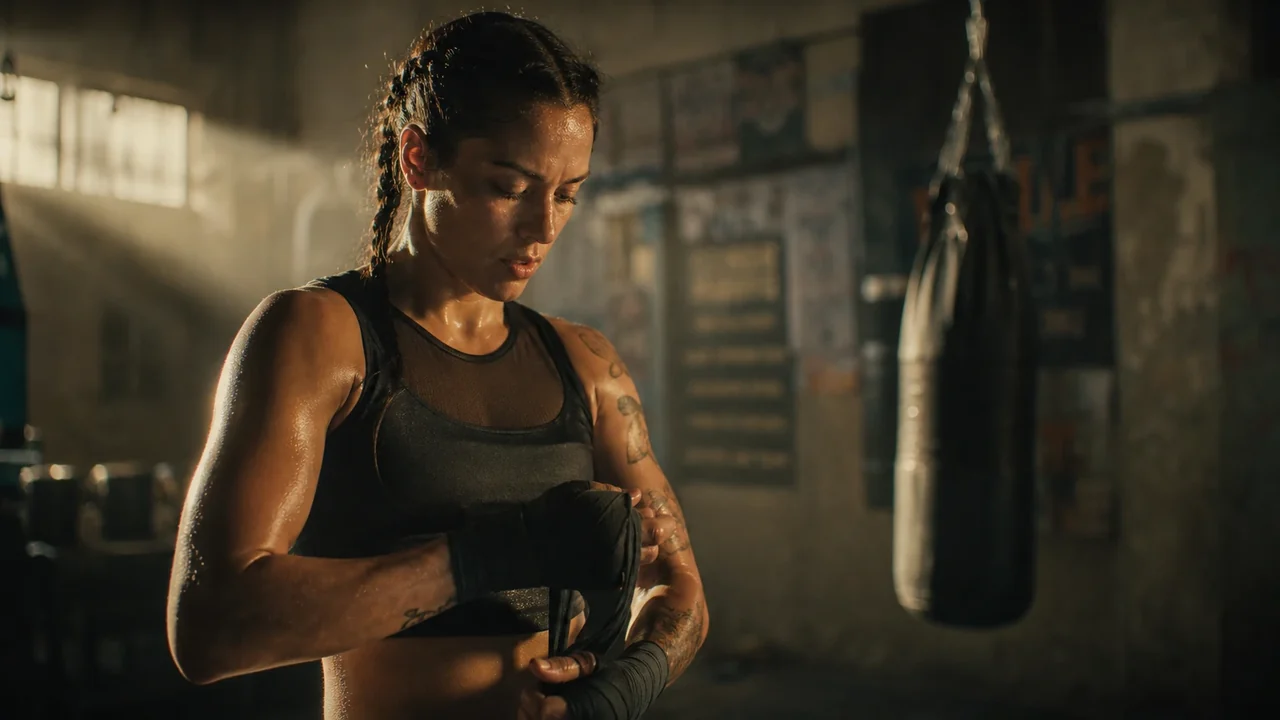
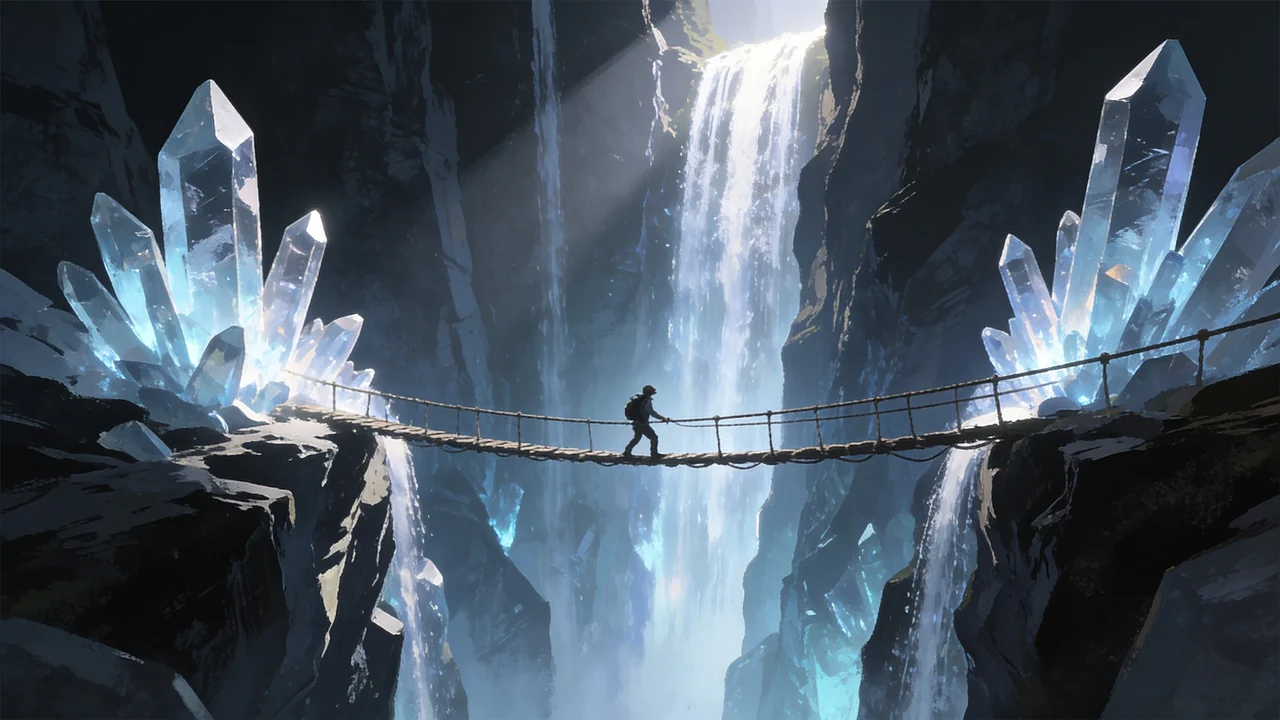
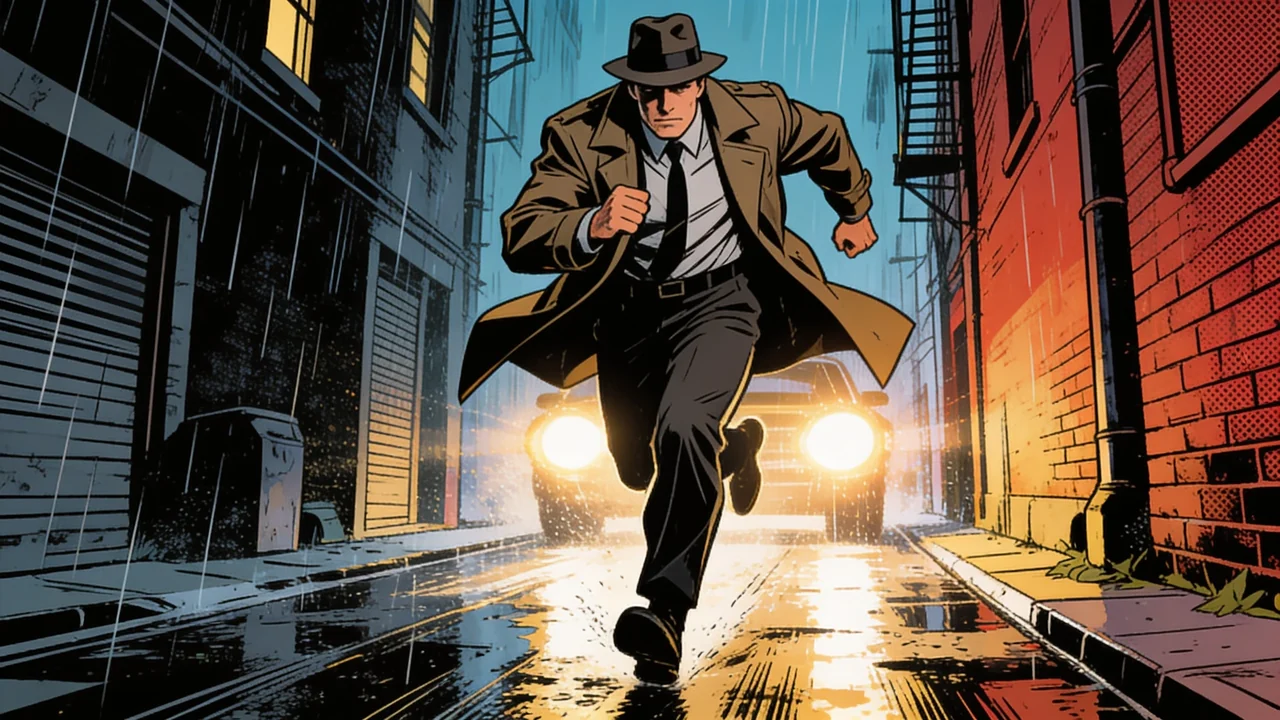
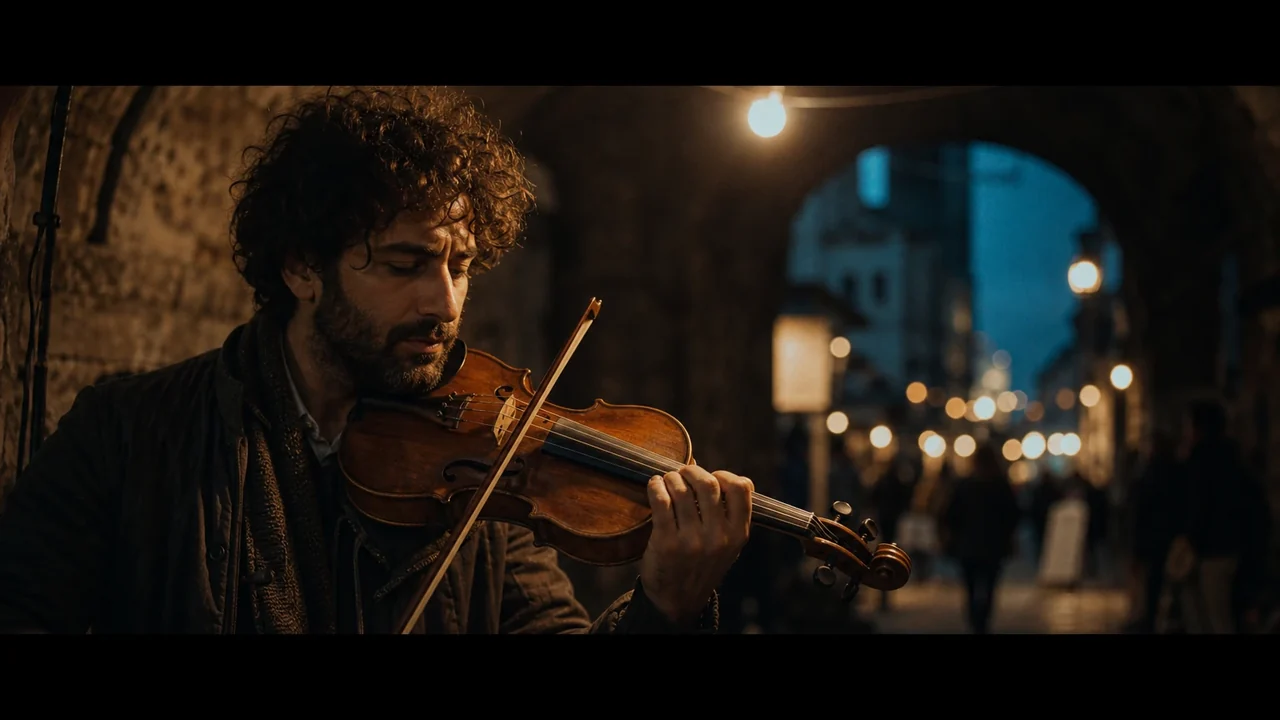
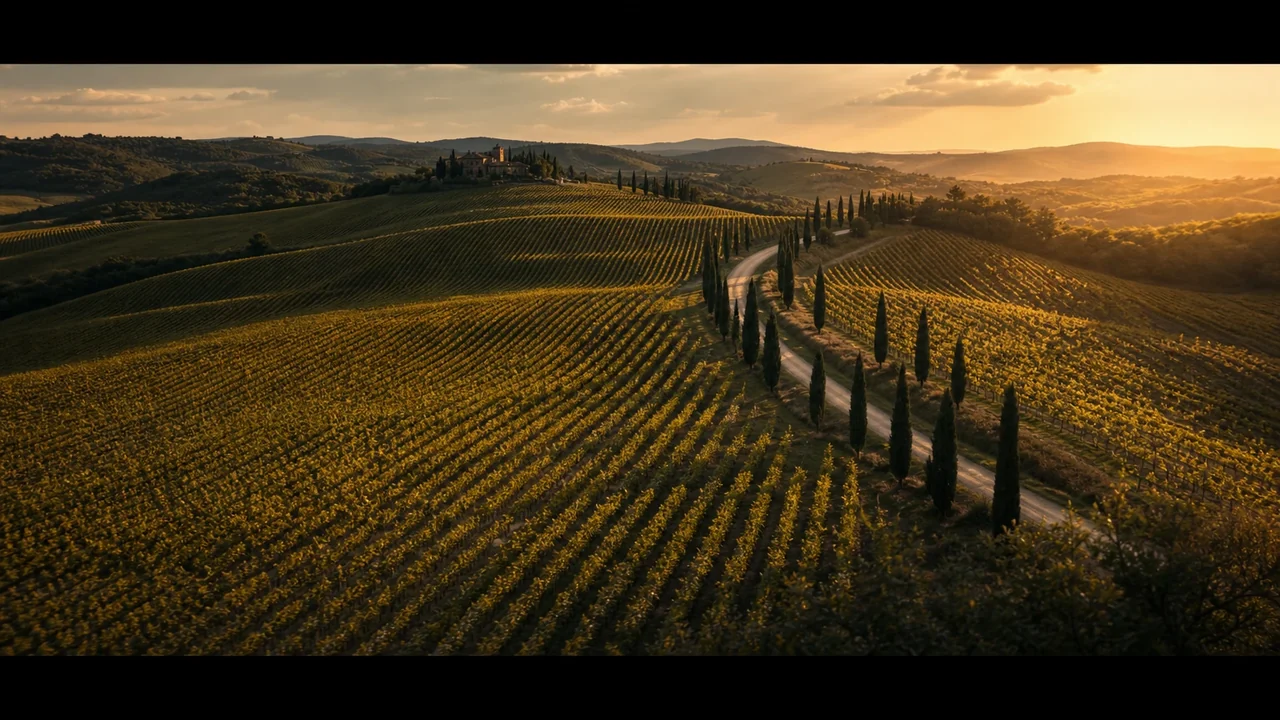
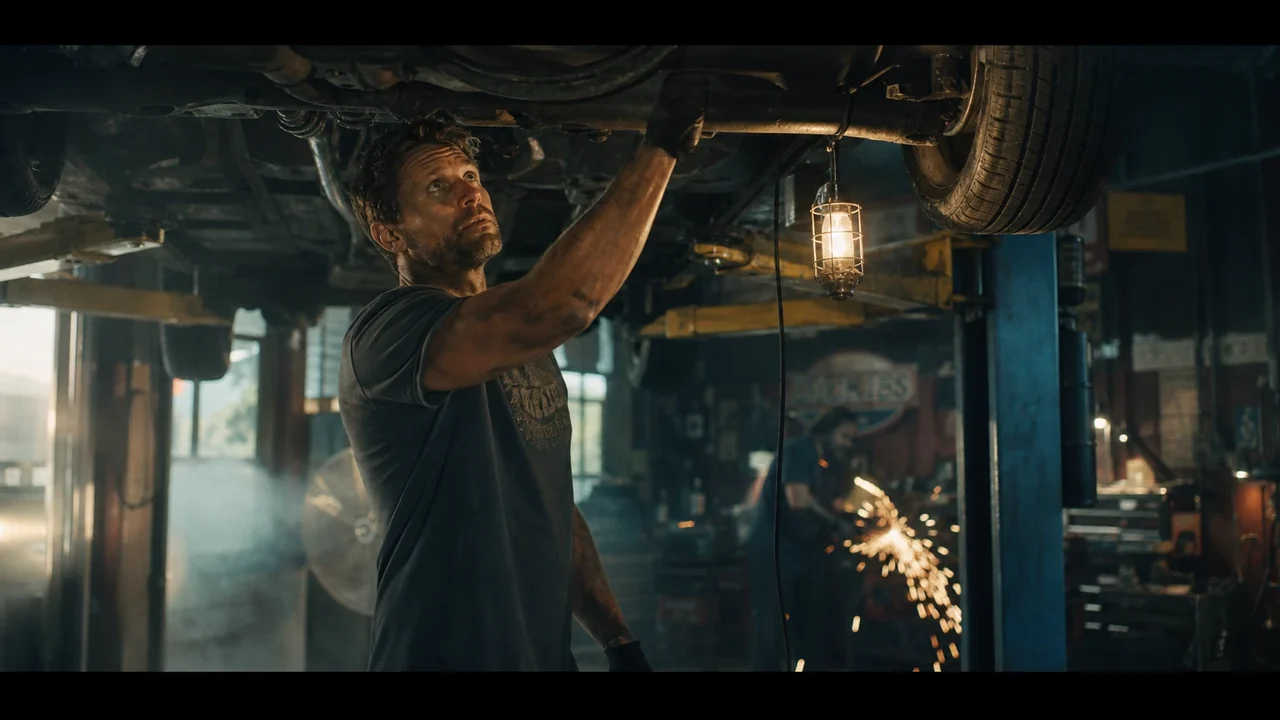
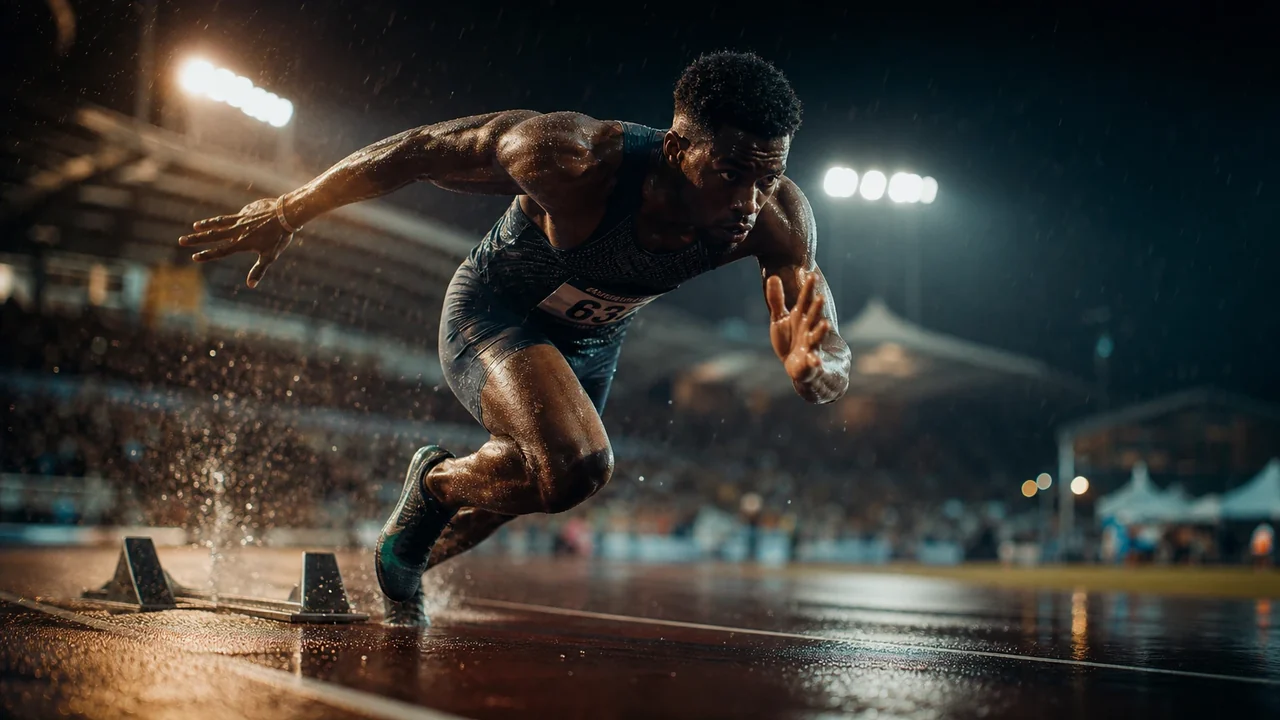
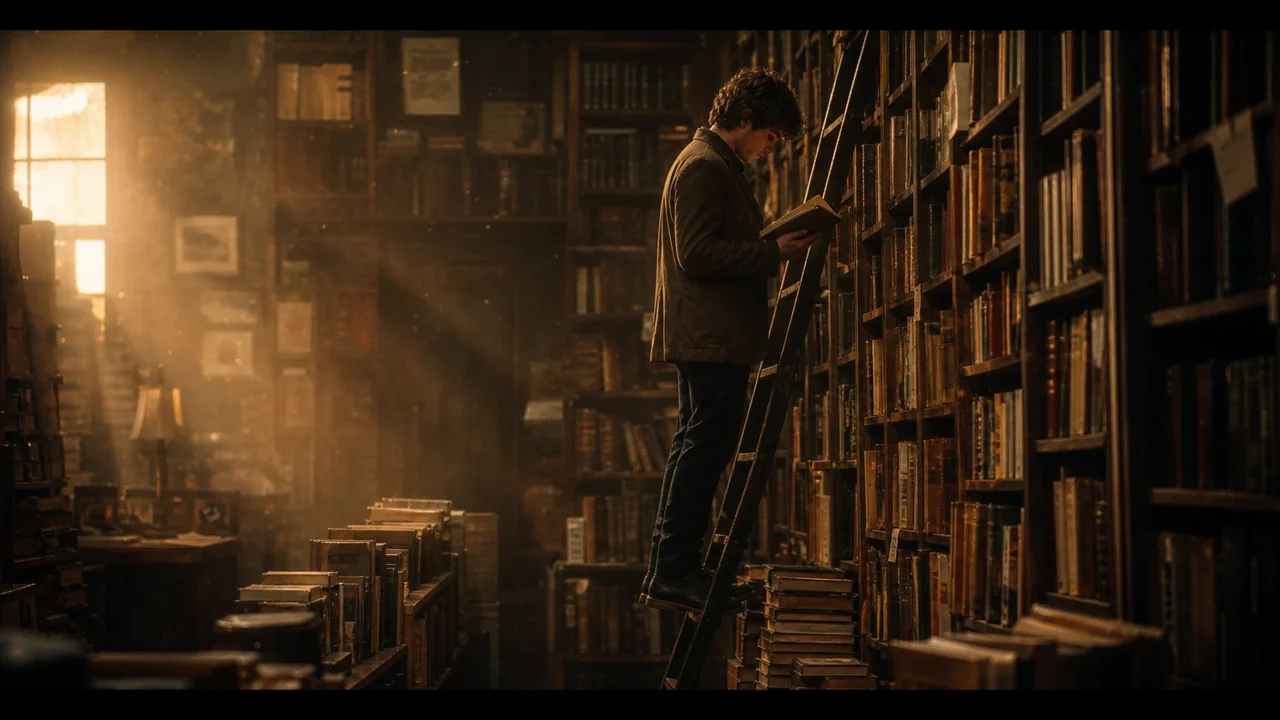
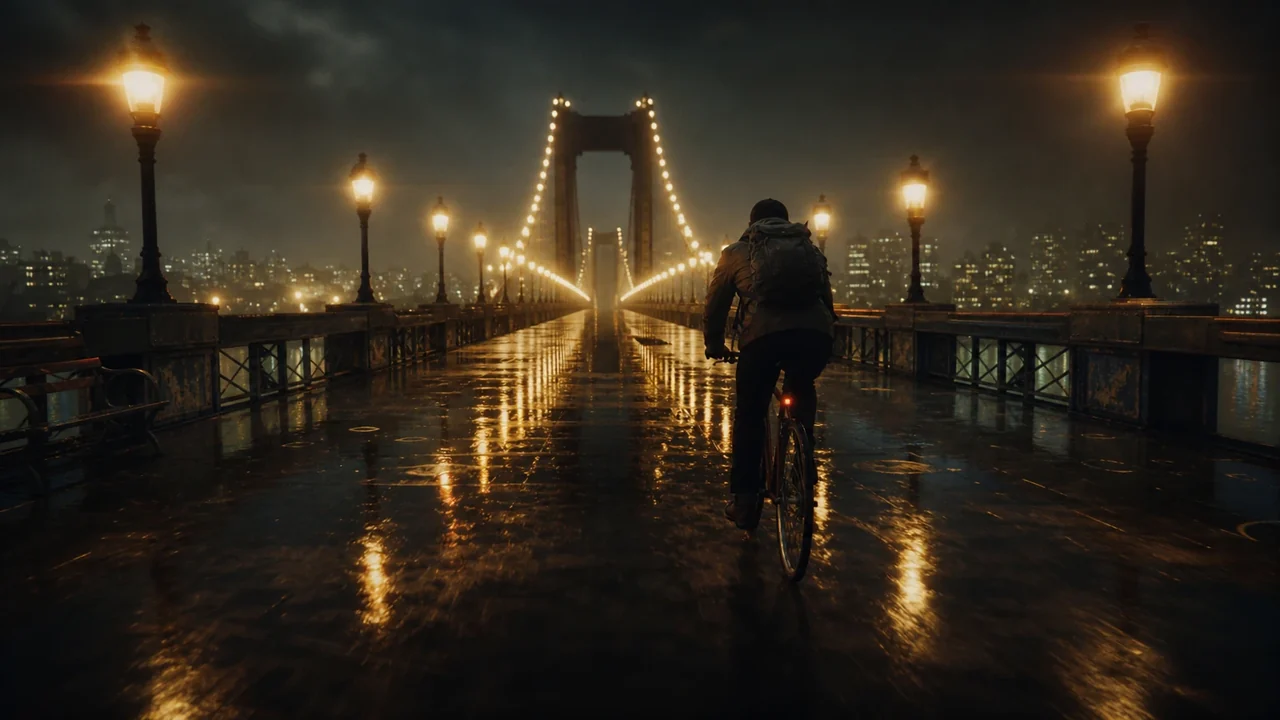
Live action, animation, drone shots, illustrated frames. Every kind of clip drops onto the same multi-track timeline.






Video editor questions
Is the video editor really free?
Do I need to install anything?
Can I bring a storyboard into the editor?
What can I do on the timeline?
Can I make a vertical or square version?
Where do the sound effects come from?
Start cutting, free
Open the editor, drop in your clips or a storyboard, and finish your next video on a real timeline.