Faceless YouTube
Build a faceless YouTube channel, end to end.
Script to finished video without ever turning on a camera. Fawna writes the shots, generates the footage, narrates it in a consistent voice, and makes the thumbnail, all in one place.
No camera, no faceConsistent narrator voiceThumbnails included
In action
See it come together
Built for narration
Documentary and narration modes, not a webcam.
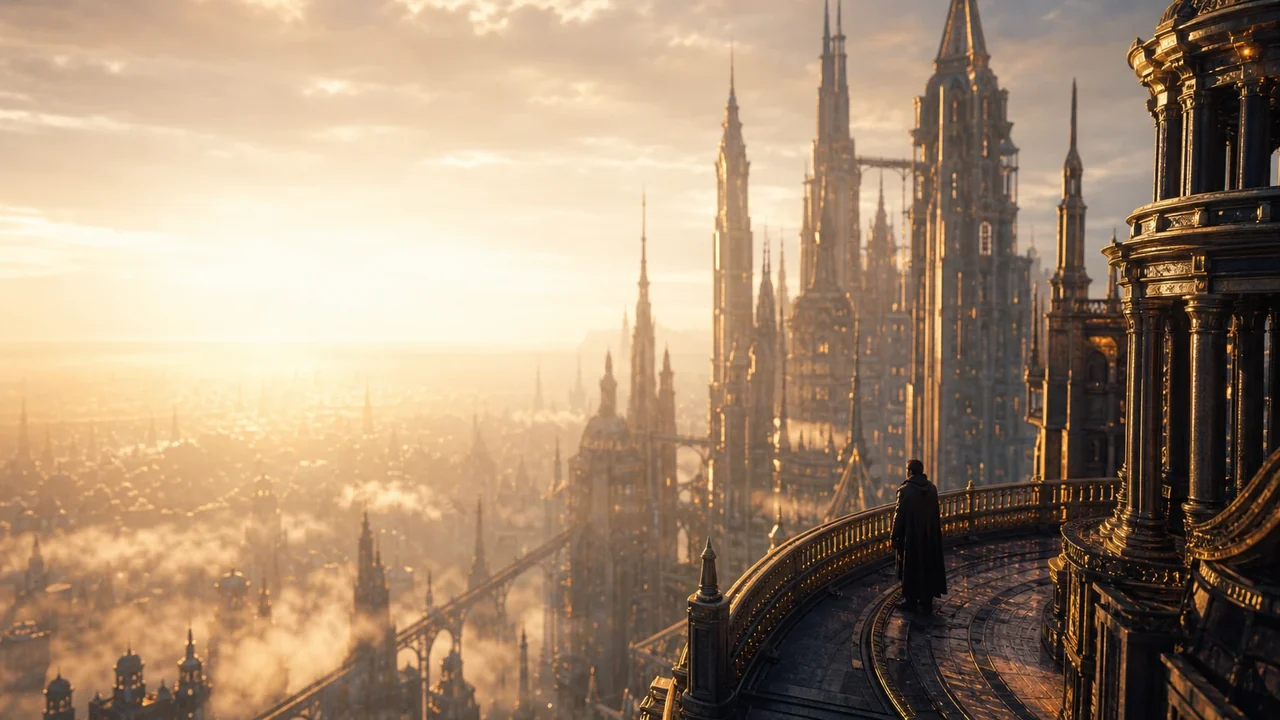
Fawna reads your script as voiceover and illustrates what the words describe with varied b-roll, exactly how a faceless video is cut.
- Narration and documentary content types
- One faceless narrator across every video
- B-roll that illustrates the script
A voice that becomes the channel
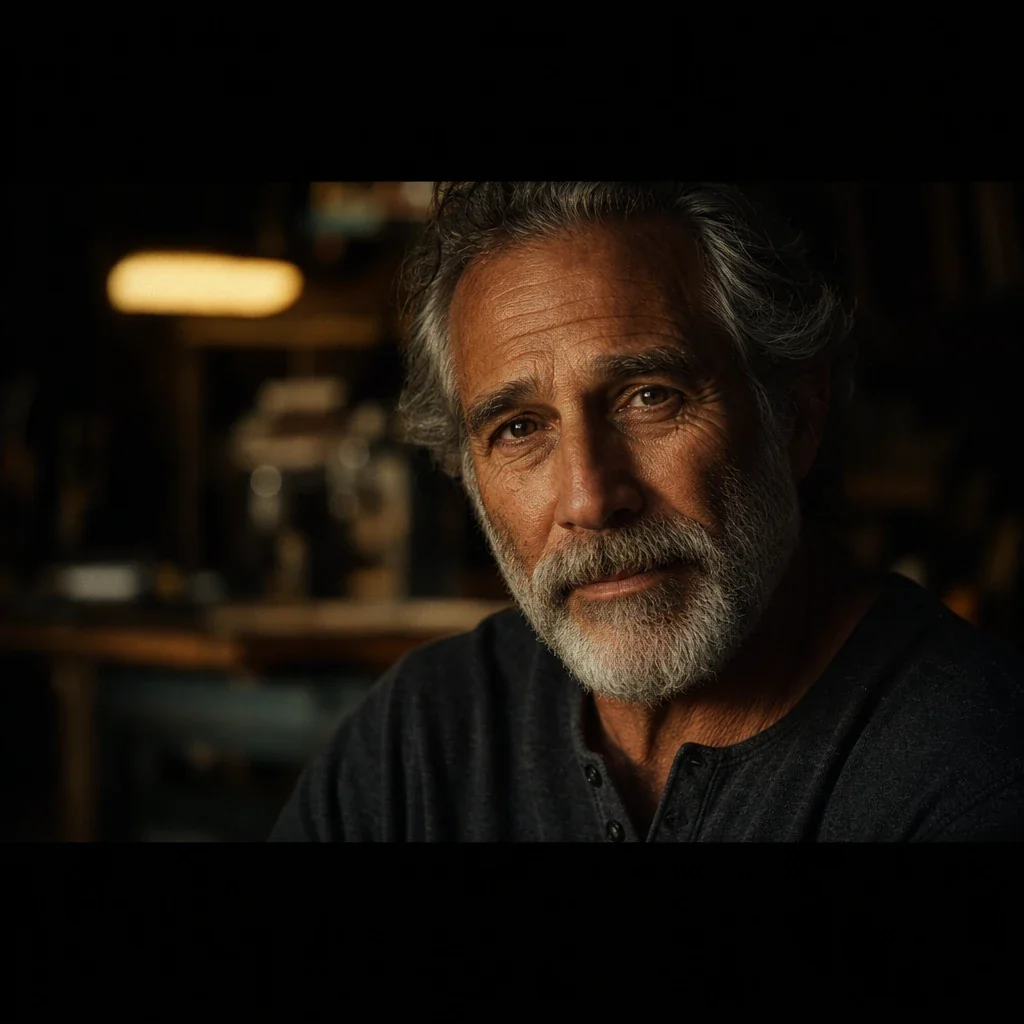
One narrator your audience recognizes.
Pick a voice once and it carries every upload, in 15+ languages, perfectly timed to the footage so nothing drifts.
- Hundreds of voices, one consistent pick
- Word-level timing synced to the cut
- Translate the channel into new languages
The thumbnail too
Stop scrolling them with a real thumbnail.
Generate the scene, cut out a subject, and add bold text, so the most important asset on YouTube is one step from the video itself.
- Generate the thumbnail art
- Bold, readable text and cutouts
- Sized for YouTube and Shorts
How it works
A whole video, from one idea
The workflow a faceless channel actually needs, in a single tool.
1
Drop in your script or ideaPaste a full script or a single topic. Fawna breaks it into scenes and shots built for narration, not a talking head.
2
Generate footage and voiceIllustrate every shot, animate it, and narrate it with a consistent AI voice that stays the same across the whole channel.
3
Thumbnail, then publishMake a click-worthy thumbnail and export the finished cut, ready to upload.

FAQ
Faceless YouTube questions
Do I need to show my face or record audio?
No. Fawna generates the visuals and the narration, so a full video can be made without a camera or a microphone.
Will the narrator voice stay consistent across videos?
Yes. Choose a voice once and reuse it for every upload so your channel has a recognizable sound.
Can it make the thumbnail too?
Yes. Generate the scene, cut out a subject, and add bold text, all in the same studio as the video.
What kinds of faceless videos work best?
Narration-driven formats like top-10 lists, explainers, documentaries, and story channels, where b-roll illustrates a voiceover.
How long does it take to make one faceless video?
From a finished script, a full narrated video with b-roll can be generated in a single sitting. The slowest step is reviewing the few shots you want tighter, not the generation itself.
Can I reuse a look so all my uploads feel like one channel?
Yes. Save a style and a narrator voice once and pull them into every new project, so the visuals and the sound stay recognizably yours.
Where does the b-roll come from if I never film anything?
Fawna reads your script and generates a fresh shot for each beat, so the footage illustrates what the narration describes instead of generic stock that half-fits.
Start your faceless channel
Turn one idea into a finished, narrated video with a thumbnail, no camera required.