Explainer Maker
Explainer videos that actually explain.
One clear idea per shot, a steady voiceover, and an optional on-camera host. Turn a topic into a clean, easy-to-follow explainer in minutes.
One idea per shotClear voiceoverOptional host
In action
See it come together
Explainer and tutorial modes
Built to be understood.
Fawna keeps one clear subject per shot and orders the steps logically, the difference between a video that teaches and one that overwhelms.
- Explainer and tutorial content types
- One central idea per shot
- Steps in a logical order
Presenter mode
Add a host who talks to the viewer.
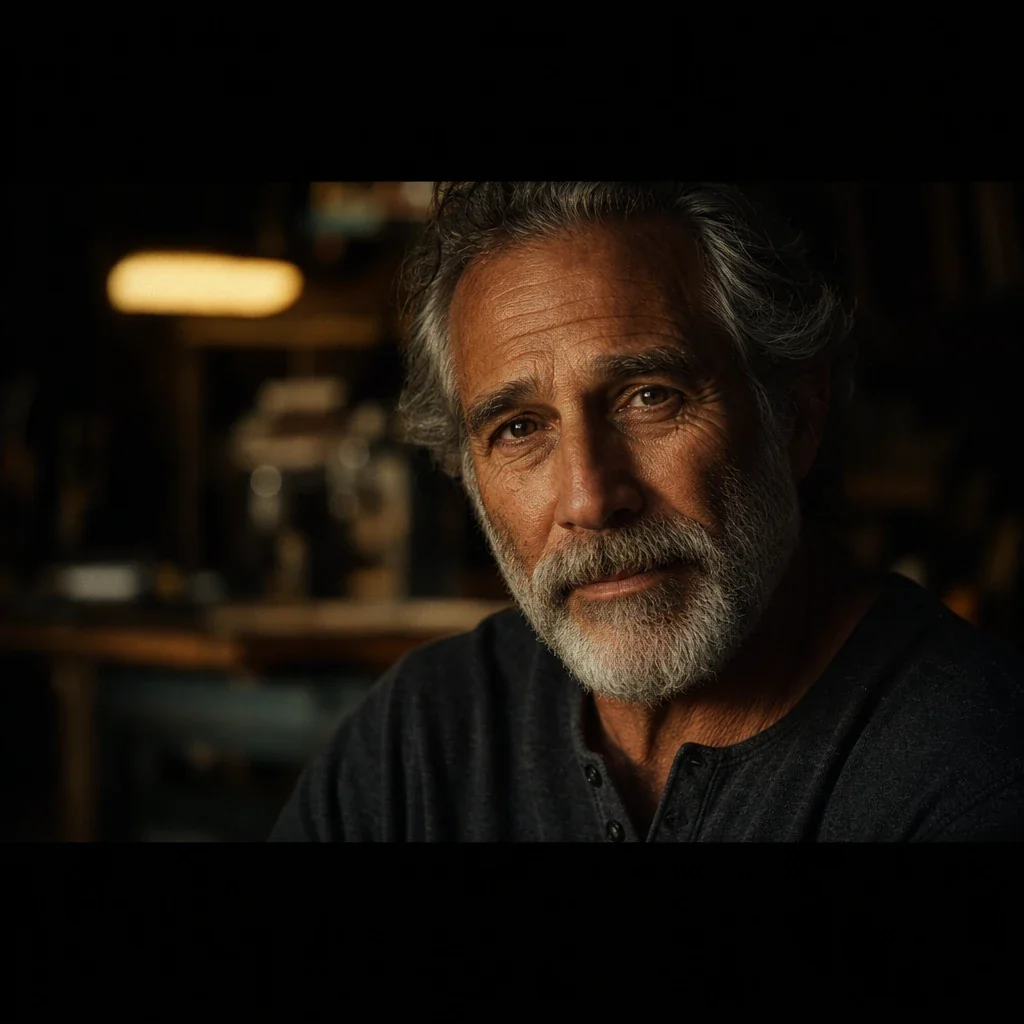
Put a presenter on camera as the spine of the video, cutting to b-roll and back. Mark a line with a host cue and the host appears on screen.
- On-camera host with b-roll inserts
- A consistent narrator or host voice
- Cut to supporting visuals, then return
How it works
From a topic to a clear video
1
Write the explanationPaste your script or outline. Fawna structures it so each shot carries one clear idea, not a wall of visuals.
2
Narrate or host itAdd a clean voiceover, or use presenter mode to put a host on camera who talks the viewer through it.
3
Generate and shareRender the visuals and inserts, then export a tidy explainer ready to publish or embed.


FAQ
Explainer video questions
Can I have a presenter on screen?
Yes. Presenter mode puts a host on camera as the spine of the video and cuts to b-roll to support what they are saying.
Is it good for tutorials?
Yes. Tutorial mode keeps each step tight and in order, one action per shot.
Can I add a voiceover?
Yes. Pick a clear narrator voice that stays consistent through the whole explainer.
How does Fawna keep an explainer from getting cluttered?
Explainer mode holds one clear subject per shot and orders the steps logically, so the viewer follows one idea at a time instead of a wall of visuals.
Can I switch between a voiceover and an on-camera host?
Yes. Narrate with a clean voice, or turn on presenter mode and mark a line with a host cue so the host appears on screen, then cut to b-roll and back.
Is this suited to step-by-step tutorials?
Yes. Tutorial mode keeps each step tight and in sequence, one action per shot, which is exactly how a how-to should be cut.
Make your explainer
Turn a topic into a clean, easy-to-follow video, narrated or hosted.