Every image, on one AI canvas.
Drop in as many images as you want, arrange them on an endless board, merge them into one, and edit any of them with AI, all without leaving the canvas.
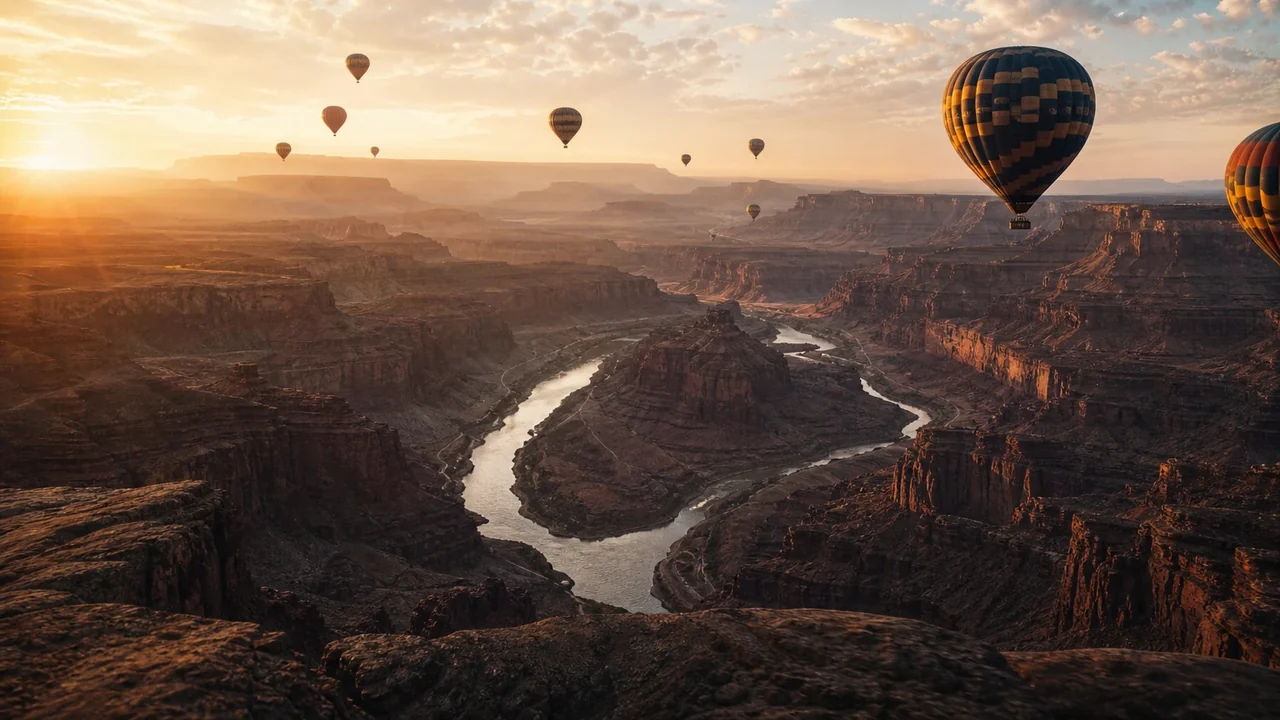
Your whole image workflow on one canvas
Most tools make you edit one image at a time. The canvas holds all of them at once, so you can lay them out, combine them, and edit them side by side.
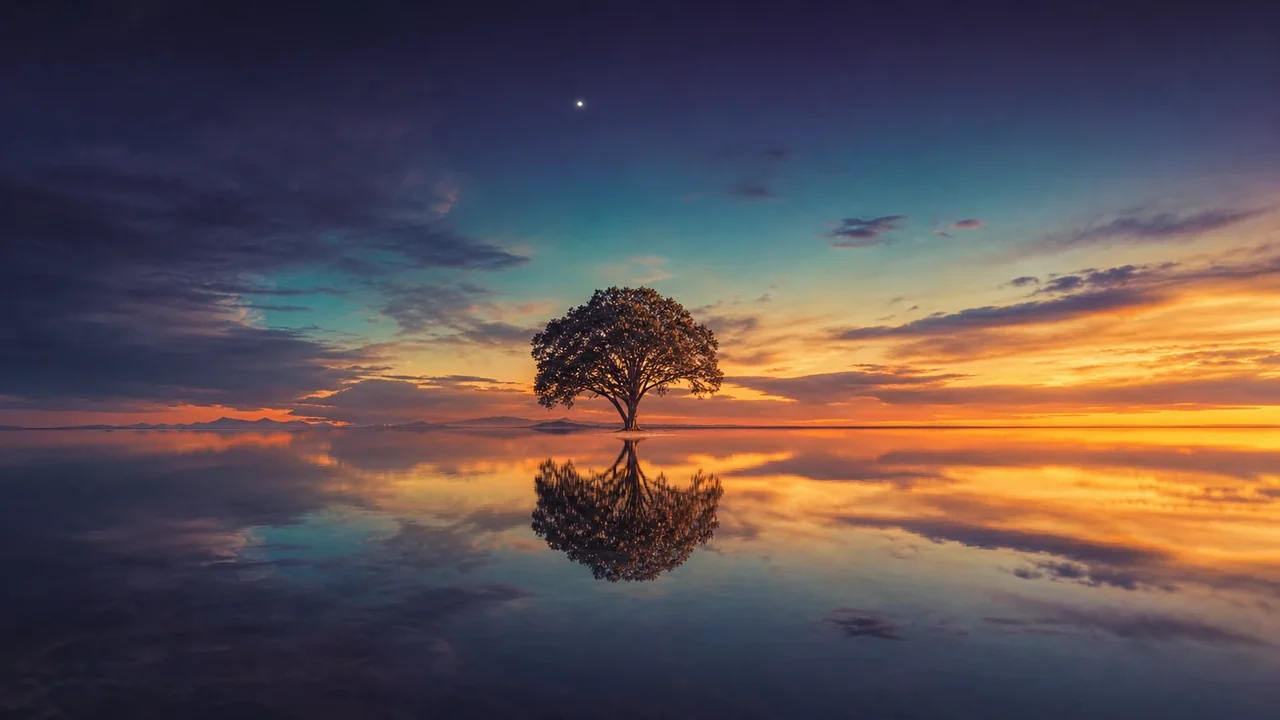 01An infinite, zoomable board
Pan and zoom across an endless surface, placing dozens of images at once.
 02Bring in anything
Upload, drag and drop, generate from a prompt, or pull from your library.
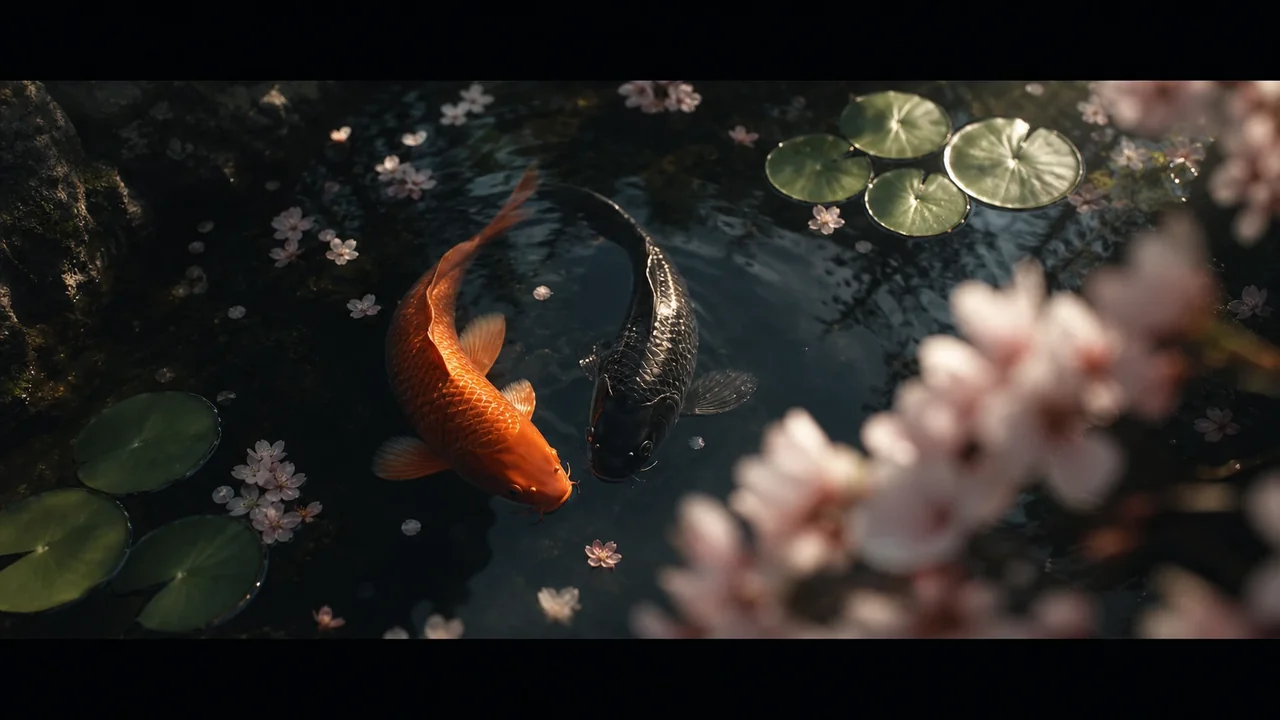 03Merge into one
Flatten several images into a single new image, exactly as you arranged them.
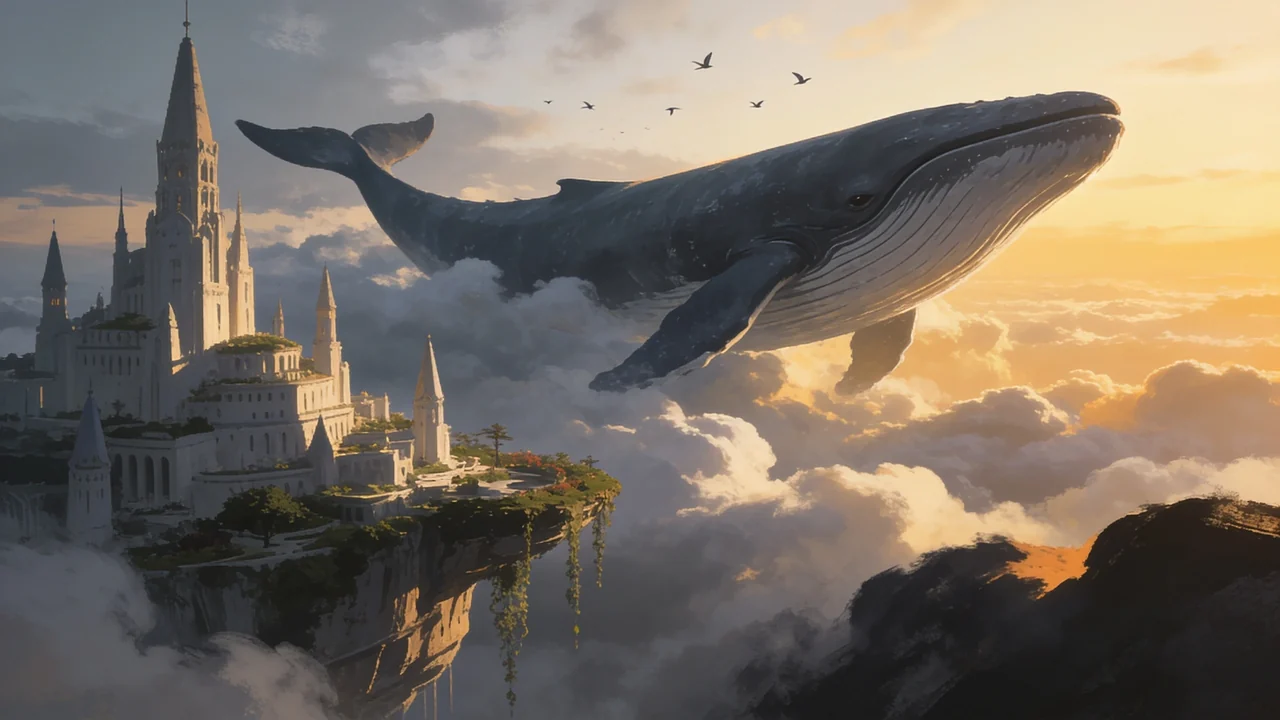 04Compose with AI
Combine two images into one new scene with a prompt, blending them naturally.
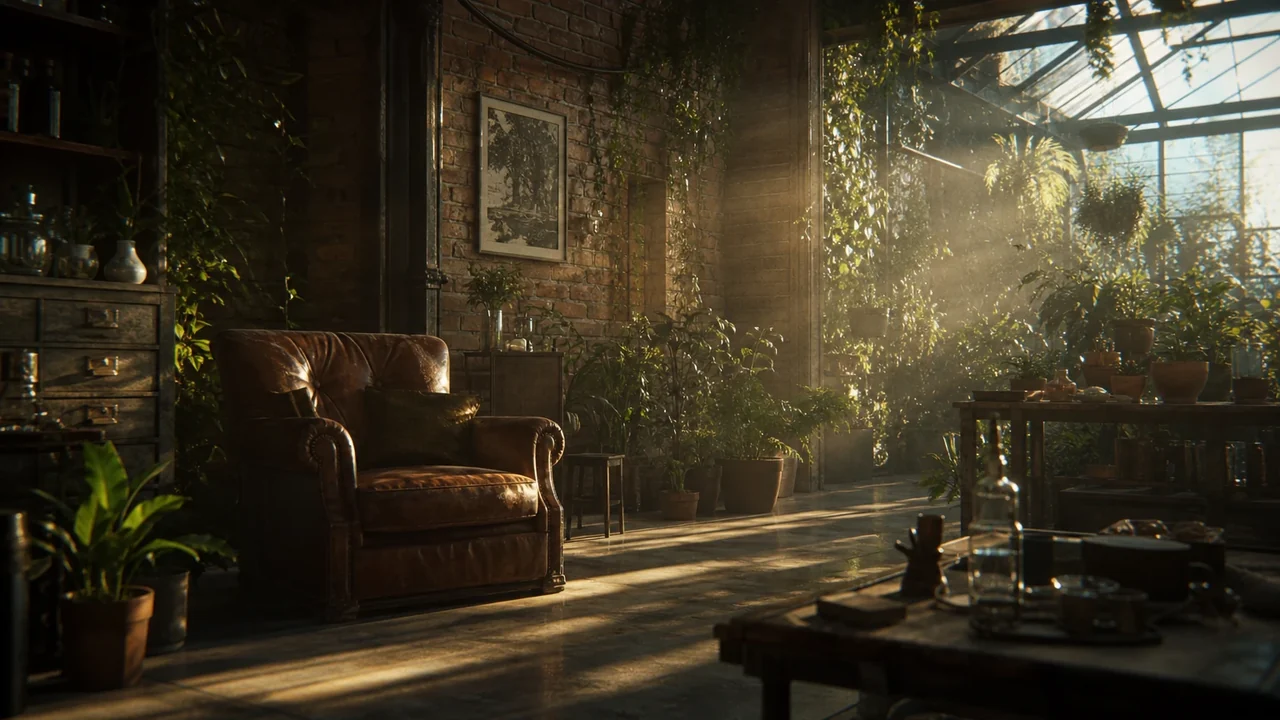 05Layers and arrangement
Stack, reorder, group, lock, and rename every item from a real layers panel.
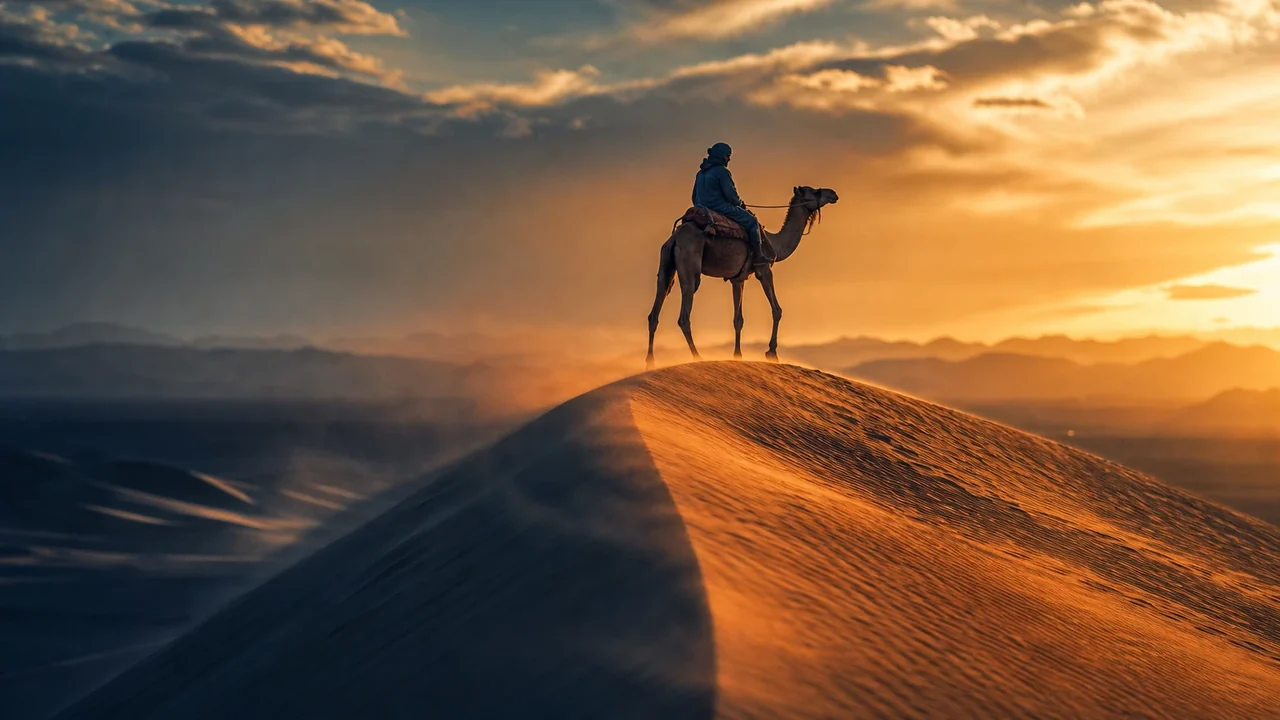 06Filters and adjustments
One-click looks plus exposure, contrast, and saturation, live on the canvas.
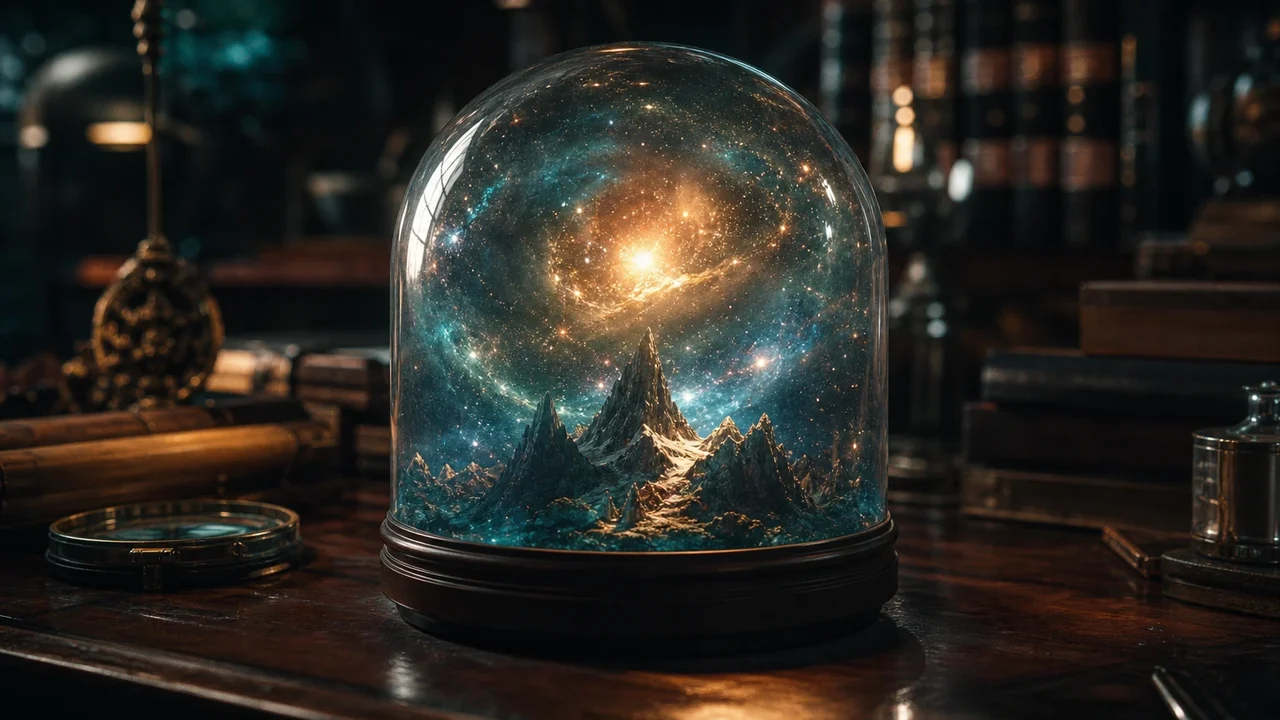
Turn many images into one.
Lay out a few images, then merge them into a single image exactly as you placed them, gaps and all. Or hand two images to AI and have it compose them into one new scene.
- Merge a selection into one flattened image
- Stitch images edge to edge into a wider frame
- AI compose two images into a single new one
- Every result lands in your asset library, reusable
A full AI photo editor, on the canvas
Select any image and run a real editing toolkit on it, no exporting to another app. Each tool also has its own page if you just need that one thing.
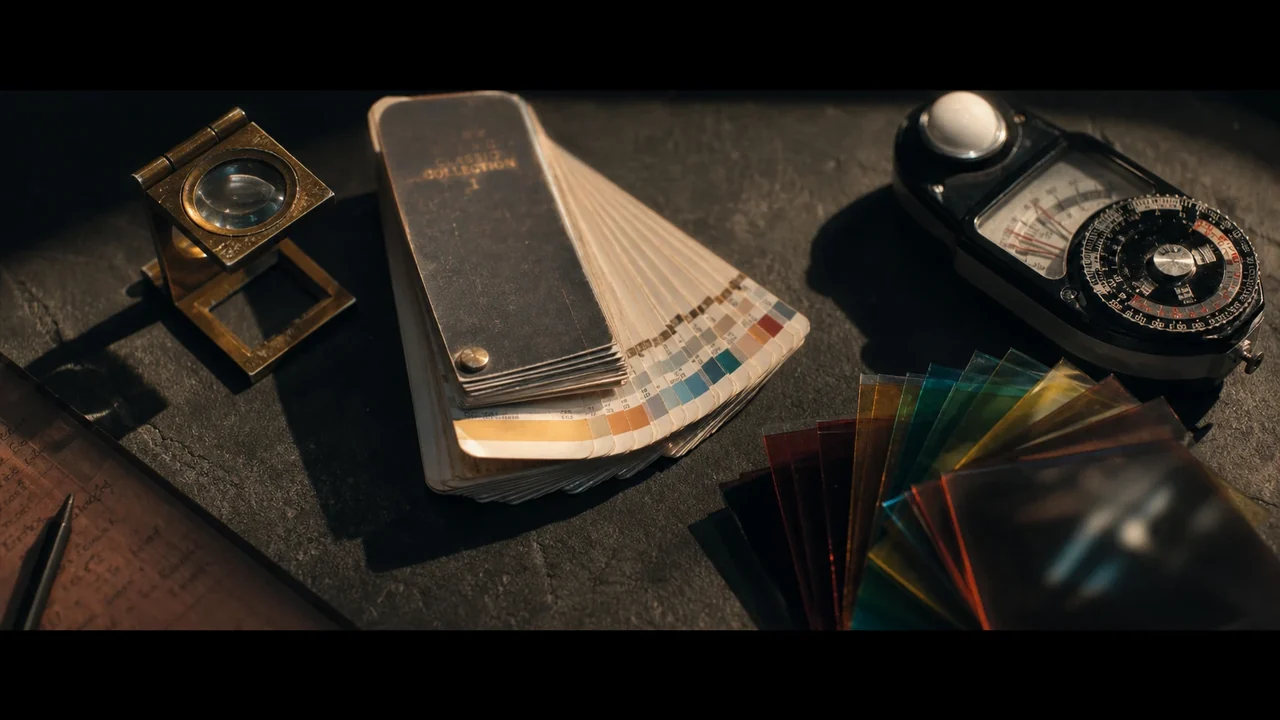
Remove & replace background
Cut the subject out onto transparency, swap in a new background, or extend the scene.
Background Remover →Upscale
Increase resolution with the same framing, so small images print and crop clean.
Try it on the canvas →Magic eraser
Brush over anything you do not want and AI fills the space behind it.
Try it on the canvas →Magic edit
Describe a change in words and edit the whole image, or just a region you select.
Try it on the canvas →Restore & restyle
Repair and sharpen an image, or turn a photo into a clean cartoon look.
Try it on the canvas →Crop, shadows & blur
Free local tools too: crop to any ratio, add a soft drop shadow, or blur for depth.
Try it on the canvas →What you can build on the canvas
A flexible board for anyone who works with more than one image at a time.
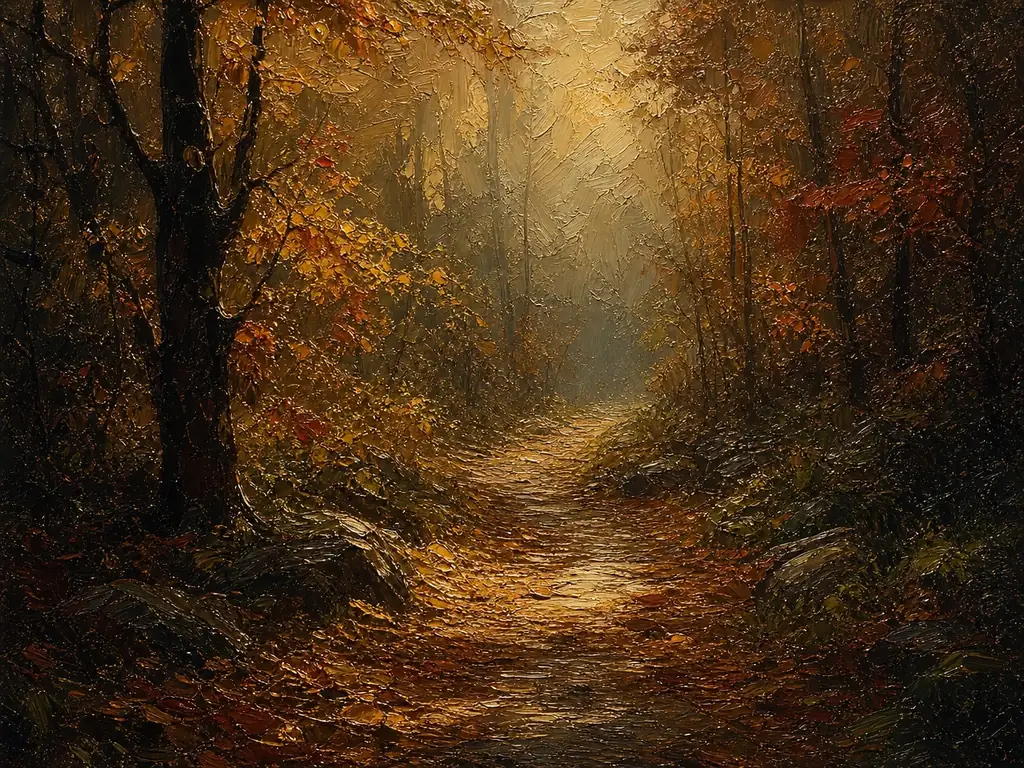
Mood boards
Gather references and generations side by side to lock a look before you build.
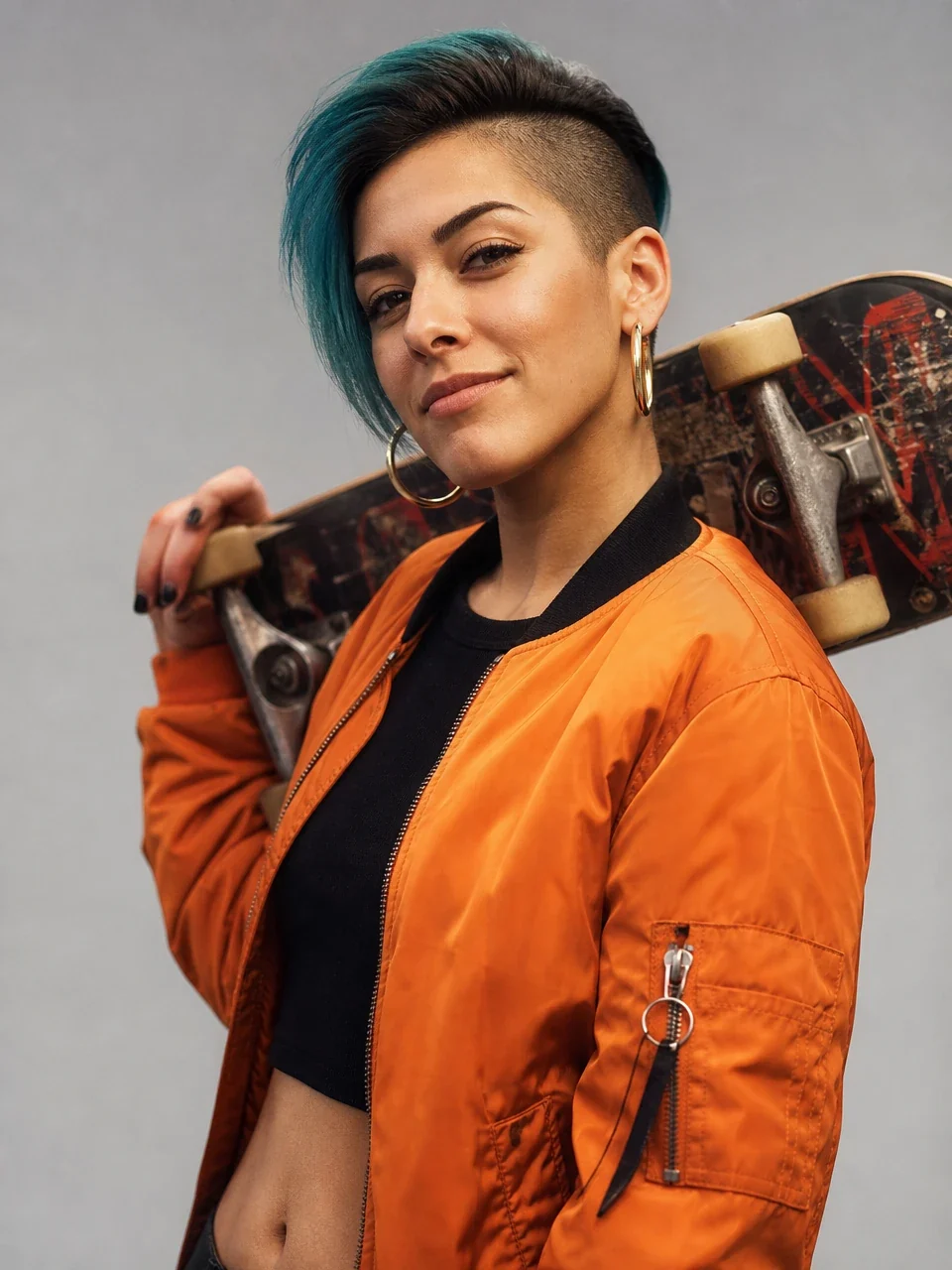
Thumbnails
Cut out a subject, drop it on a background, and compose a click-worthy frame.

Product & ad shots
Place a product into a generated scene, extend it, and merge it into one image.
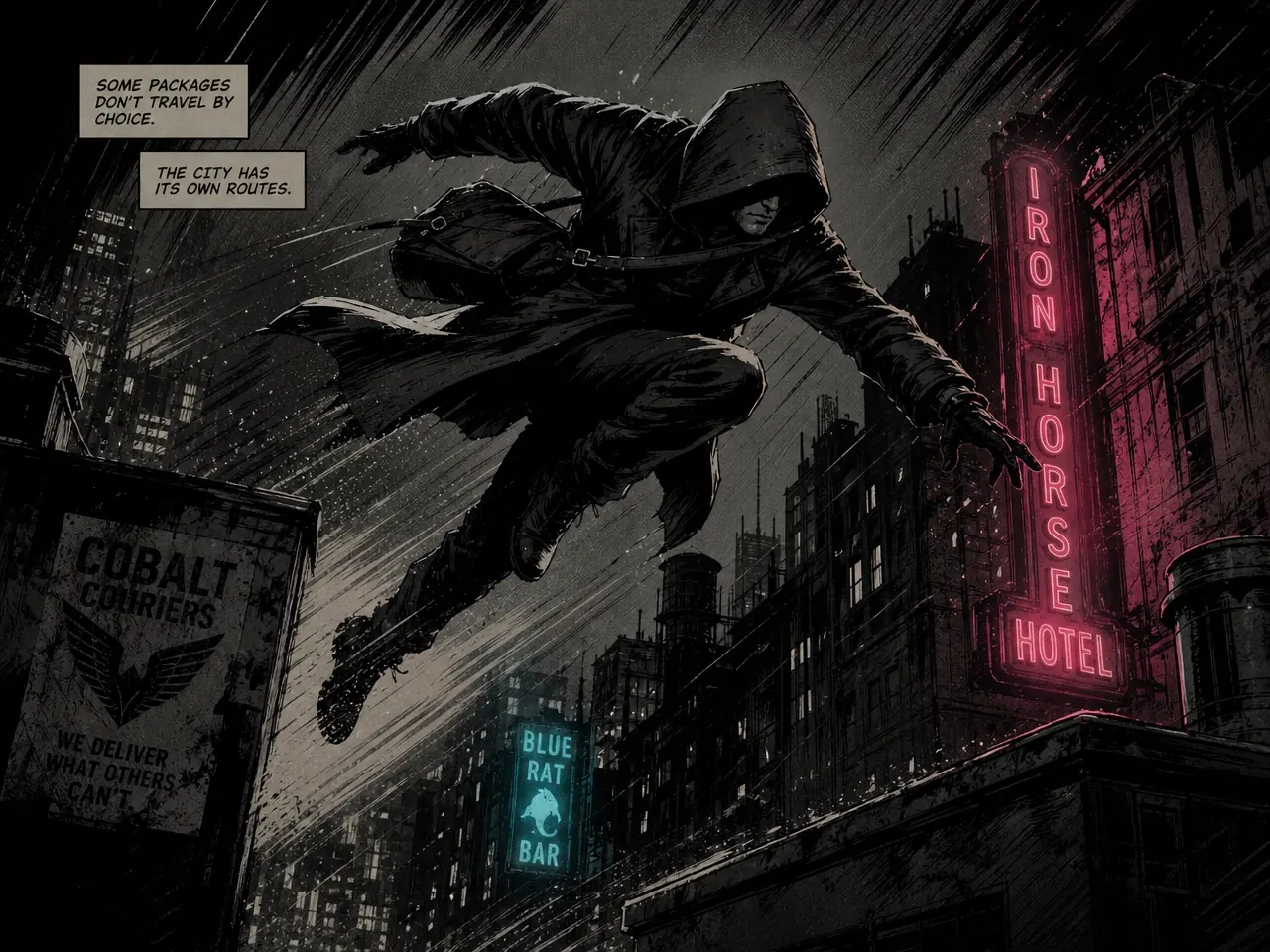
Comic & story panels
Arrange panels, restyle them to match, and stitch them into a single page.
Part of one connected studio
The canvas is not a separate app. Everything you make on it is one step from a storyboard, a video, or your library.

Image Generator
Generate fresh images straight onto the board from a prompt.
AI Image Generator →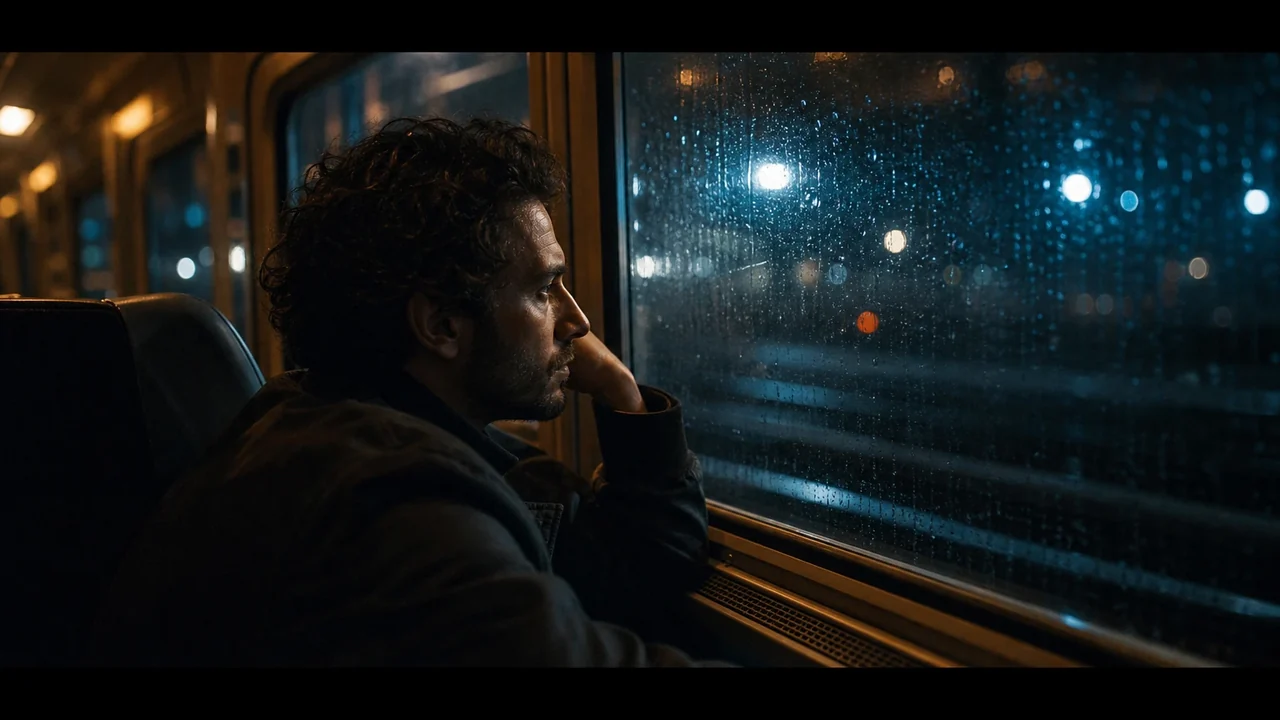
Storyboard Maker
Pull boards and panels in, restyle them, and compose key frames.
AI Storyboard Maker →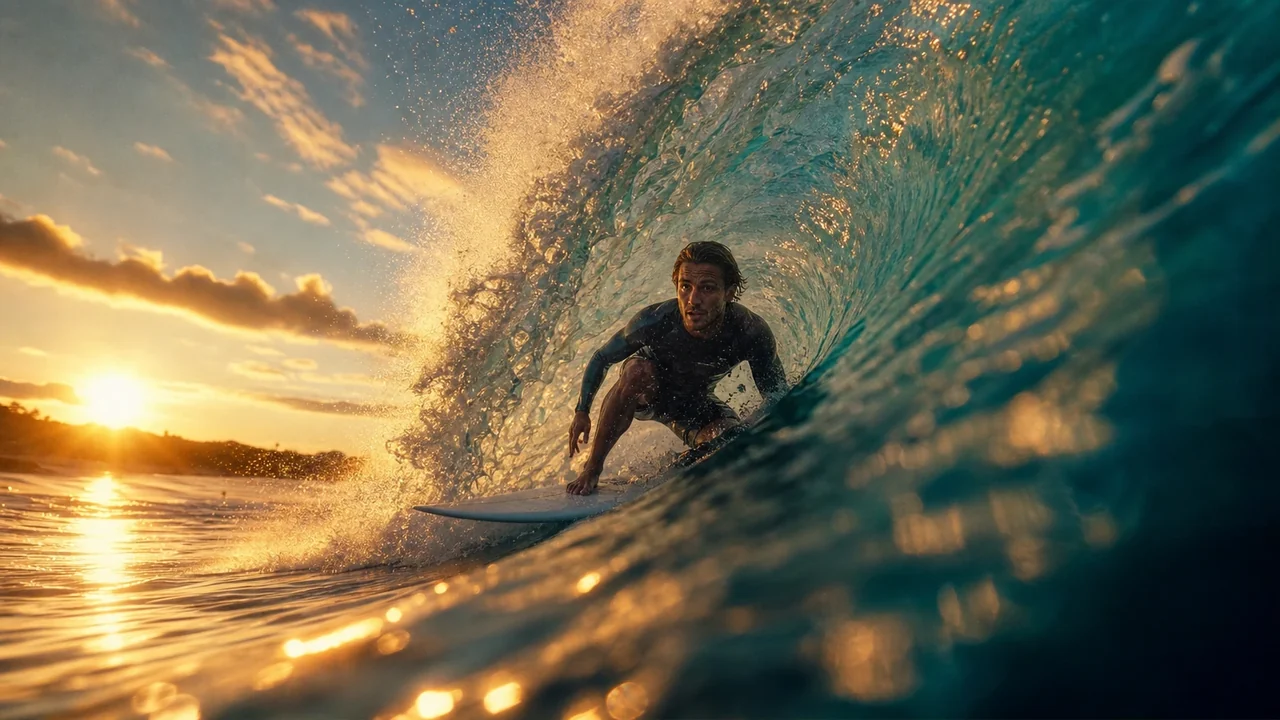
Video Editor
Send a merged image or cutout onto the timeline as an overlay.
Video Editor →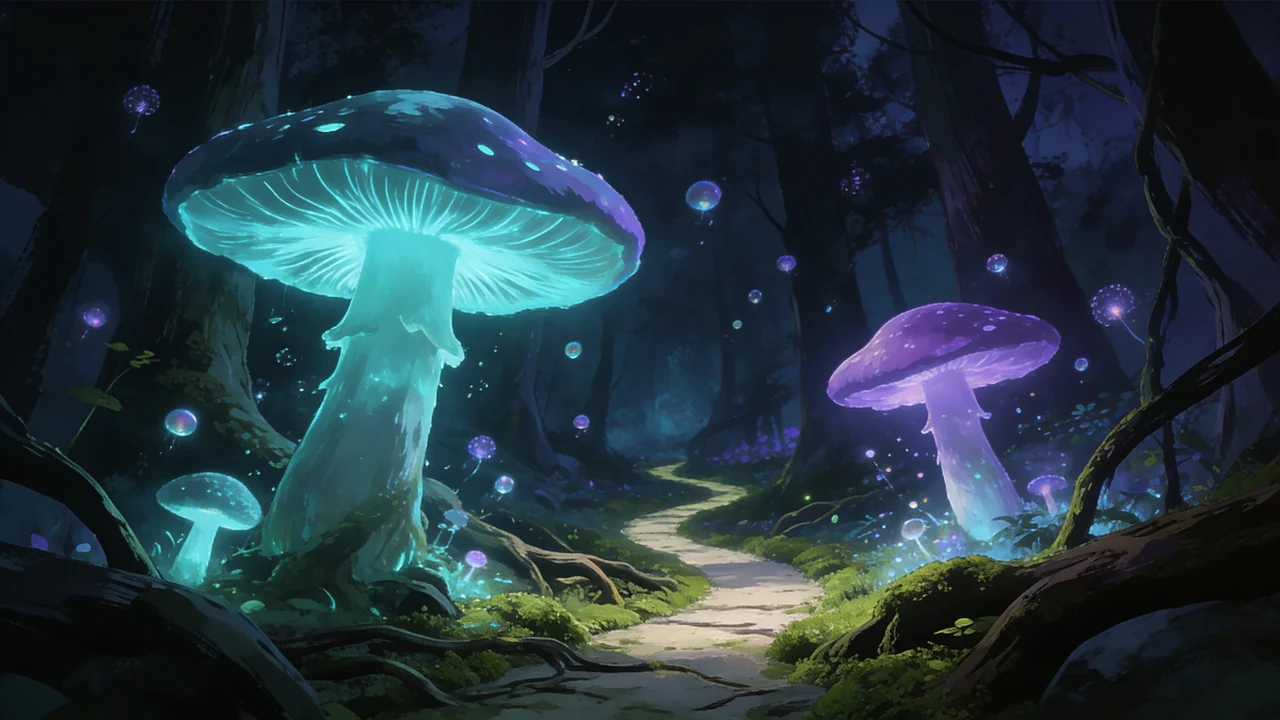
Asset Library
Every image and result is saved, versioned, and reusable everywhere.
Asset Library →AI canvas questions
What is the AI canvas?
Can I merge several images into one?
What AI editing tools are included?
Can I remove a background or upscale an image here?
Where do my images and edits go?
How many canvases can I have?
Open a canvas and start composing
Bring in your images, lay them out, merge them, and edit them with AI, all on one board.