Models overview
Fawna wraps the strongest video and image models behind branded tiers. Pick by what the output should feel like, not by memorizing vendor names. Every tier has its own sweet spot, its own credit rate, and its own set of supported controls.
Video tiers
Fawna Cinema
Cinematic all-rounder. Strong character consistency, multi-shot narratives, synced audio. First pick for most projects.
Fawna Motion
Longest clips, start and end keyframes, strong at photoreal, stylized, and anime looks.
Fawna Muse
Image-to-video with 9-grid references, keyframes, and the most permissive content policy.
Fawna Spark
Text-to-video from scratch. Fast, permissive, ideal for raw ideation.
Fawna Drama
Live-action feel, natural character interaction, cinematic camera. Best for dialogue and relationships.
Fawna Film family
Veo 3.1. Premium photoreal with native audio. Film, Turbo, and Lite variants for different budgets.
Fawna Audio
Film tier with synced dialogue, ambient, and music. Direct the audio in the prompt.
Image tiers

Fawna Illustrate
Text-to-image at speed. Clean detail, strong composition. Fast / Standard / Ultra quality tiers.
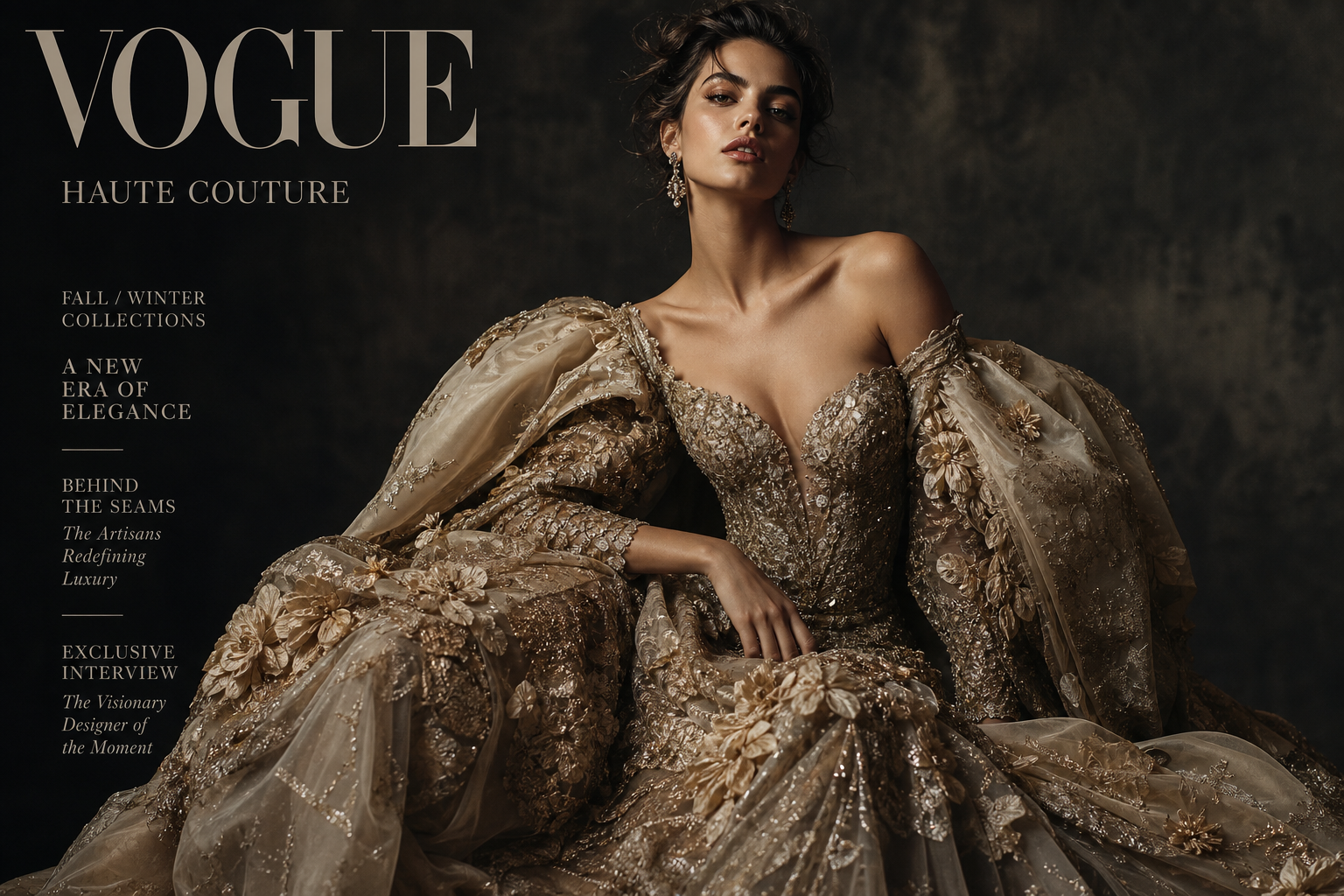
Fawna Compose
Reference-driven image gen. Up to 9 character refs plus a style plate. The tool for consistency.
Decision matrix
| If you want... | Pick |
|---|---|
| A first clip, no fuss | Cinema |
| Long anime or stylized sequences | Motion |
| Keep the same person across shots | Cinema or Motion, plus Compose refs |
| Animate a static image you already have | Muse |
| Most permissive content policy | Muse or Spark |
| Dialogue, speech, lip-sync | Audio |
| Natural human performance, live-action feel | Drama |
| Maximum photoreal fidelity | Film |
| Film look on a budget | Film Turbo or Film Lite |
| Fastest turnaround on ideas | Spark |
| Still hero image for a product | Illustrate (Ultra) |
| Character sheet for later video work | Compose |
Controls at a glance
| Tier | T2V | I2V | Keyframes | Char ref | Style ref | Audio | Magic | Negative |
|---|---|---|---|---|---|---|---|---|
| Cinema | Yes | Yes | Yes | 9 | Yes | Synced | No | Yes |
| Motion | Yes | Yes | Yes | 7 | Yes | Toggle | No | Yes |
| Muse | No | Yes | Yes | 9-grid | No | Toggle | Yes | Yes |
| Spark | Yes | No | No | 0 | No | Toggle | Yes | Yes |
| Drama | Yes | Yes | Yes | I2V only | No | No | Yes | No |
| Film | Yes | Yes | Yes | I2V only | No | Toggle | No | No |
| Audio | Yes | Yes | Yes | I2V only | No | Synced | No | No |
| Illustrate | text | no | no | 0 | 0 | no | Yes | Yes |
| Compose | text | no | no | 9 | Yes | no | No | No |
Where to go next
- Browse the individual tier pages for full specs and prompt recipes.
- See Credits and plans for pricing.